Add-on & Subscription Center#
The Add-on & Subscription Center is the central hub for managing add-ons in i-doit. You can install, update, and uninstall add-ons — provided you have the appropriate permissions.
You can also see at a glance which versions are installed, whether updates are available, and which i-doit version an add-on requires at minimum. Commercial information such as prices and license requirements is also available here.
To access the Add-on & Subscription Center, your license must include only one tenant. Additionally, a connection to https://center.i-doit.com is required.
You can reach the Center in two ways:
- Via the login page of the Admin Center
- Within i-doit by clicking on the avatar and selecting the menu item Add-on & Subscription Center

Permissions#
Under Administration → Permissions → Add-on & Subscription Center, permissions for persons and person groups can be configured.
| Permission | Condition | Description |
|---|---|---|
| View | Open Add-on & Subscription Center | Allows access to the Add-on & Subscription Center |
| Execute | Manage add-ons | Allows installing, uninstalling, and updating add-ons |
| Administrator | Manage license | Allows viewing, copying, removing, and changing the license token |
| View | View add-on information | Allows viewing add-on information |
Dashboard#
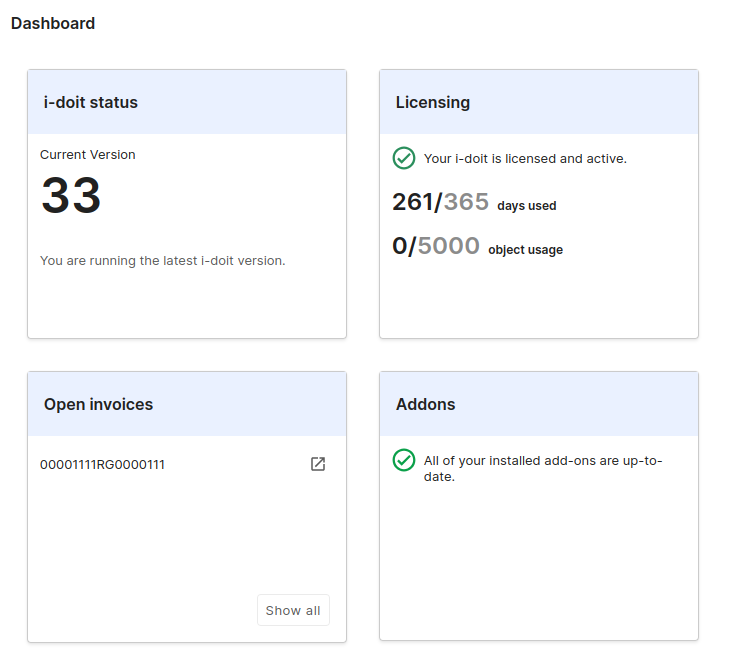
The Dashboard contains various widgets that display information.
Subscription#
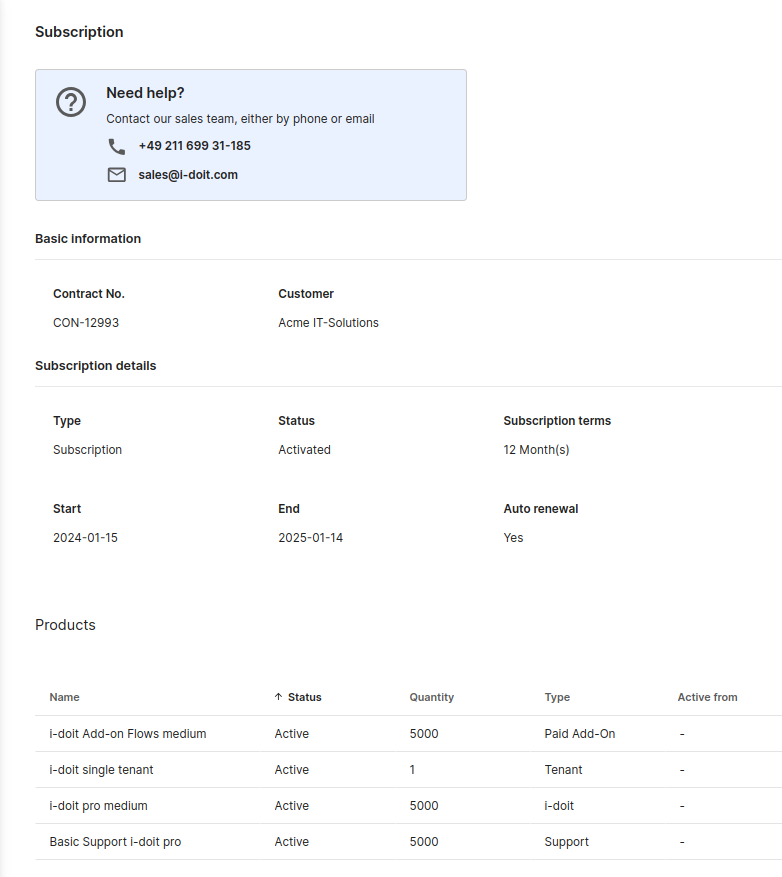
Here you can find information about your subscription.
Invoice#
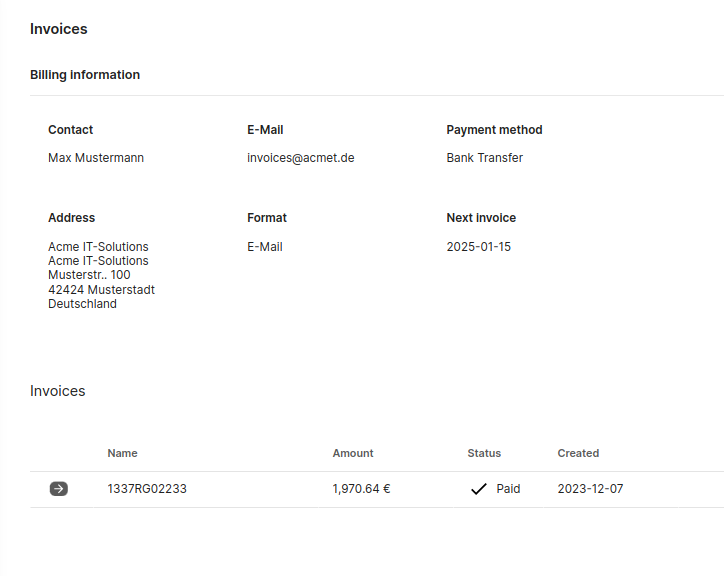
Here invoice information is displayed. You can also find links to invoices here.
Help#
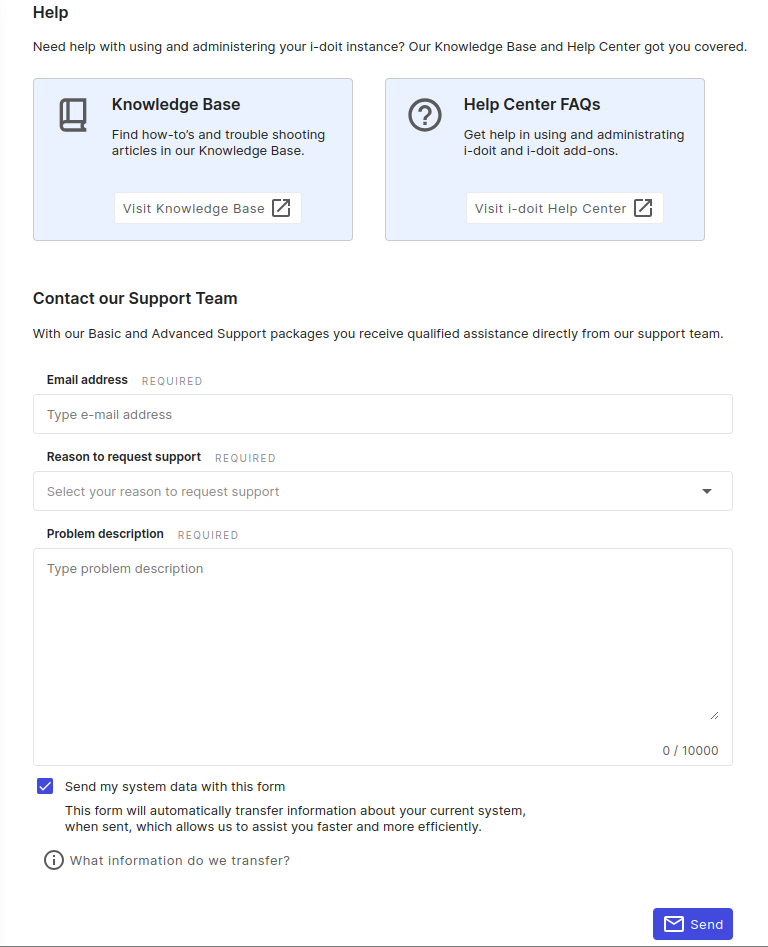
On this page you can get help. Links to the Knowledge Base and the Help Center are provided. You can also create a support ticket directly from within the system.
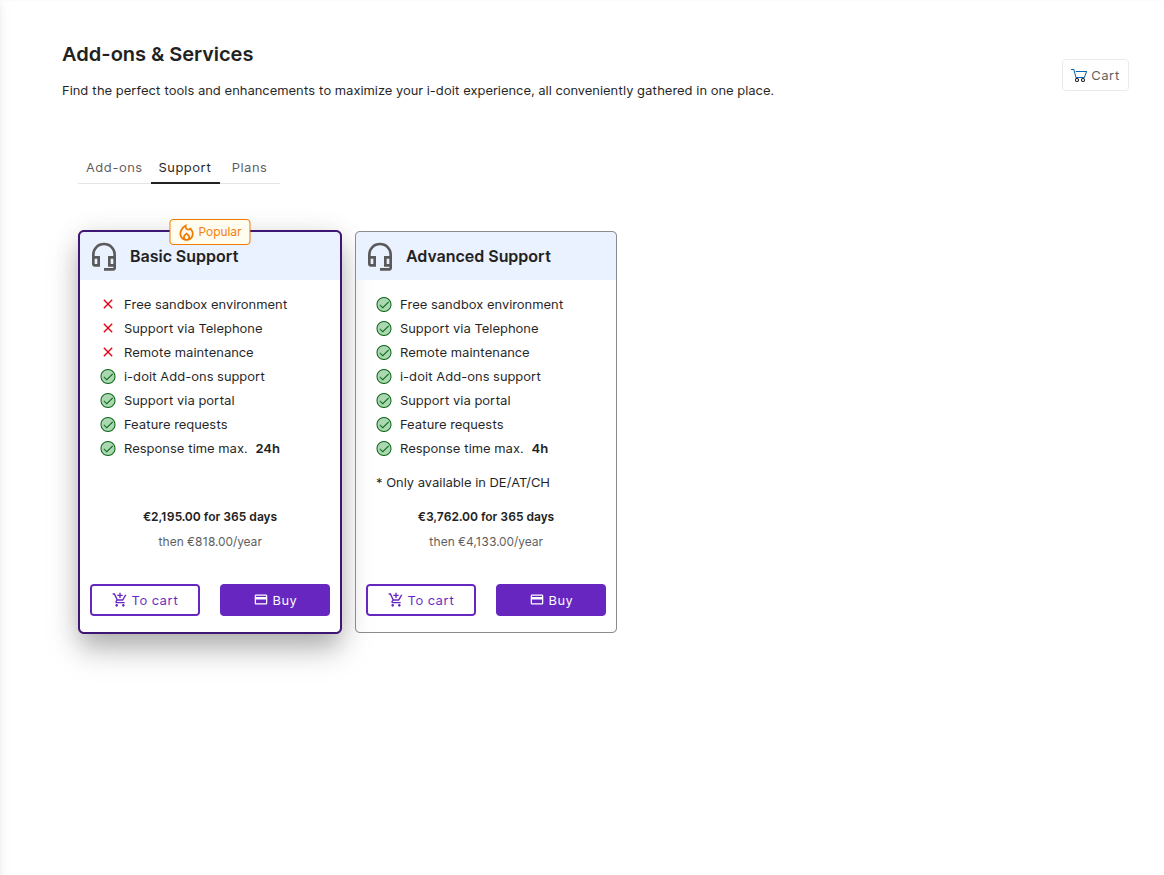
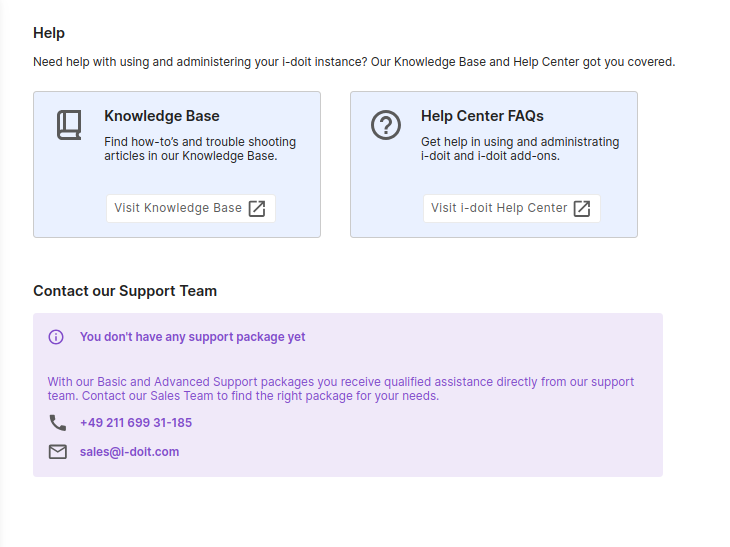
If you have not purchased a support package, this page will be displayed instead. In that case, create support tickets via the Help Center at https://help.i-doit.com or by email to help@i-doit.com.
Advanced#
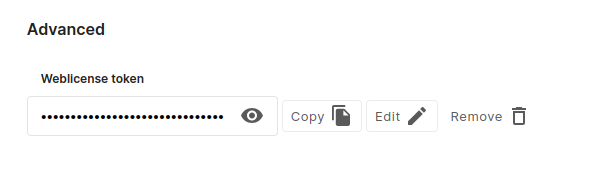
Under Advanced you can edit the token.
Add-ons#
My add-ons#
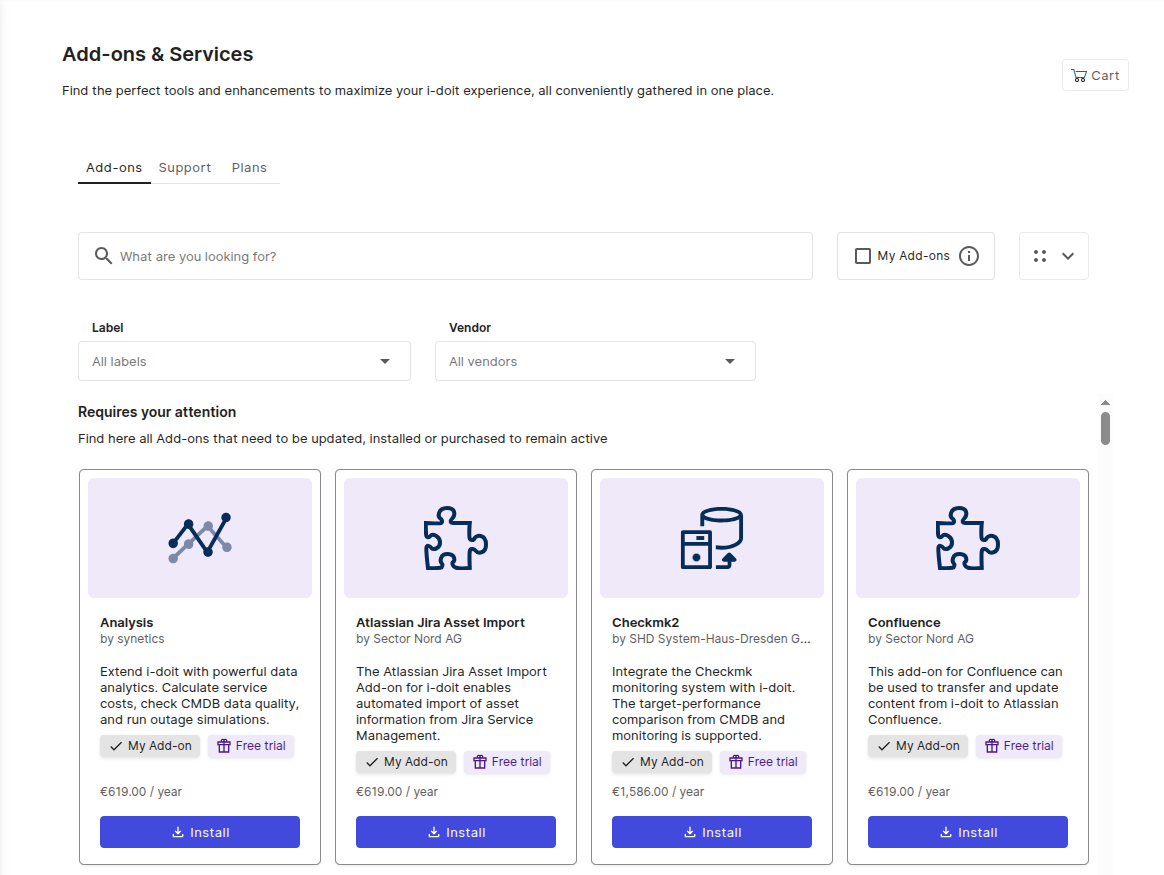
Under My add-ons, available add-ons are listed. They can be updated, deactivated, and deleted.
Discover more add-ons#
Here you can find all available add-ons in a clear list.