Language Profiles#
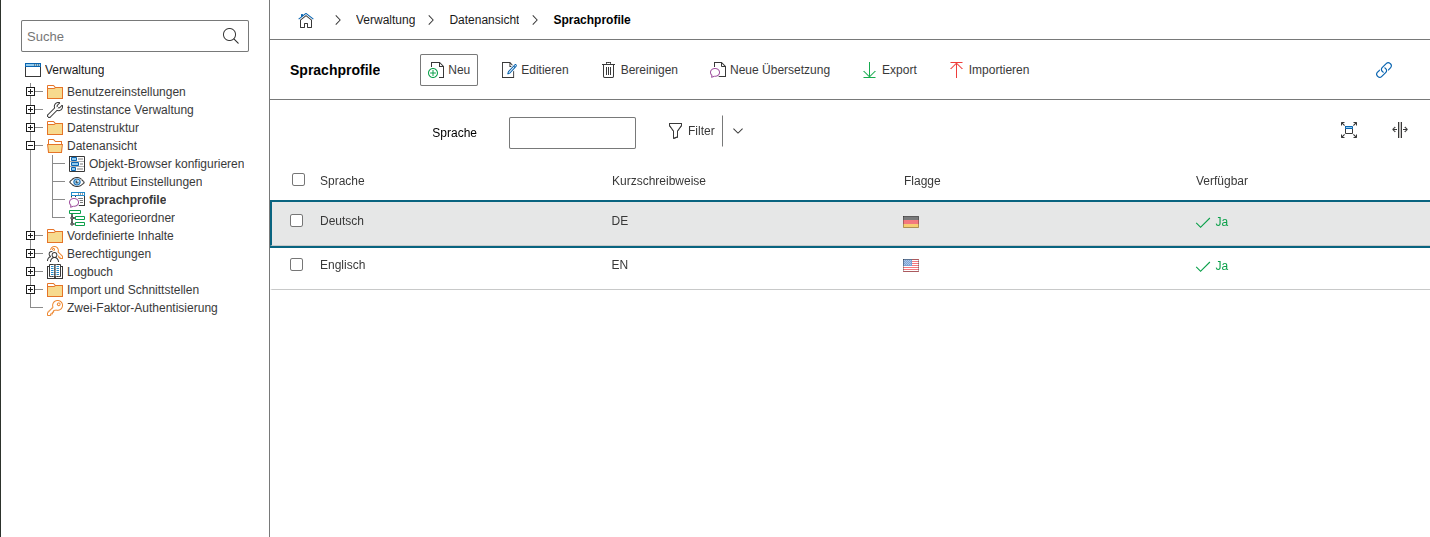
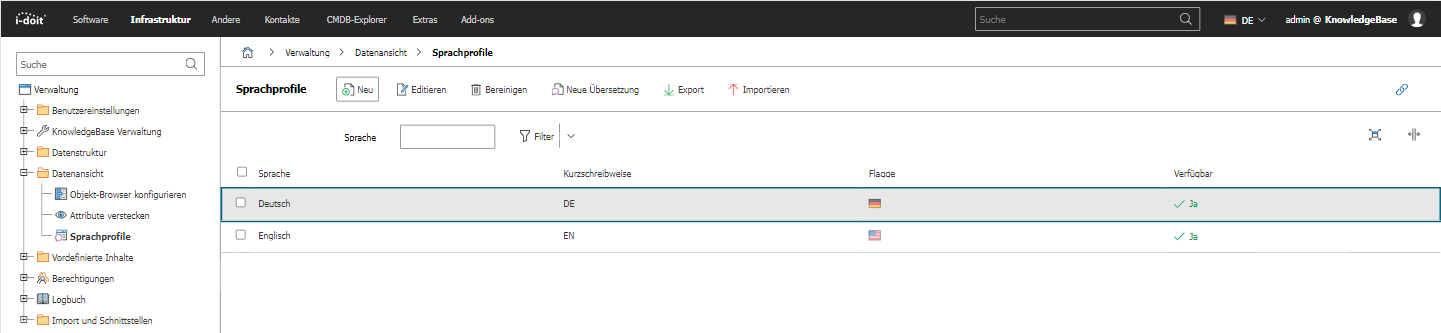
Under Administration → Data View → Language Profiles, you can create custom translations for field names, category labels, and other interface texts in i-doit. This way, the terminology can be adapted to the terms used by your organization -- for example, you can rename "Location" to "Branch" or add a completely new language.
To create a language profile, select the source language and the target language. Then you can selectively override individual terms. The changes take effect for all users who have selected this language in their User Settings.
See also#
- User Language -- Set the language per user
- Data Formats -- Configure date and number formats