Livestatus/NDO#
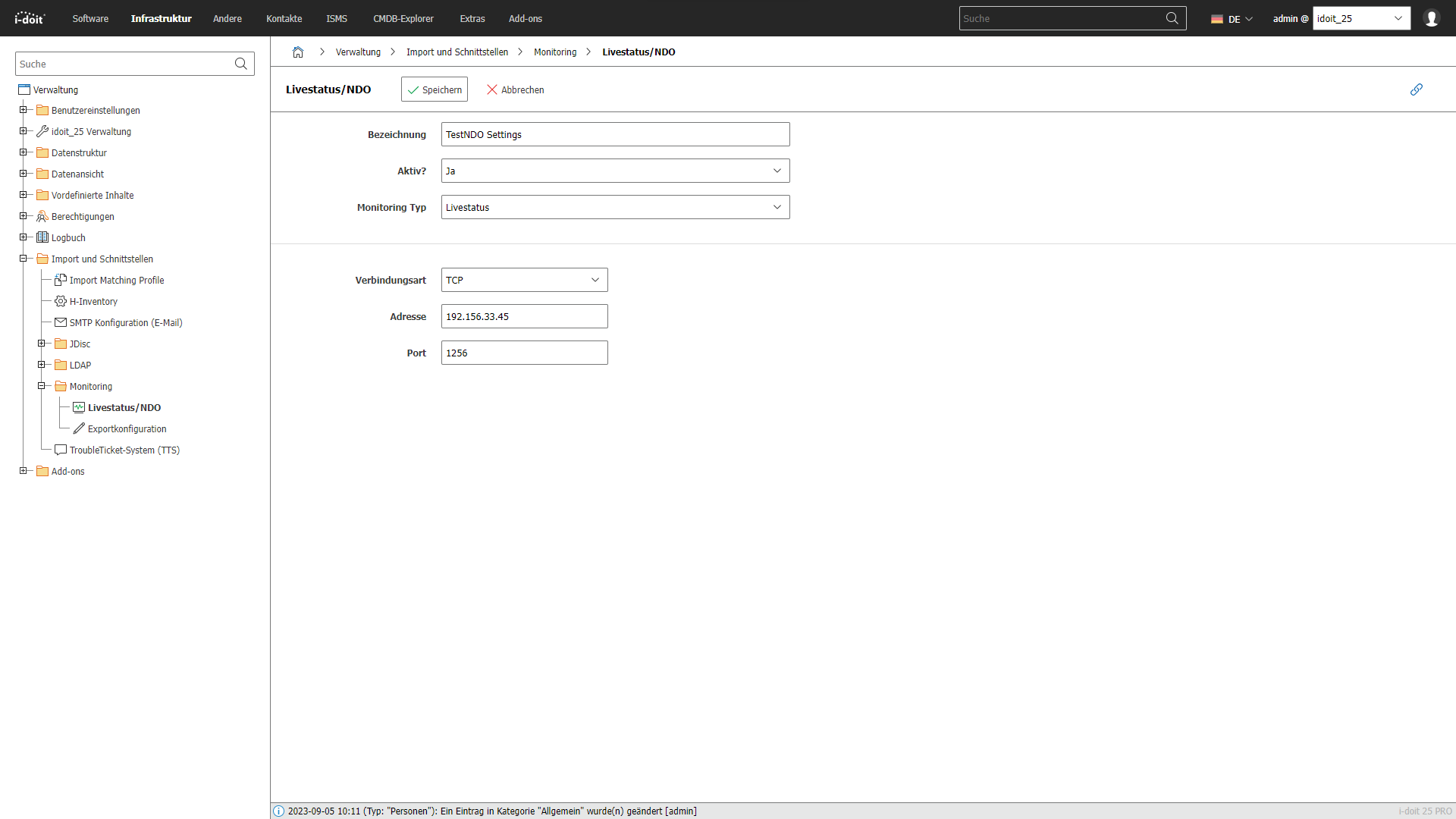
To display the live status of objects in i-doit, you must set up the corresponding configuration here.
You can reach this setting under Administration → Import and Interfaces → Monitoring → Livestatus / NDO. Here you configure the connection to your monitoring backend so that i-doit can display the current status of hosts and services directly in the object view. You choose between the Livestatus (MK Livestatus) and NDO (Nagios Data Output) protocols and enter the connection data such as host, port, and if applicable, socket path. Once the connection is set up, you can see at a glance in the CMDB whether an object is reported as OK, Warning, or Critical in the monitoring. Use this function to bring monitoring data and IT documentation together.