Logbook#
The logbook records all changes in i-doit. You can also find it under Extras → CMDB → Logbook. Entries can be filtered by various parameters, and each entry shows -- when possible -- the exact changes (which value was changed from what to what). READ MORE
Archive#
Here you specify for how long entries should be kept in the logbook before they are archived.
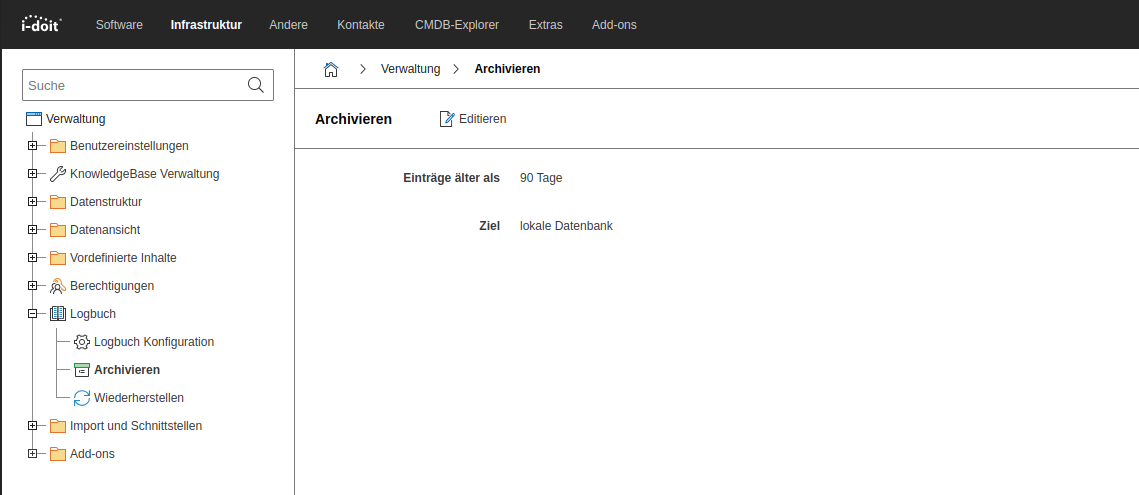
For the archiving to actually take place, you must execute the logbook:archive command.
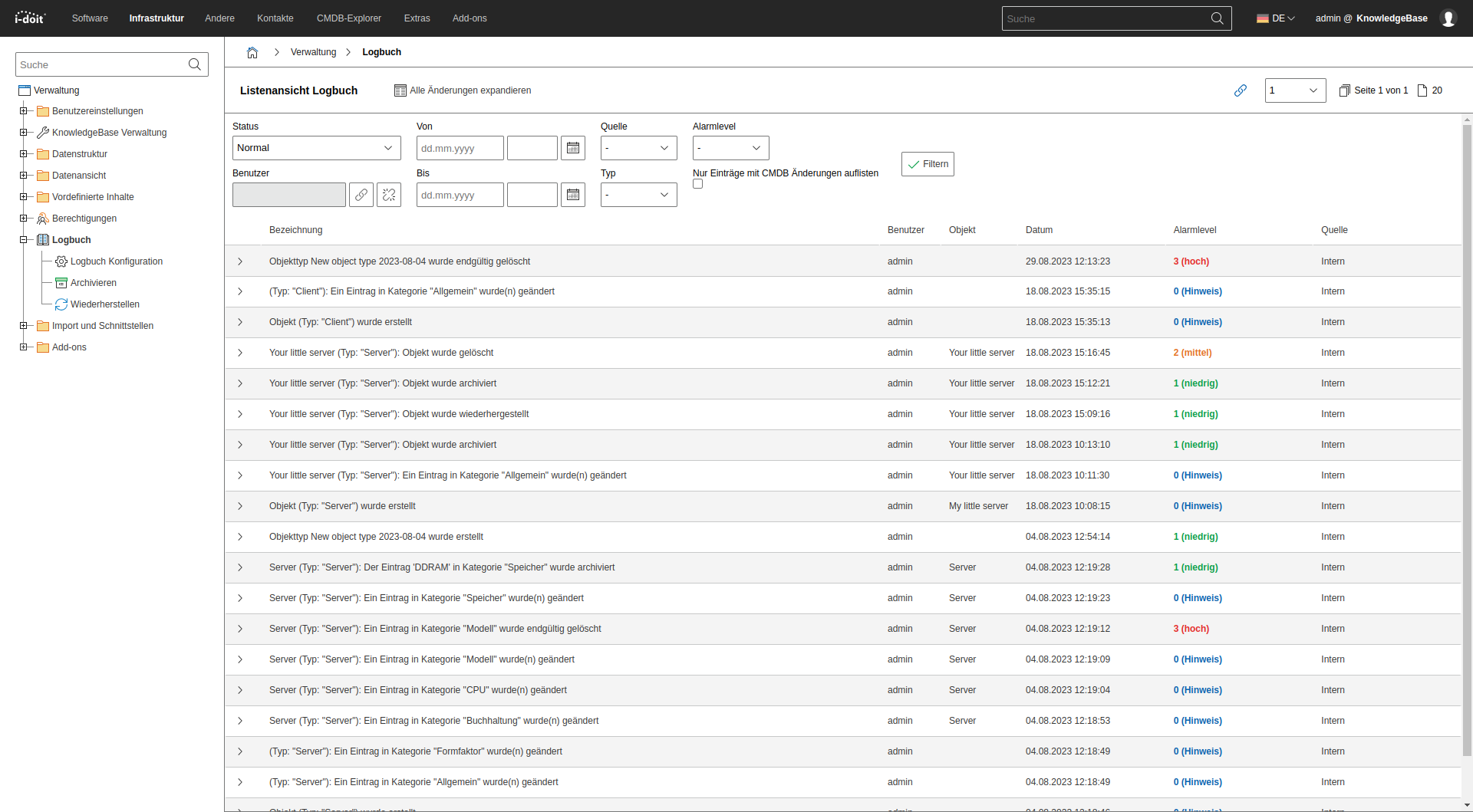
Logbook list view#
In the list view, you filter entries by various parameters. Each entry shows -- when possible -- the exact changes.
Logbook configuration#
Here you configure:
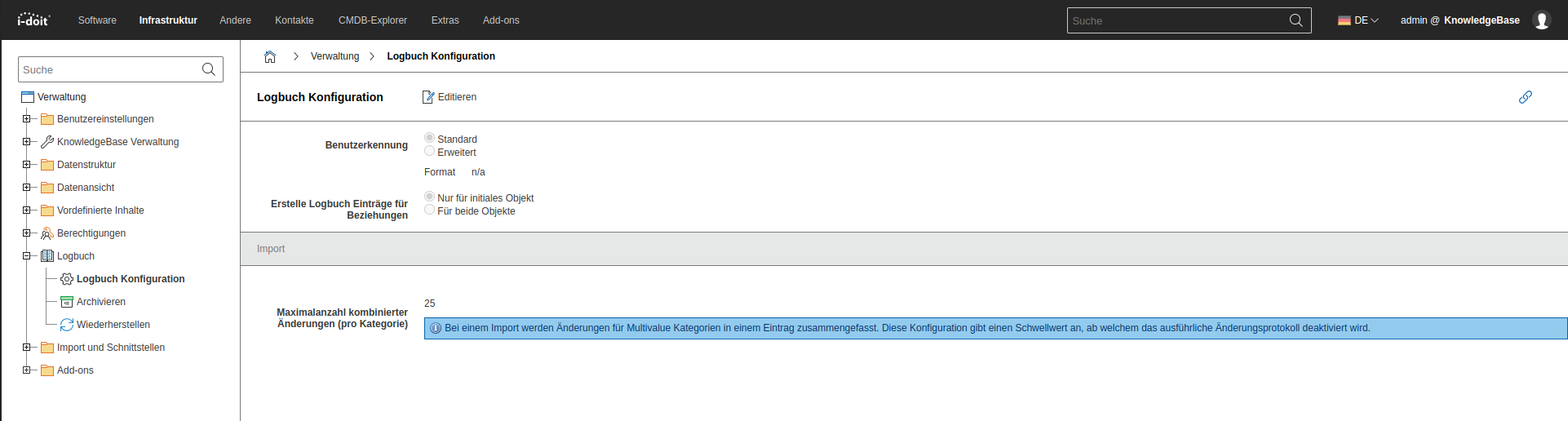
- The maximum number of changes that may be combined in a single logbook entry
- Whether the user appears only with their ID or in an extended format (and in which format)
- How many changes per logbook entry are combined during an import operation
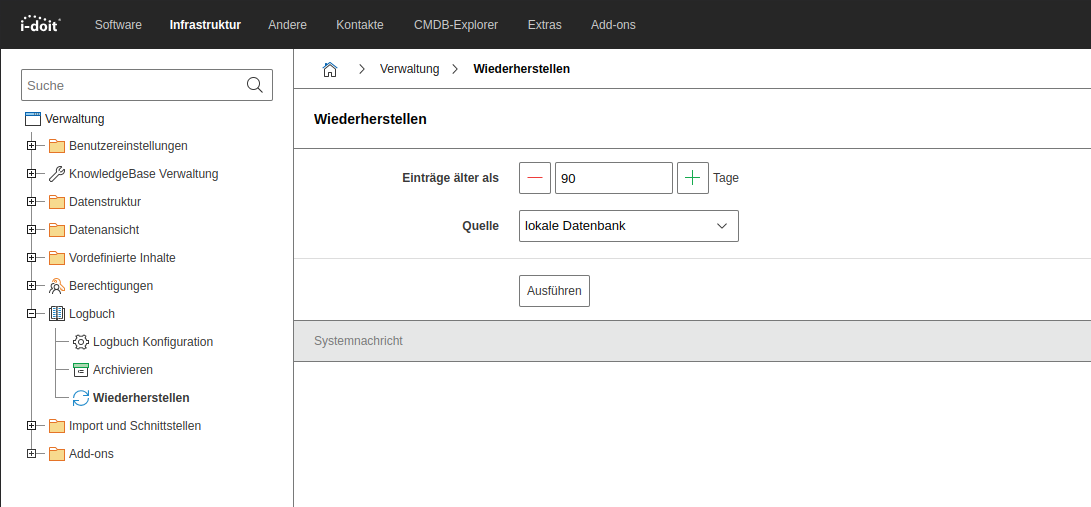
Restore#
Here you restore entries that have already been archived. You can also restore archived entries with the console command logbook:restore.