Dialog Admin#
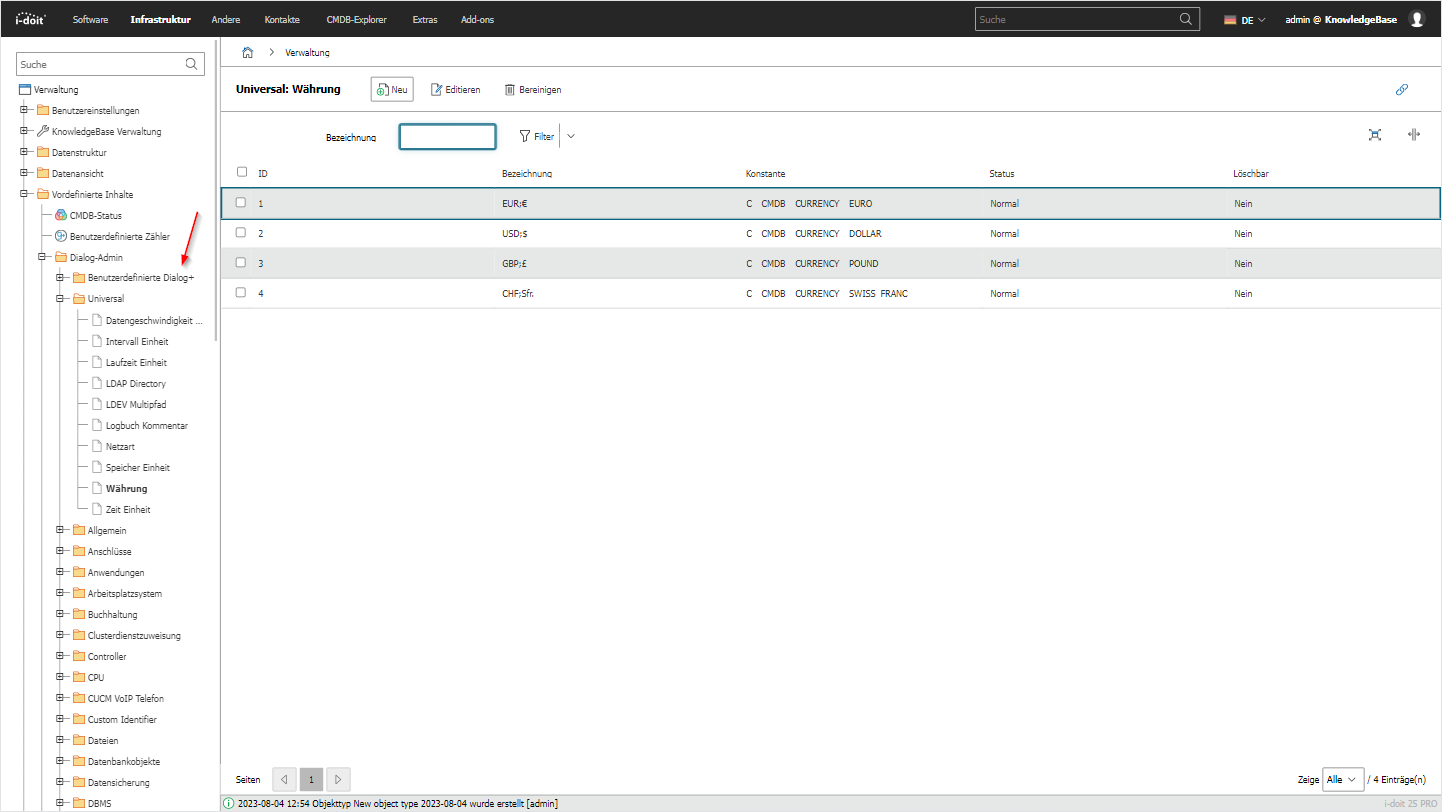
With the Dialog Admin, you can organize and edit the content templates of all Dialog+ fields. Here you also find the custom Dialog+ fields.
You can reach this setting under Administration → Predefined Content → Dialog Admin. Dialog+ fields are dropdown selection lists in i-doit whose values you can freely extend. In the Dialog Admin, you see all available Dialog+ fields sorted by category and can rename existing entries, add new values, or remove ones that are no longer needed. This allows you to adapt the selection options in the categories to the terms and standards of your organization. Use this function when you want to centrally manage, for example, new manufacturers, operating systems, or other selection list values.
A detailed guide can be found under Dialog Admin.