Change Password#
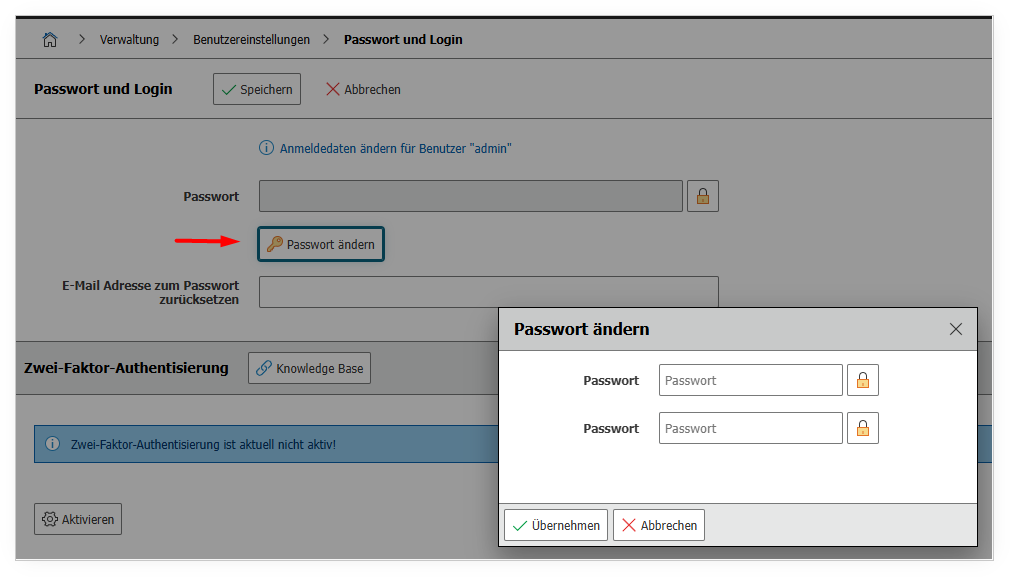
The logged-in user can change their login credentials here. Additionally, it is possible to enable two-factor authentication from this page.
You can reach this page under Administration → User Settings → Change Password. Here you can replace your current password with a new one by entering the existing password for confirmation and then typing the desired new password twice. Additionally, you have the option to enable or disable two-factor authentication (2FA) for your account to increase the security of your access. Use this function regularly to ensure the security of your i-doit account, especially if you suspect that your password has been compromised.