Data Formats#
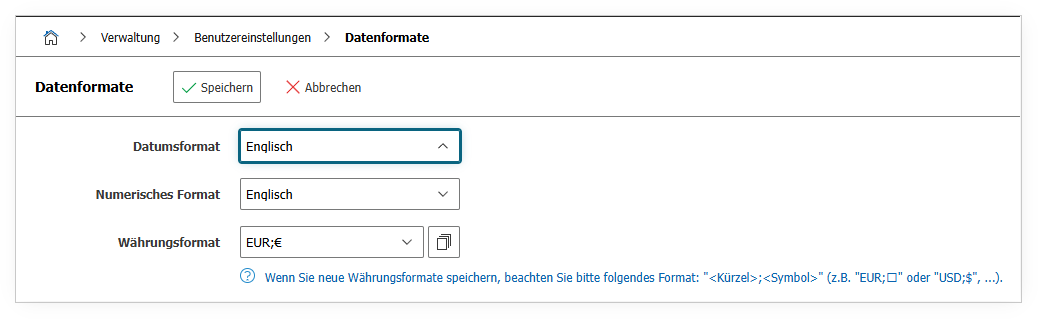
Under Administration → User Settings → Data Formats, you can specify how date values, numbers, and currencies are displayed in the interface. These settings apply only to your own user and have no effect on other users or on the data stored in the database.
The Date format determines the order of day, month, and year. The Numeric format controls whether a period or a comma is used as the decimal separator. Via the Currency format, you select the desired currency and its corresponding symbol.
| Option | Value |
|---|---|
| Date format | English/German |
| Numeric format | English/German |
| Currency format | EUR;€ or USD;$ or GBP;£ or CHF;Sfr. |
See also#
- User Language -- Set the user interface language
- User Interface -- Display options for object lists