Object Lists#
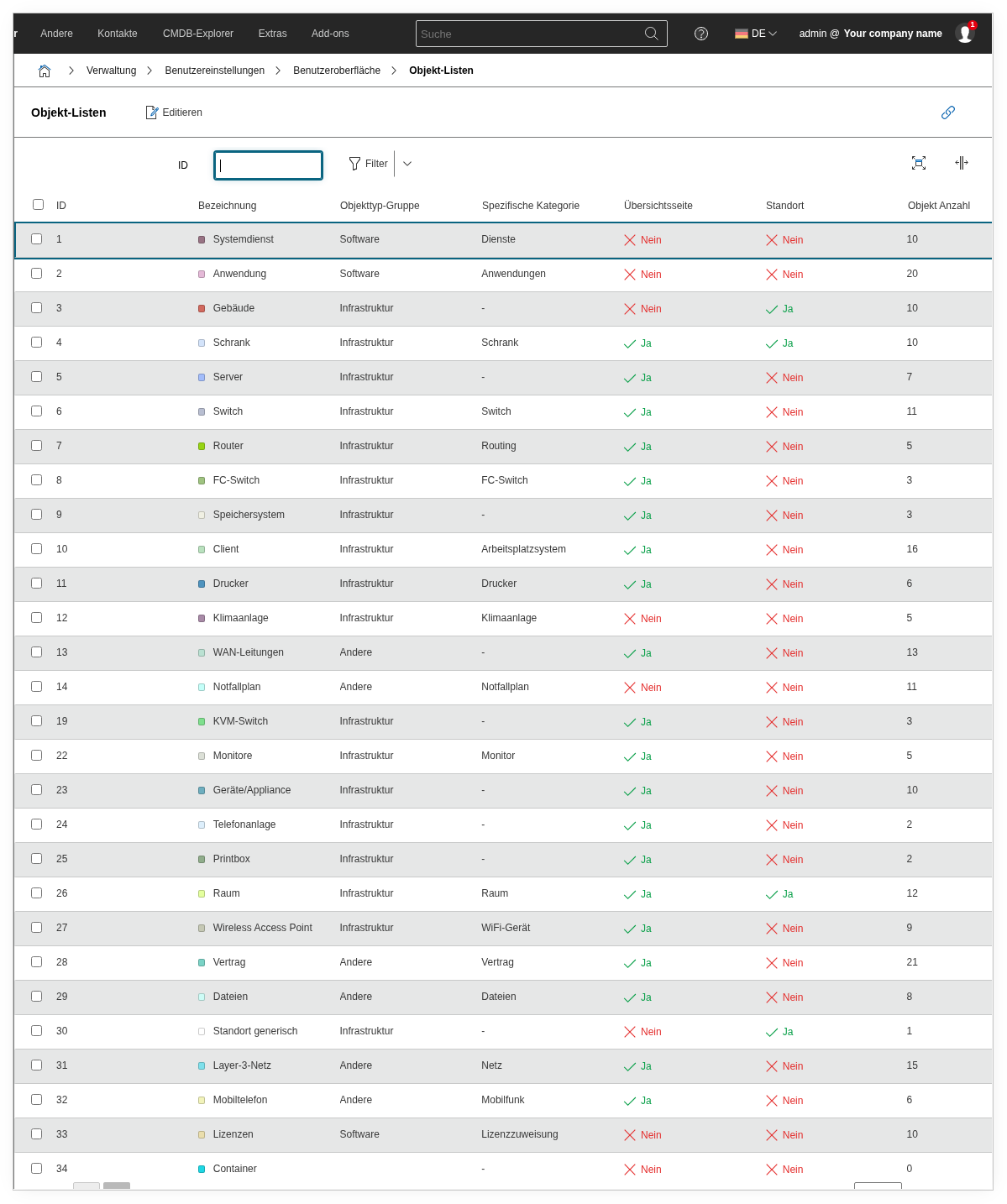
Under Administration → User Settings → User Interface → Object Lists, you can customize the display of object lists to suit your personal needs. The settings apply only to your own user.
Here you can configure, for example, the default sorting, the number of entries displayed per page, and the display of attributes in the list view. This way, you can keep an overview even with large data sets and tailor the object lists to your daily workflow.
See also#
- Object Lists -- General information about object lists
- Data Formats -- Set date and number formats per user