User Language#
Under Administration → User Settings → User Language, you can set the language of the i-doit interface for your user. This setting affects menus, category labels, system messages, and all other interface texts.
If you enable the option Choose language via browser, i-doit automatically adopts the language configured in the browser. If this option is disabled, the manually selected language is used instead. In addition to German and English, custom languages are also available, which can be created via Language Profiles.
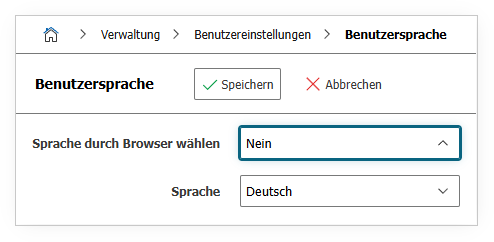
| Option | Value |
|---|---|
| Choose language via browser | Yes or No |
| Language | English German Custom language |
See also#
- Language Profiles -- Manage custom translations and languages
- Data Formats -- Set date, number, and currency formats