"Lost link to database"#
Problem#
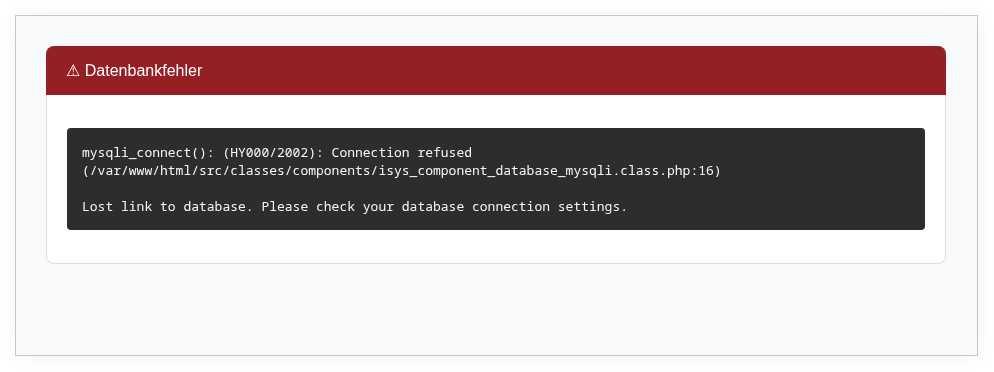
After entering credentials on the login page, the error message Lost link to database appears. The login fails.
Solution#
i-doit cannot access the desired tenant database. This error frequently occurs when an i-doit installation is moved to a different system and the MySQL/MariaDB users do not exist on the new system.
Background#
In the system database (idoit_system for standard installations), i-doit stores all configured tenants in the table isys_mandator. Each tenant has its own database (idoit_data for the first tenant in standard installations).
The credentials for the tenant database are stored in the columns isys_mandator__db_user and isys_mandator__db_pass. Check these for validity.
Testing the connection#
Test the credentials on the command line:
1 | |
Enter the credentials for the desired tenant database. After execution, MySQL will prompt for the password. If the login fails, the credentials are invalid. If the login succeeds, additionally check whether the user has read permissions on the tenant database:
1 2 | |
If error messages are displayed here, something is wrong.
Checking the user table#
A look at the MySQL/MariaDB user table provides clarity. Log in as the database administrator (usually root):
1 2 3 | |
If the user is missing, add it with the following command:
1 | |
In this example, replace the database name, user, and password with the actually used or secure values.
Alternatively, you can use administration tools such as phpMyAdmin.