MySQL/MariaDB Does Not Start After Changing the innodb_log_file_size Setting#
Problem#
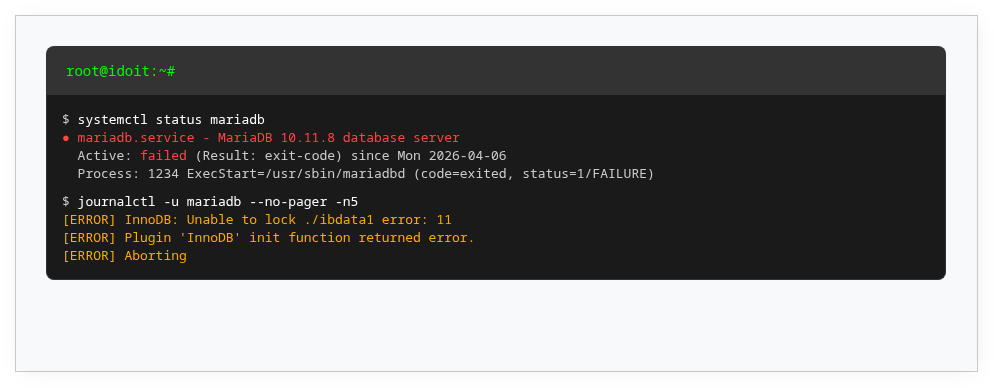
For better MySQL/MariaDB performance, it is recommended to change the innodb_log_file_size setting to a higher value. After the change, the service no longer starts and displays the following error message:
1 2 3 4 5 6 | |
Solution#
When changing innodb_log_file_size, you must cleanly stop the service and remove the existing log files (see also this answer on StackExchange):
1 2 3 4 | |
MySQL/MariaDB automatically recreates the logs. For large databases, this may take some time. Afterwards, the new value for innodb_log_file_size is active.