No Login After Changing the Session Timeout#
Problem#
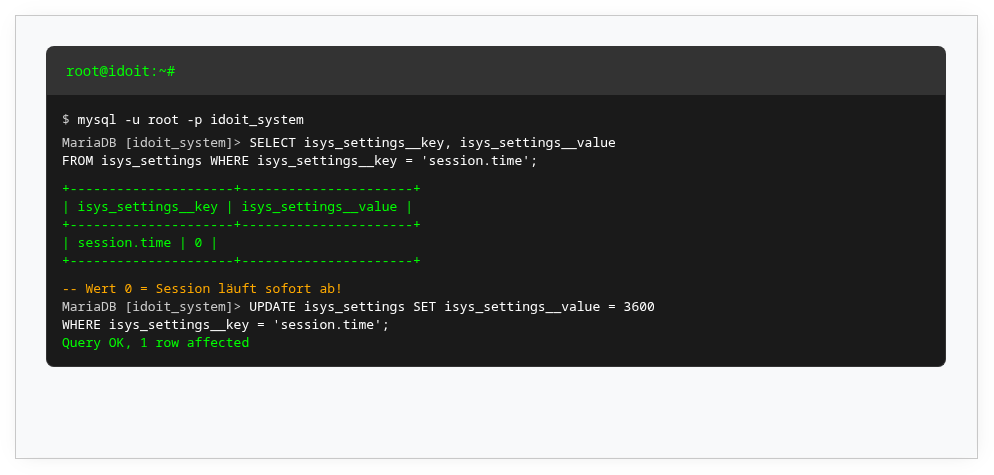
In the Admin Center under System settings → Session → Session timeout, you set after how many seconds an inactive user is automatically logged out. The default value is 600 seconds (10 minutes).
If a very low value (0 or negative) is set, no user can log in without being immediately logged out again.
Solution#
If the value is so low that you cannot change it quickly enough via the web GUI, correct it directly via SQL:
-
Execute the following SQL statement:
1UPDATE idoit_system.isys_settings SET isys_settings__value = '86400' WHERE isys_settings__key = 'session.time';Here,
idoit_systemis the name of the system database and86400corresponds to 24 hours. Avoid values beyond the 32-bit number range. -
Clear the cache so that the change takes effect:
1sudo rm -r /var/www/html/temp/*Adjust
/var/www/html/to your installation path. -
Access i-doit via the web GUI. The cache is automatically recreated and the login works again.