Category: Assigned workstation#
The Assigned workstation category assigns a device to a workstation object. It is a multi-value category -- a device can be assigned to multiple workstations (e.g. a printer used from two adjacent desks).
Counterpart: Logical devices
This category is the counterpart to the Assigned logical devices category on the workstation object. When you assign a monitor to workstation "WS-042" here, the monitor automatically appears in the list of logical devices of WS-042. The link only needs to be maintained from one side.
Usage#
Typical use cases:
- Documenting workstation equipment: Which monitor, keyboard, telephone, and client PC belong to desk WS-042? Through the workstation assignment, the entire equipment of a physical workstation can be traced -- important for moves, re-equipping, and inventory.
- Move planning: During an office move, a report per workstation shows all assigned devices. This way, the moving team knows exactly what needs to be disassembled from which desk and reassembled at the new location.
- Onboarding and offboarding: When a new employee joins, the required hardware is assigned to the workstation object. Upon departure, the list serves as a checklist for equipment return.
- Cost per workstation: In combination with the Accounting category, reports can determine which device values are tied to a workstation.
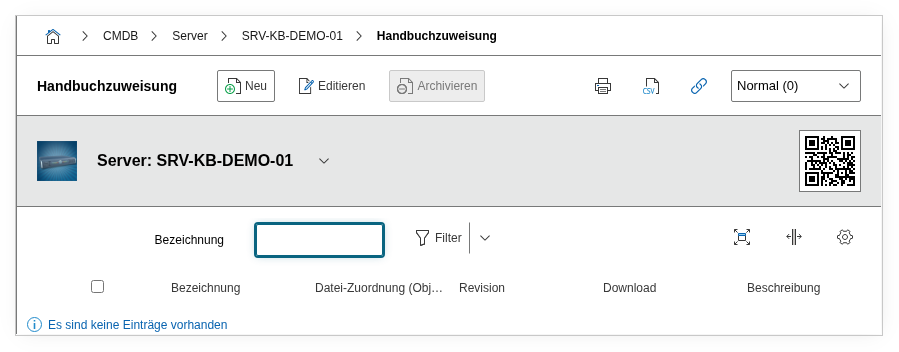
Fields#
Parent object#
The workstation object to which this device is assigned. The object browser only displays objects that possess the Assigned logical devices category -- typically objects of type Workstation. This field establishes the actual link: it connects the current device (monitor, client, printer, telephone) with the workstation.
Description#
Free text for additional information about the assignment: e.g. "Secondary monitor, temporary until move Q3" or "Loaner device, return by June 30".
Technical reference#
| Property | Value |
|---|---|
| Category constant | C__CATG__ASSIGNED_WORKSTATION |
| Type | Global category |
| Multi-value | Yes |
| Assigned to | Client, Monitor, Printer, etc. |
Fields (API reference)#
| Field | API key | Type |
|---|---|---|
| Parent object | parent | Object browser (link) |
| Description | description | Text field (multi-line) |
API examples#
Create entry#
1 2 3 4 5 6 7 8 9 10 11 12 13 14 | |
Read entries#
1 2 3 4 5 6 7 8 9 10 | |
Update entry#
1 2 3 4 5 6 7 8 9 10 11 12 13 14 15 | |