Category: Database Objects#
The Database Objects category documents the individual objects within a database schema — i.e. views, stored procedures, functions, triggers, sequences, and other named elements. It is a multi-value category, since a schema typically contains many such objects.
Usage#
Typical use cases:
- Create schema inventory: Record all relevant database objects of a schema — from critical views through central stored procedures to trigger logic. This creates a documented inventory of the database structure.
- Impact analysis for schema changes: Before a table is changed or deleted, the list of database objects shows which views, procedures, or functions could be affected. This reduces the risk during deployments.
- Clarify application dependencies: When an application uses specific views or stored procedures, this can be documented here. In combination with the category Database access, a clear picture emerges of which application uses which objects.
- Automated import: Via the API, you can automatically import database objects from database catalog tables (e.g.
information_schema.routinesorALL_OBJECTS) to keep the documentation up to date.
Database category chain
This category belongs to the database category chain in i-doit. Together with Database schema, Database gateway, Database links, and Database access, these categories form a complete database documentation.
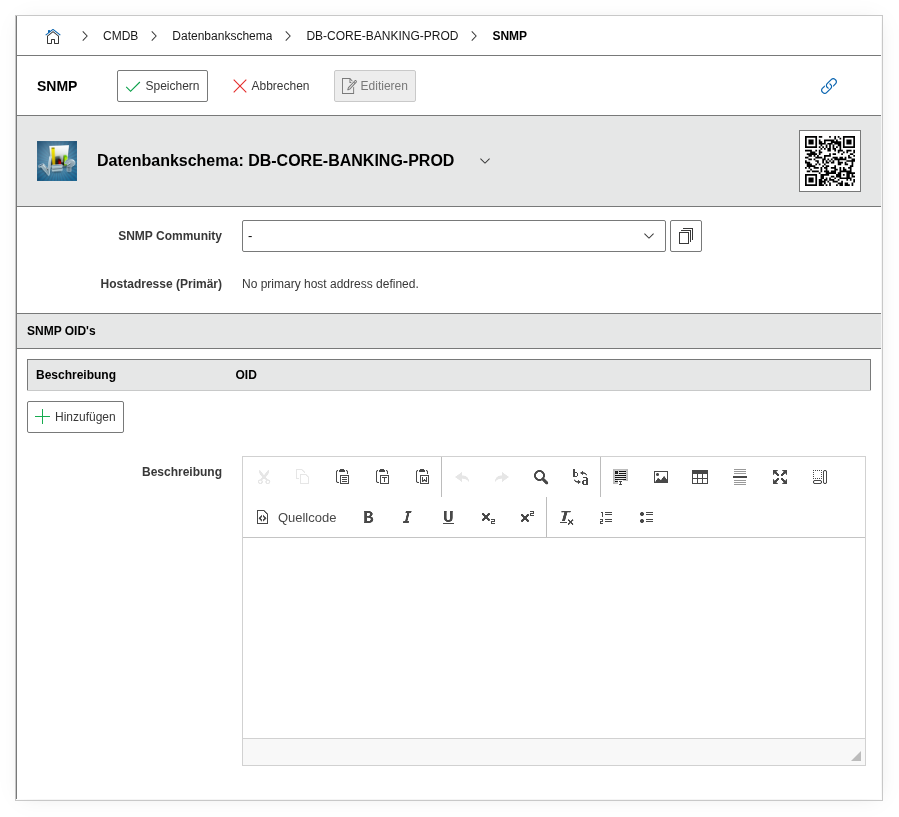
Fields#
Title#
The name of the database object, e.g. v_active_users, sp_generate_report, or trg_audit_log. Should exactly match the name in the database to enable a unique mapping.
Type#
The type of the database object. Dialog field with values such as View, Procedure, Function, Trigger, Sequence, Package, etc. Enables filtering and evaluation by object type in reports.
Tip: Reports by object type
In the Report Manager, you can filter by the Type field, e.g. to list all stored procedures across all schemas — useful for audits or migration planning.
Description#
Free text for additional details: purpose of the object, associated business logic, dependencies on tables, performance notes, or migration status.
Technical Reference#
| Property | Value |
|---|---|
| Category Constant | C__CATS__DATABASE_OBJECTS |
| Type | Specific category |
| Multi-Value | Yes |
| Assigned to | Database schema |
Fields (API Reference)#
| Field | API Key | Type |
|---|---|---|
| Title | title | Text |
| Type | database_object | Dialog (selection) |
| Description | description | Text field (multi-line) |
API Examples#
Create Entry#
1 2 3 4 5 6 7 8 9 10 11 12 13 14 15 | |
Read Entries#
1 2 3 4 5 6 7 8 9 10 | |
Update Entry#
1 2 3 4 5 6 7 8 9 10 11 12 13 14 15 | |