Category: Enclosure#
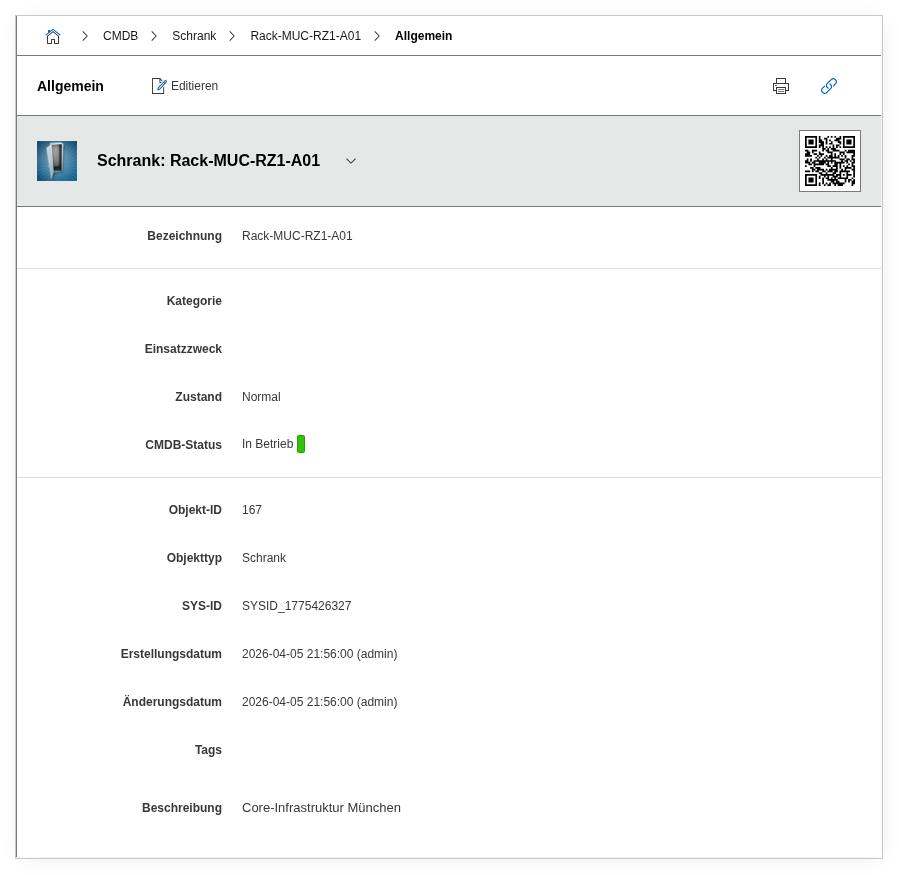
The Enclosure category is the central category for documenting 19-inch racks and server cabinets in i-doit. It defines the physical structure of the rack -- specifically the vertical installation slots on the front and rear sides as well as the counting direction of the rack units. Each object of the type Enclosure receives its fundamental rack configuration through this category.
Usage#
Typical use cases:
- Building rack documentation: Create one i-doit object of the type Enclosure per physical server cabinet and configure the slot count and rack unit sorting through this category. The graphical rack view in i-doit is based on these settings.
- Planning front and rear sides separately: Servers, switches, and patch panels can be installed in a rack from both the front and the rear. The separate slot fields for front and rear sides enable a realistic representation.
- Setting rack unit counting: Depending on convention, data centers count rack units from bottom to top or from top to bottom. The Height unit sorting field controls the display in the rack visualization accordingly.
- Capacity planning in the data center: Using reports, you can evaluate how many slots per rack are occupied and where free capacity still exists. Together with the Form Factor and Location categories, this creates a complete picture of the physical infrastructure.
Rack visualization
i-doit offers a graphical rack view that visualizes the front and rear sides of the rack. The slots and rack unit sorting configured here determine how this view is displayed. Devices are assigned to the rack via the Form Factor category with their height in rack units and their installation position.
Enclosure vs. Form Factor
This category defines the rack itself (its capacity and configuration). The installation position of individual devices in the rack is set via the Form Factor category on the respective device object. The Location determines in which room or data center the rack is located.
Fields#
Vertical installation slots (Front side)#
The number of vertical installation slots on the front side of the rack. default 19-inch racks typically have 42, 47, or 48 rack units. This value determines how many rack units are displayed in the rack visualization on the front side.
Vertical installation slots (Rear side)#
The number of vertical installation slots on the rear side. In most cases identical to the front side, but may differ in special rack configurations.
Rack unit sorting#
Determines whether rack units are counted from bottom to top (ascending, industry standard) or from top to bottom (descending). This setting influences the display in the graphical rack view and should match the physical labeling in the data center.
Description#
Free text for additional details: rack manufacturer and model, depth in mm, maximum load capacity, special features (e.g. side panels, cable management, integrated PDUs), or cooling notes.
Technical Reference#
| Property | Value |
|---|---|
| Category Constant | C__CATS__ENCLOSURE |
| Type | Specific category |
| Multi-Value | No |
| Assigned to | Enclosure |
Fields (API Reference)#
| Field | API Key | Type |
|---|---|---|
| Vertical installation slots (Front side) | vertical_slots_front | Integer |
| Vertical installation slots (Rear side) | vertical_slots_rear | Integer |
| Rack unit sorting | slot_sorting | Dialog (selection) |
| Description | description | Text field (multi-line) |
API Examples#
Create Entry#
1 2 3 4 5 6 7 8 9 10 11 12 13 14 15 16 | |
Read Entries#
1 2 3 4 5 6 7 8 9 10 | |
Update Entry#
1 2 3 4 5 6 7 8 9 10 11 12 13 14 15 16 | |