Category: Person Group Membership#
The Person Group Membership category shows which person groups a person belongs to. It is a multi-value category -- a person can be a member of any number of groups, e.g. simultaneously in IT Administrators, Network Team, and On-Call Service.
Counterpart: Members of a group
This category shows group membership from the perspective of the person. The counterpart -- which persons belong to a group -- is found in the Members category on the person group object. Both sides are automatically kept in sync: When a person is assigned to a group here, they appear there as a member and vice versa.
Usage#
Typical use cases:
- Managing group memberships: Assign a person to the relevant person groups. Through group membership, the person inherits all contact assignments and permissions assigned to the group. This is significantly easier to maintain than individual assignments.
- Role-based assignment: Each membership can optionally be given a role (e.g.
Leader,Member,Deputy). This allows differentiation within a group regarding who holds which function. - LDAP group synchronization: During LDAP synchronization, group memberships are automatically imported from the directory service. The person groups in i-doit can be mapped to an LDAP group name via the Person Groups (specific) category.
- Verifying permissions: When a person has unexpected permissions or receives notifications for objects they were not directly assigned to, it is worth checking the person group membership -- often rights and notifications are inherited through group assignments.
- Offboarding: When an employee leaves, it is sufficient to remove the group memberships to revoke all group-based contact assignments and permissions at once.
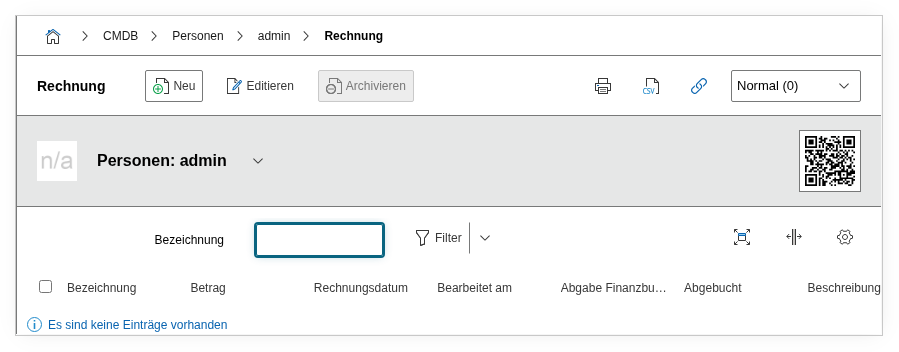
Fields#
Person group membership#
The person group object to which the person is assigned. An available person group is selected via the object browser. In the list view of the category, the group name appears as a clickable link to the group object.
Role#
The role that the person holds within the group, e.g. Member, Leader, or Deputy. Dialog+ field -- custom roles can be added as needed. The role can be evaluated in reports but is independent of the role in the Contact Assignment.
Contact#
Internal reference field that establishes the link to the contact assignment. Managed automatically and not relevant for manual editing.
Technical Reference#
| Property | Value |
|---|---|
| Category Constant | C__CATS__PERSON_ASSIGNED_GROUPS |
| Type | Specific category |
| Multi-Value | Yes |
| Assigned to | Person |
Fields (API Reference)#
| Field | API Key | Type |
|---|---|---|
| Person group membership | connected_object | Object browser (link) |
| Role | role | Dialog+ (extensible selection) |
| Contact | contact | Integer (internal) |
API Examples#
Create Entry#
1 2 3 4 5 6 7 8 9 10 11 12 13 14 | |
Determining the group ID
The connected_object ID is the object ID of the person group. This can be determined, for example, via cmdb.objects.read with the filter type = C__OBJTYPE__PERSON_GROUP.
Read Entries#
1 2 3 4 5 6 7 8 9 10 | |
Update Entry#
1 2 3 4 5 6 7 8 9 10 11 12 13 14 | |