Category: Assigned Objects (Person)#
The Assigned Objects category shows all objects to which this person is assigned through the global Contact Assignment category. It is the reverse view of the contact assignment -- while the contact assignment on a server shows which persons are responsible, this category on the person shows which objects they are responsible for.
Read view with editing capability
The entries in this category are not created directly here but rather appear automatically when the person is entered in the Contact Assignment of another object. Existing assignments can be viewed, edited, and removed here. New assignments are created through the contact assignment on the target object or via the API.
Usage#
Typical use cases:
- Overview of a person's responsibilities: See at a glance which servers, applications, network components, or other objects a person is entered as a contact for. Particularly valuable during employee reviews, capacity planning, and task distribution.
- Offboarding and handover: When an employee leaves the company or changes departments, this category shows all objects for which assignments need to be transferred or removed. This ensures no object is forgotten and no orphaned assignments remain.
- Audit and compliance: Evaluations such as "Which objects does Person X have assigned as administrator?" or "Is Person Y entered as primary contact for critical servers?" can be answered directly from this category or through the Report Manager.
- Verifying role distribution: The Role column shows in which capacity the person is assigned to the respective object. This allows you to quickly verify whether the role distribution (administrator, responsible, user) matches the organizational requirements.
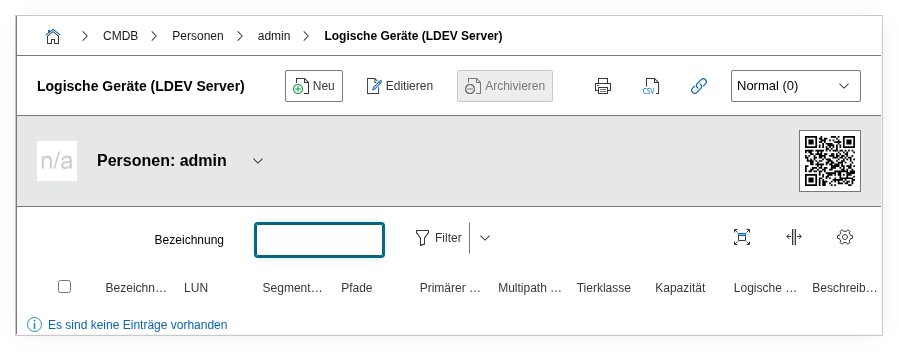
Fields#
Object#
The object to which the person is assigned through the contact assignment. In the list view, the object name appears as a clickable link -- clicking opens the linked object directly.
Object type#
The object type of the assigned object, e.g. Server, Application, or Router. Automatically imported from the linked object and enables quick filtering by specific object types.
Role#
The role in which the person is assigned to the object, e.g. Administrator, Responsible, or User. Corresponds to the Role field in the Contact Assignment of the target object. Dialog+ field -- custom roles can be added as needed.
Primary contact#
Indicates whether the person is the primary contact for the respective object (Yes or No). The primary contact is displayed preferentially in reports and is the first escalation level during incidents.
Description#
Free text with additional details about the contact assignment, e.g. area of responsibility or deputy arrangements.
Technical Reference#
| Property | Value |
|---|---|
| Category Constant | C__CATS__PERSON_CONTACT_ASSIGNMENT |
| Type | Specific category |
| Multi-Value | Yes |
| Assigned to | Person |
Backward reference to the contact assignment
This category is the backward reference to C__CATG__CONTACT. An entry here is created automatically when the person is entered in the contact assignment of an object. When deleting an entry here, the corresponding contact assignment on the target object is also removed.
Fields (API Reference)#
| Field | API Key | Type |
|---|---|---|
| Object | object | Object browser (link) |
| Object type | object_type | Integer (read-only) |
| Role | role | Dialog+ (extensible selection) |
| Primary contact | primary_contact | Dialog (selection) |
| Description | description | Text field (multi-line) |
API Examples#
Create Entry#
1 2 3 4 5 6 7 8 9 10 11 12 13 14 15 16 | |
Recommendation: Use contact assignment on the target object
In practice, it is often easier to use the contact assignment (C__CATG__CONTACT) on the target object rather than C__CATS__PERSON_CONTACT_ASSIGNMENT on the person. Both approaches create the same data record -- but the contact assignment offers the more intuitive perspective: "Who is responsible for this object?"
Read Entries#
1 2 3 4 5 6 7 8 9 10 | |
Update Entry#
1 2 3 4 5 6 7 8 9 10 11 12 13 14 15 16 | |