Category: Assigned Objects (Person Group)#
The Assigned Objects (Person Group) category shows all objects to which a given person group has been assigned as a contact. It is a backward category and is not directly maintained on the person group but rather automatically populated when the person group is entered in the Contact Assignment category of another object.
Backward category
This category is the counterpart of the Contact Assignment category. It answers the question: "To which objects is this person group assigned as a contact?" The actual assignment is made on the target object (server, client, service, etc.) through its contact assignment -- here it is merely mirrored. Changes must therefore be made on the side of the assigned object.
Usage#
Typical use cases:
- Reviewing a group's responsibilities: Open a person group such as "Network Team" and see at a glance which servers, switches, routers, and services this group is stored as a contact for. This is particularly useful during team restructurings when responsibilities need to be redistributed.
- Audit and compliance: In regulated environments, it must be demonstrated which groups have access to or responsibility for specific assets. This category provides a central overview without manually gathering individual contact assignments.
- Impact analysis during team changes: When a person group is dissolved or renamed, the category immediately shows which objects are affected and where the contact assignment needs to be updated.
- Reporting: Using the Report Manager, you can evaluate which person groups are assigned to particularly many objects -- an indicator of central contact persons whose absence would affect many areas.
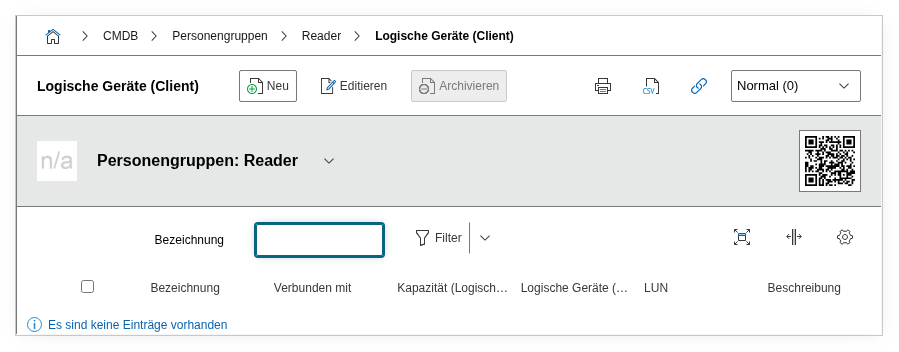
Fields#
Object#
The object to which the person group has been assigned as a contact. Each entry in the list view represents such an assignment. You can navigate directly to the linked object via the object browser.
Object type#
The type of the assigned object (e.g. Server, Client, Switch, IT Service). This field is automatically imported from the linked object and facilitates filtering in the list view.
Role#
The role in which the person group is assigned to the object. Typical values are "Administratively responsible," "Technically responsible," or custom roles. Dialog+ field -- custom values can be added in the contact assignment of the target object as needed.
Description#
An optionally free text field for supplementary notes about the assignment.
Do not edit entries directly
Since this is a backward category, the entries here cannot be directly changed or deleted. To change an assignment, navigate to the linked object and edit the Contact Assignment category there.
Technical Reference#
| Property | Value |
|---|---|
| Category Constant | C__CATS__PERSON_GROUP_CONTACT_ASSIGNMENT |
| Type | Specific category |
| Multi-Value | Yes |
| Assigned to | Person Group |
Fields (API Reference)#
| Field | API Key | Type |
|---|---|---|
| Object | object | Object browser (link) |
| Object type | object_type | Integer |
| Role | role | Dialog+ (extensible selection) |
| Description | description | Text field (multi-line) |
API Examples#
Read Entries#
1 2 3 4 5 6 7 8 9 10 | |
Backward category -- reading preferred
Since the assignments are controlled through the contact assignment on the target object, reading is the typical API use case for this category. To create a new assignment, use C__CATG__CONTACT on the respective target object instead.
Create Entry#
1 2 3 4 5 6 7 8 9 10 11 12 13 14 15 | |
Update Entry#
1 2 3 4 5 6 7 8 9 10 11 12 13 14 | |