Category: Members (Person Group)#
The Members (Person Group) category lists all persons who belong to a given person group. It is maintained on the person group object and is a multi-value category -- any number of members can be assigned per person group.
Members vs. Person group membership
This category is the group side of the membership relationship: It is maintained on the person group object and shows which persons belong to the group. The counterpart is the Person Group Membership category, which is maintained on the individual person objects and shows which groups the person belongs to. Both sides mirror the same relationship -- an entry on one side automatically appears on the other.
Usage#
Typical use cases:
- Mapping permission groups: Define which employees belong to a group such as "IT Administrators," "Helpdesk," or "Management." In combination with the Assigned Objects (Person Group) category, this creates a complete permission structure: Group X has access to object Y.
- Simplifying contact assignments: Instead of assigning individual persons as contacts on servers, switches, or services, assign a person group. The member list then immediately shows who is specifically reachable -- without having to open every individual contact entry.
- Documenting organizational structure: Teams, departments, and project groups can be captured as person groups with their members. Using reports, you can evaluate which persons are represented in multiple groups or which groups have only a single member.
- On-/offboarding processes: When a new employee joins, the person is assigned to the relevant groups. When they leave, the assignments are archived. The change history seamlessly documents when a member joined or left the group.
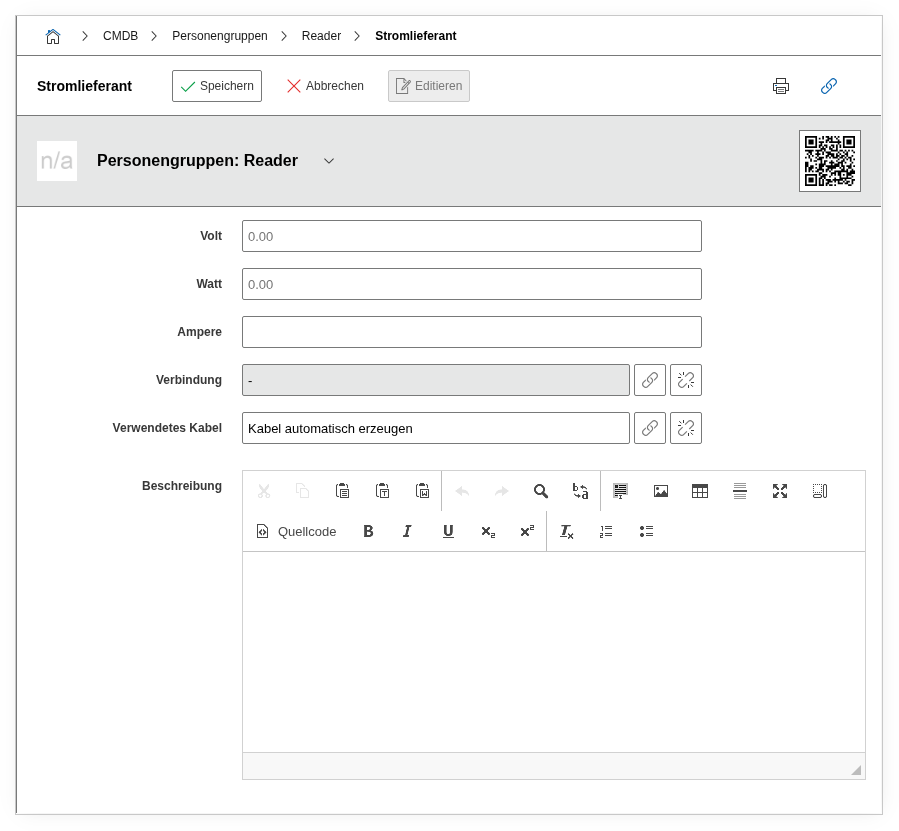
Fields#
Members (Person group)#
The core field of the category: a link to a person object via the object browser. When creating via the API, this field is passed with the key connected_object in the data block -- the value is the object ID of the person. The list view automatically displays additional information about the linked person (first name, last name, department, phone, e-mail, organization), which is imported directly from the master data of the person object.
First name#
The first name of the linked person. Automatically imported from the master data of the person object and only visible as read-only in this category.
Last name#
The last name of the linked person. Also automatically imported from the master data.
Department#
The department the person is assigned to. This field is also mirrored from the person's master data and makes orientation easier in large groups.
Phone (Company)#
The business phone number of the person, imported from the master data.
E-mail#
The e-mail address of the person, imported from the master data.
Organization#
The organization the person belongs to. Dialog field that reflects the assignment from the person's master data.
Title#
The title or heading of the group membership.
Members#
Summary display of the member list.
Member count#
The total number of currently assigned members. This field is automatically calculated and is useful for reports and overviews.
Keeping an eye on large groups
For person groups with many members (e.g. "All Employees"), the list view can become unwieldy. Use the Report Manager to search specifically for groups with more than a threshold number of members or to identify groups without active members.
Technical Reference#
| Property | Value |
|---|---|
| Category Constant | C__CATS__PERSON_GROUP_MEMBERS |
| Type | Specific category |
| Multi-Value | Yes |
| Assigned to | Person Group |
Fields (API Reference)#
| Field | API Key | Type |
|---|---|---|
| First name | first_name | Text |
| Last name | last_name | Text |
| Department | department | Text |
| Phone (Company) | phone_company | Text |
email_address | Text | |
| Organization | organization | Dialog (selection) |
| Title | title | Text |
| Members (Person group) | connected_object | Object browser (link) |
| Members | members | Text |
| Member count | membersCount | Text |
API Examples#
Create Entry#
1 2 3 4 5 6 7 8 9 10 11 12 13 | |
Assigning a member by object ID
The value of connected_object is the object ID of the person to be added to the group. Fields such as first_name, last_name, or email_address are automatically imported from the person's master data and do not need to be specified manually.
Read Entries#
1 2 3 4 5 6 7 8 9 10 | |
Update Entry#
1 2 3 4 5 6 7 8 9 10 11 12 13 14 | |