Structure of IT documentation#
The structure of IT documentation describes how i-doit organizes your IT documentation. Here you will learn the central terms -- from object type groups and objects to attributes -- and see how they work together in the Web GUI.
From the navigation#
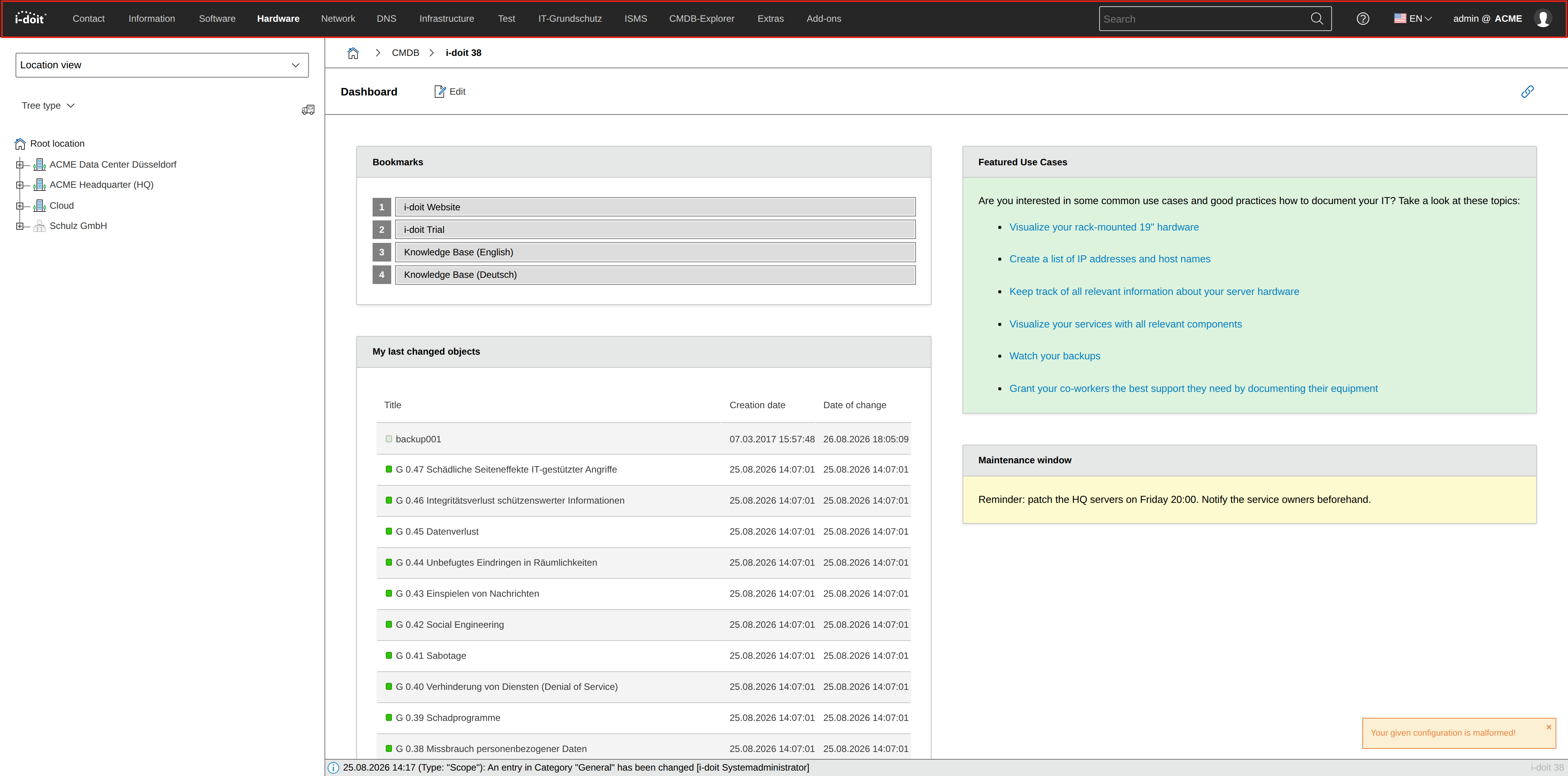
After logging in, the dashboard with widgets appears first. From there you explore the IT documentation. Via the main navigation bar (the black area at the top) you can reach almost all functions in i-doit.
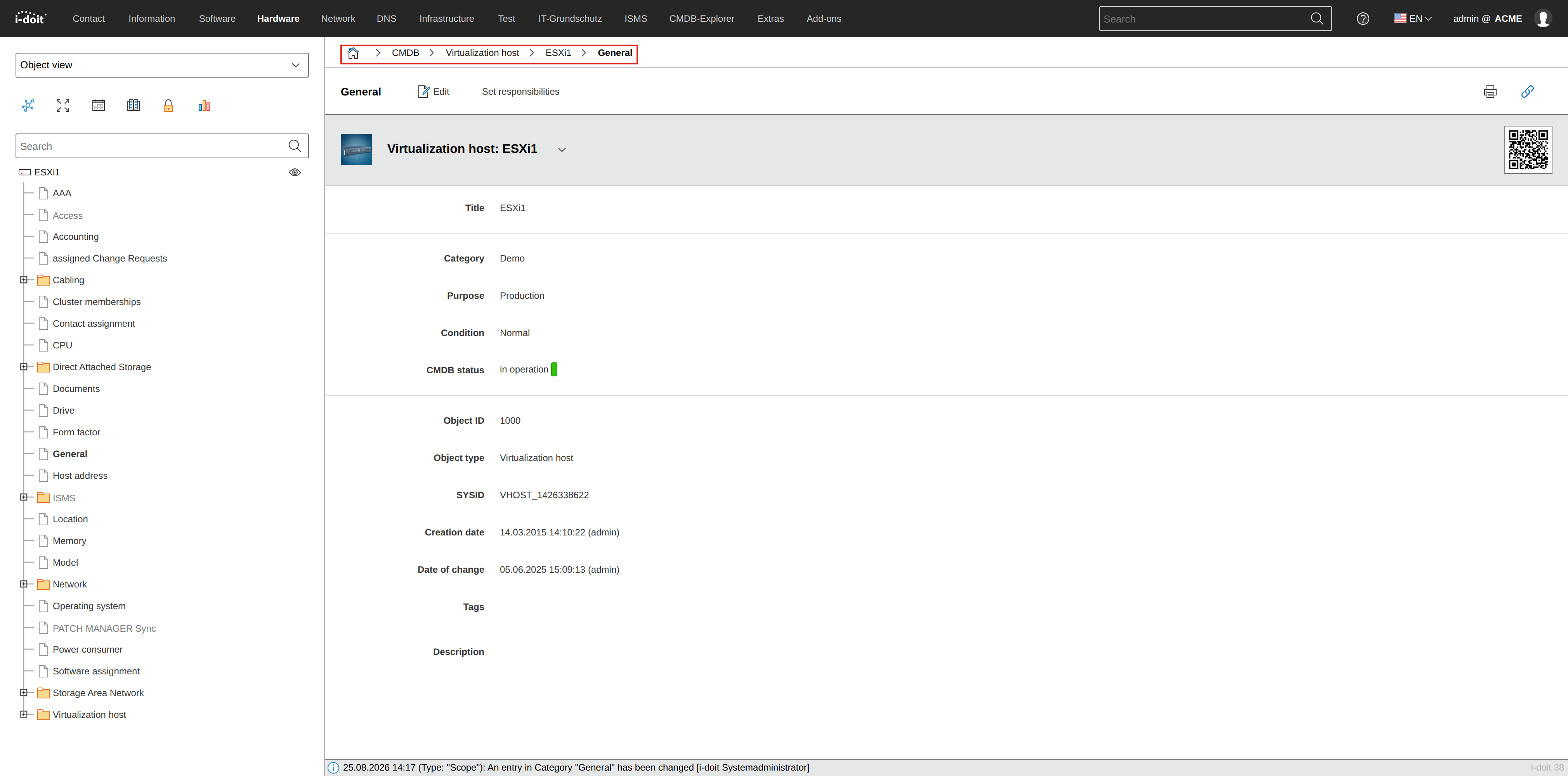
To orient yourself, take a look at the breadcrumb navigation. From there you can navigate to parent pages.
About groups, types and categorizations#
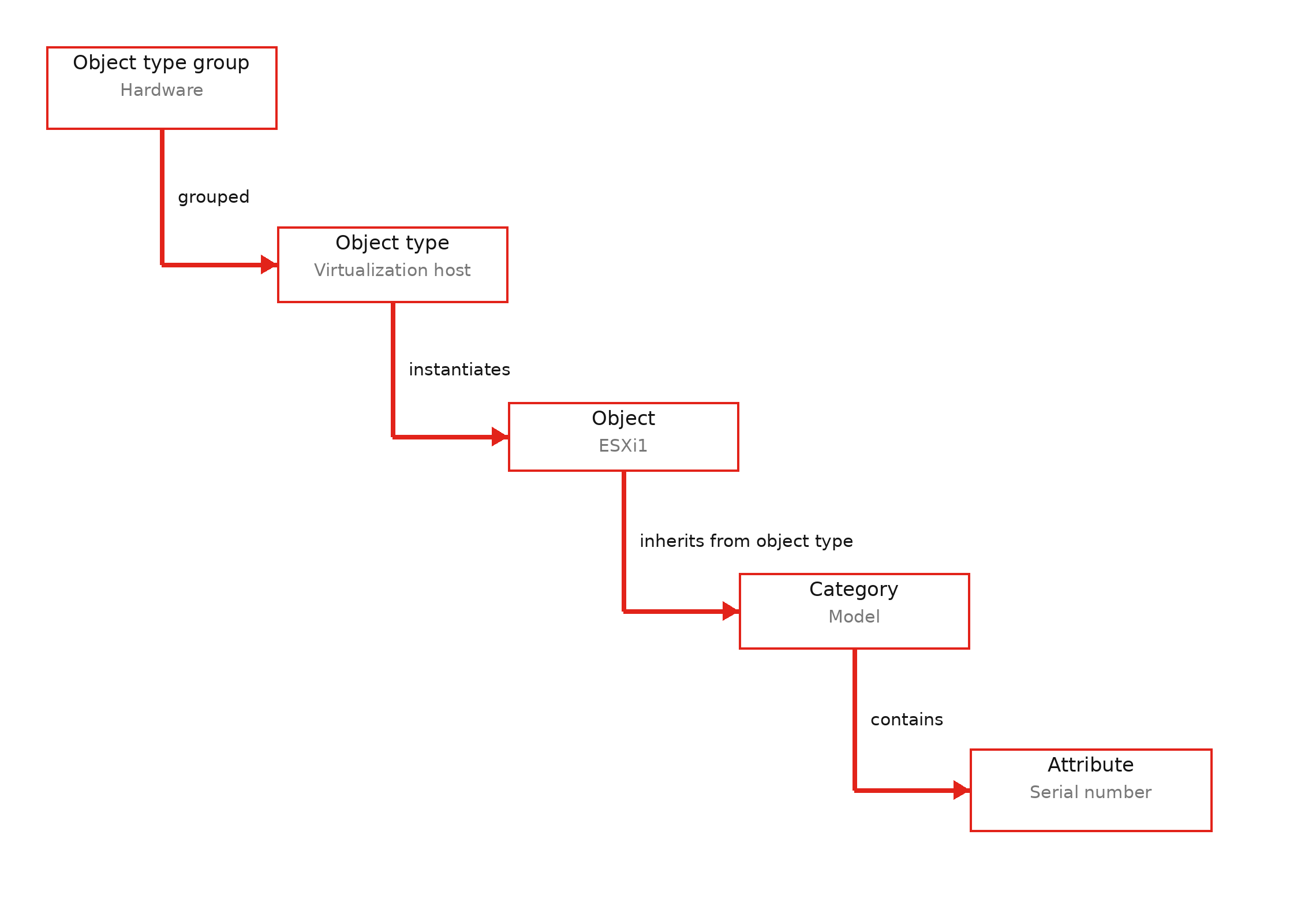
The hierarchy in i-doit follows a clear logic: Object type groups contain object types, objects are created from object types, categories are assigned to them, and categories contain attributes. The following sections explain each of these terms in detail.
Object type group#
An object type group combines similar object types to provide clarity. In a well-populated IT documentation, many object types are in use -- grouping helps maintain an overview. The object type groups appear in the main navigation bar (top area) of i-doit.

In our example, we look at the object type group "Hardware".
Object type#
An object type is the grouping of all objects of the same type -- for example "Router", "Server" or "Applications". In other contexts, this is also called a "class" or in ITIL a "CI Type".
i-doit already contains a large number of preconfigured object types in the standard installation. If these are not sufficient, you can create your own object types.
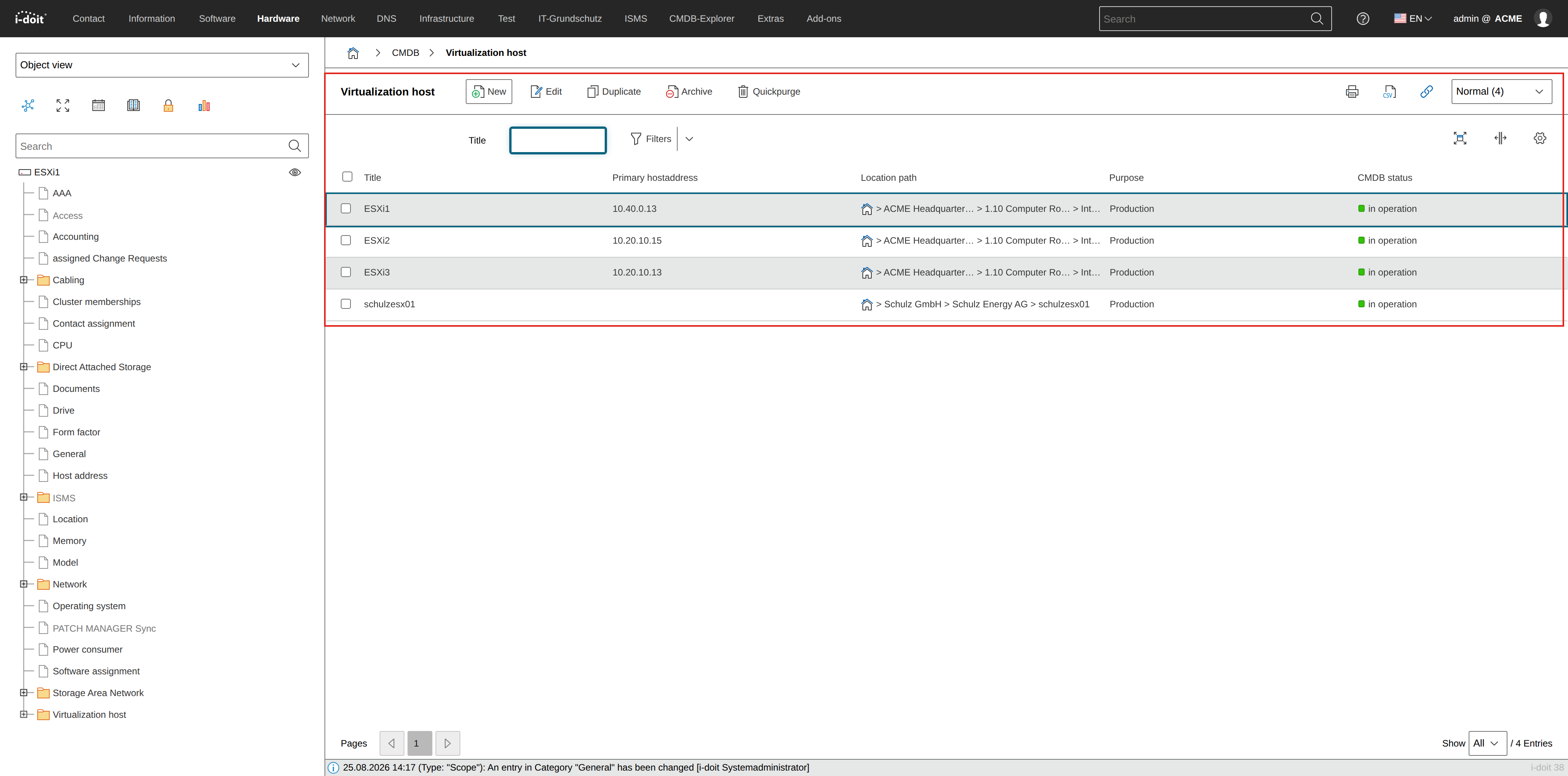
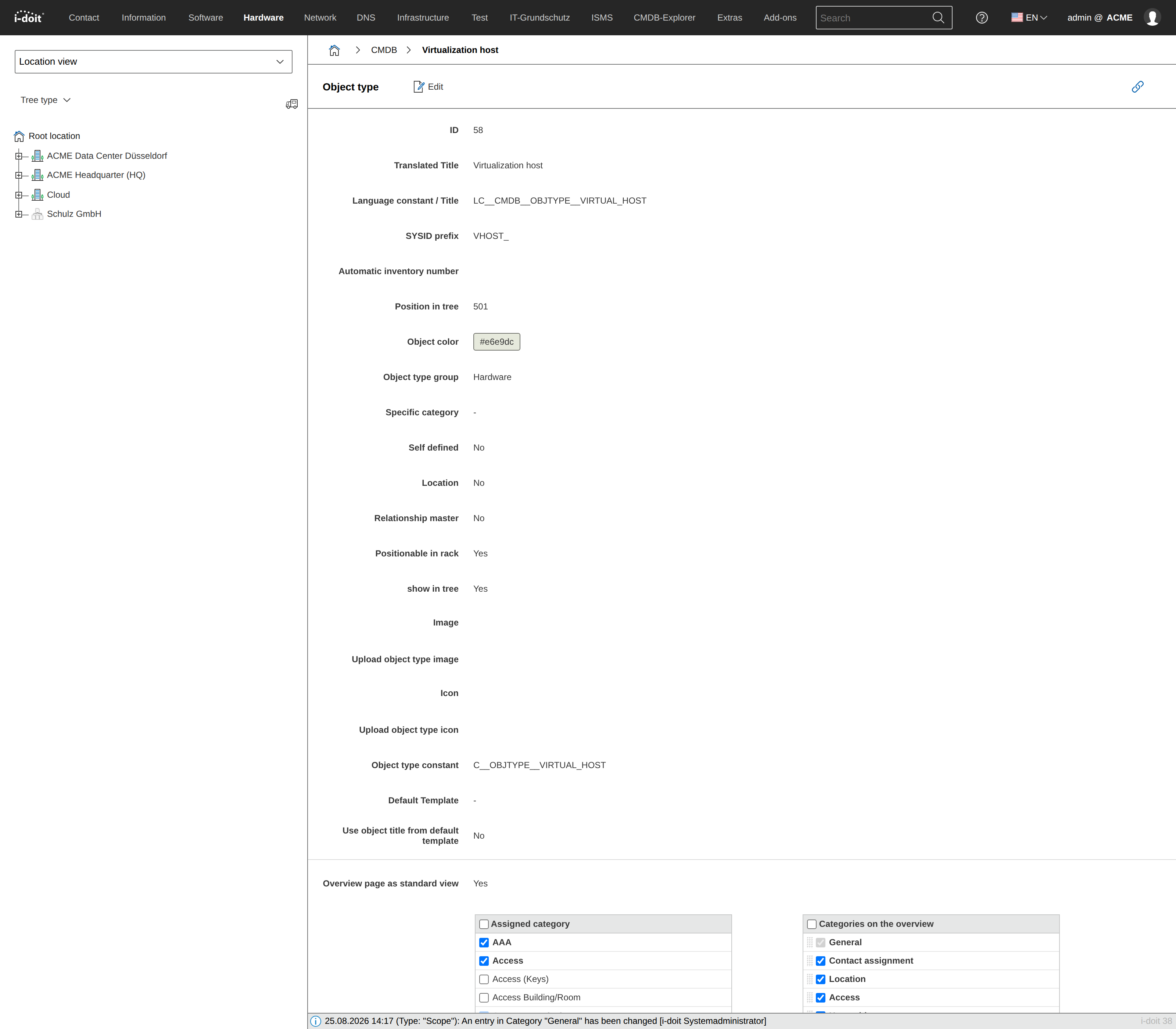
Each object type has an object list that lists all assigned objects with selected attributes. As an example, we use the object list for the object type "Virtualization server".
Object#
An object represents a single documented artifact in i-doit -- whether a physical device (server, client) or a logical construct (network, service). An object is defined by its object type, which determines which attributes you can fill with values.
In ITIL, this is called a "Configuration Item (CI)", in asset management an "Asset". The term "object" in i-doit is intentionally more abstract and therefore more universally applicable.
In the standard installation, some essential objects already exist: user objects of the object type "Persons", "Person groups" for permissions management and "Layer-3 networks". Additionally, there are invisible objects such as the "Root location" for locations -- these cannot be deleted.
Each object receives a title, which is stored as an attribute in the "General" category. Synonyms for this are "designation", "name" and "object link".
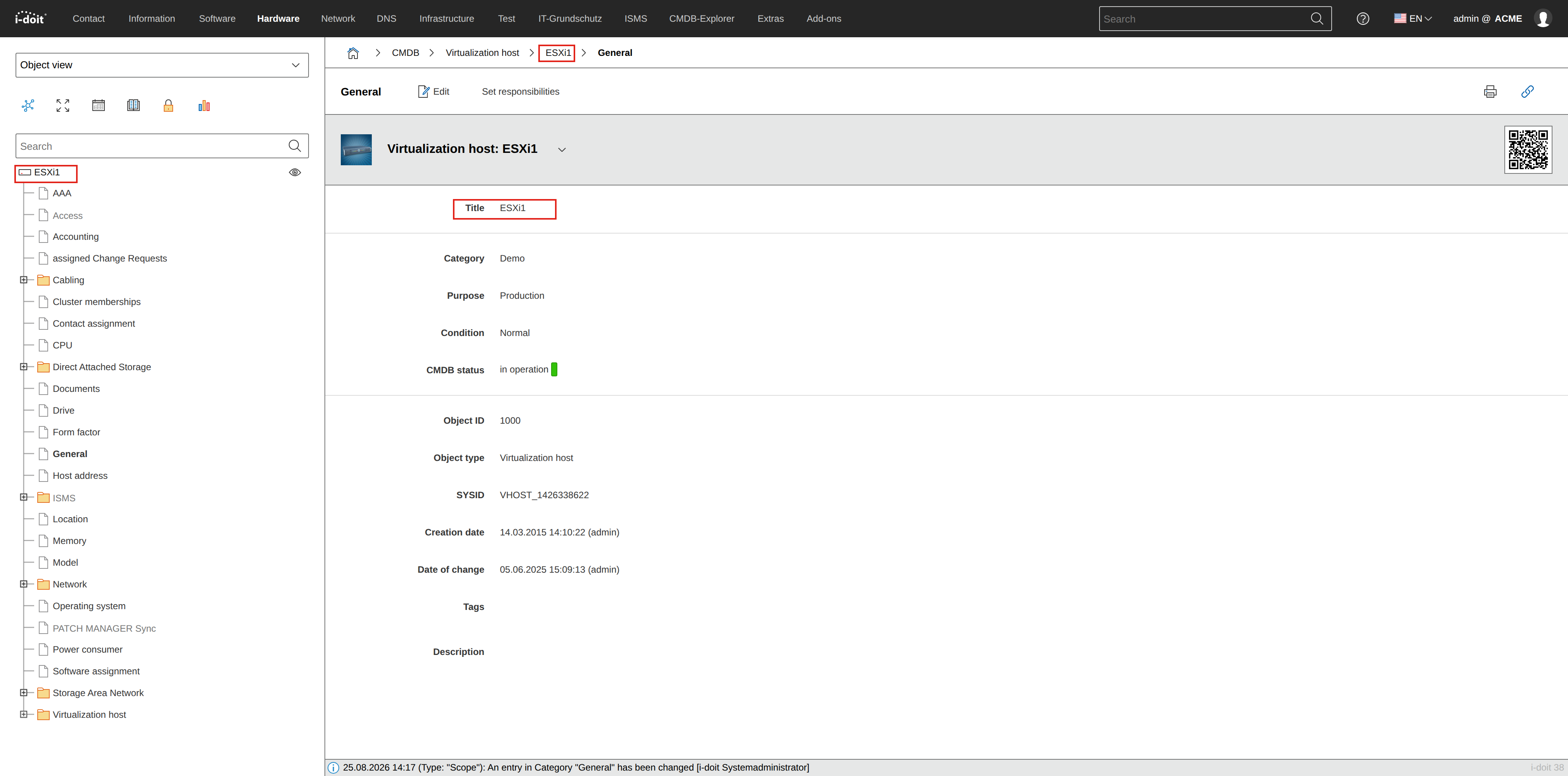
In the example, we examine the object with the object title "ESX1". A click on the object link in the above-mentioned object list is sufficient.
Category#
Categories group thematically related attributes per object. There are three types:
- Global categories -- can be assigned to any object type
- Specific categories -- are intended for specific object types
- Custom categories -- created by you
Additionally, a distinction is made between single-value and multi-value categories (list categories). Some categories are backward, others serve as views. Some are permanently assigned to every object type, while others can be flexibly selected or deselected.
Categories are displayed in the left navigation tree in the object view.
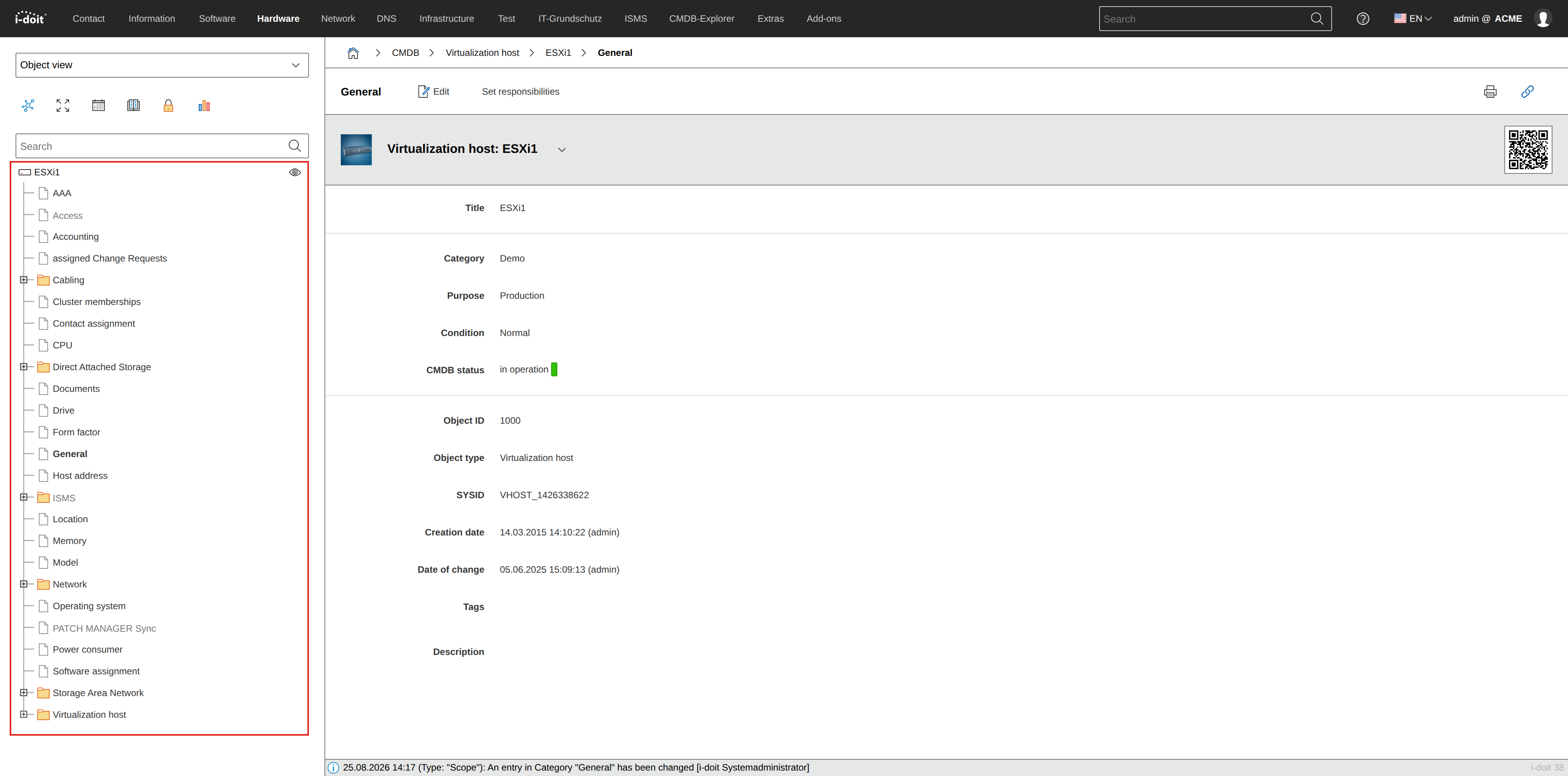
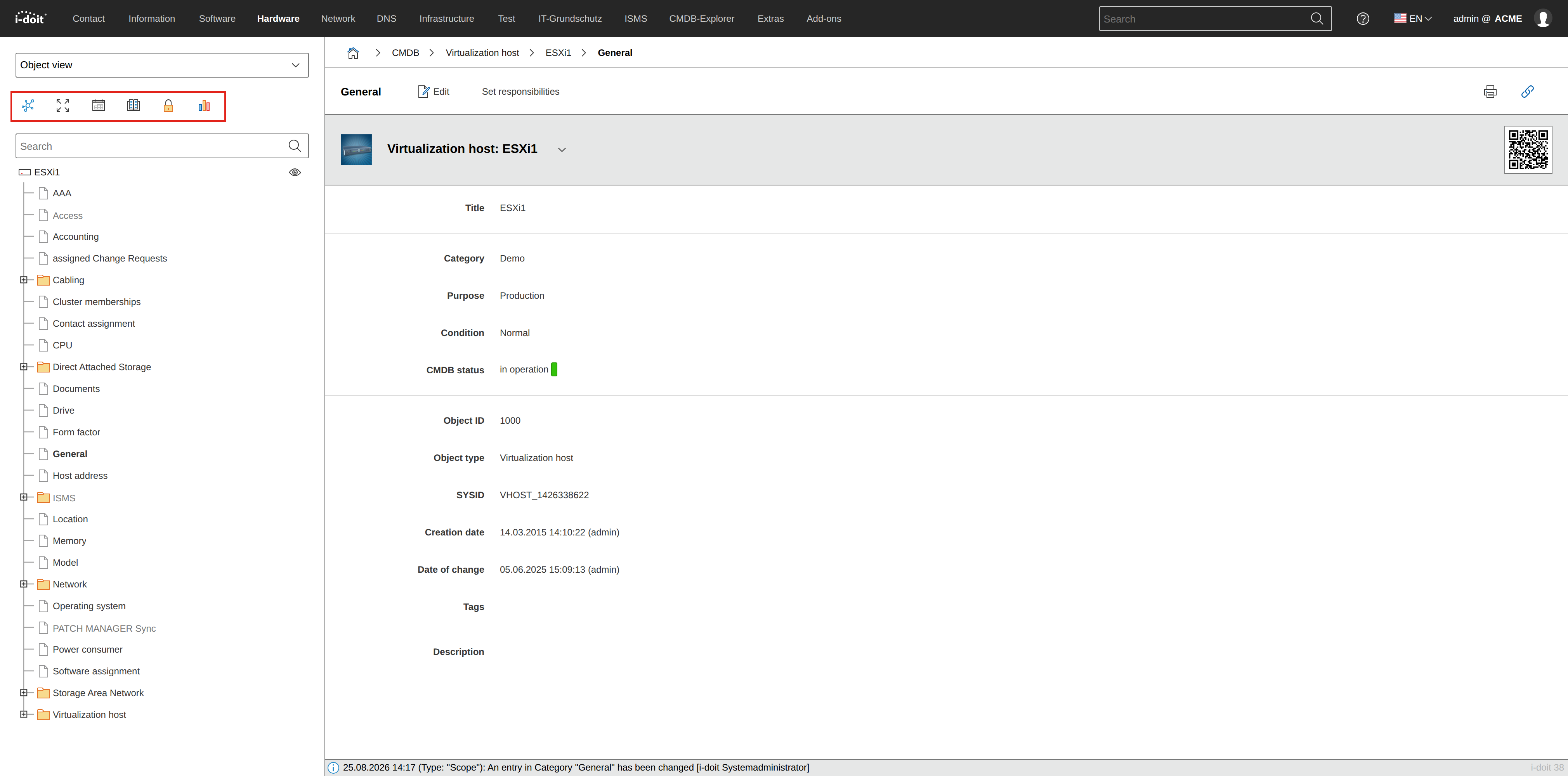
Above the left navigation tree, the static categories are listed as icons.
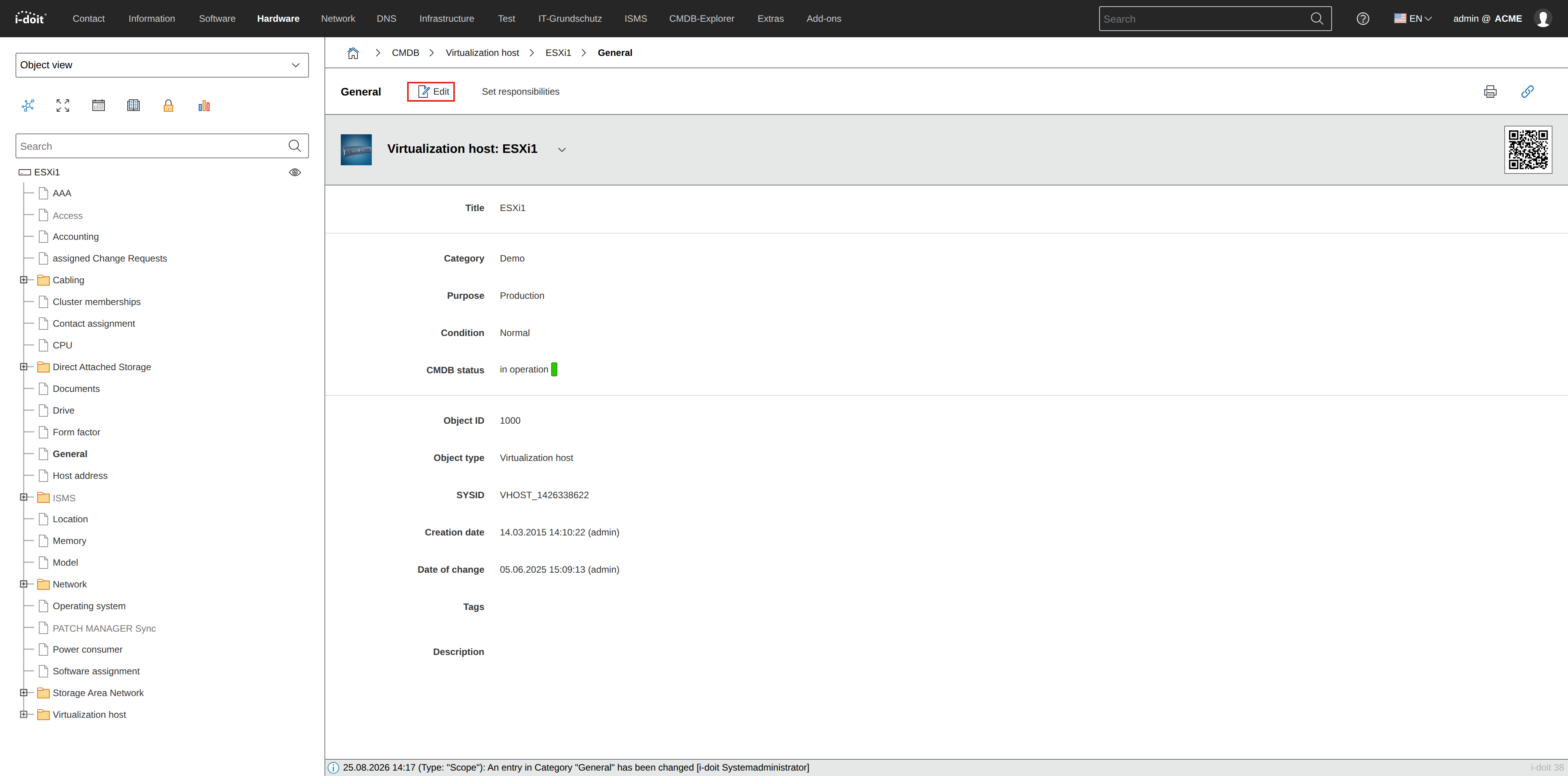
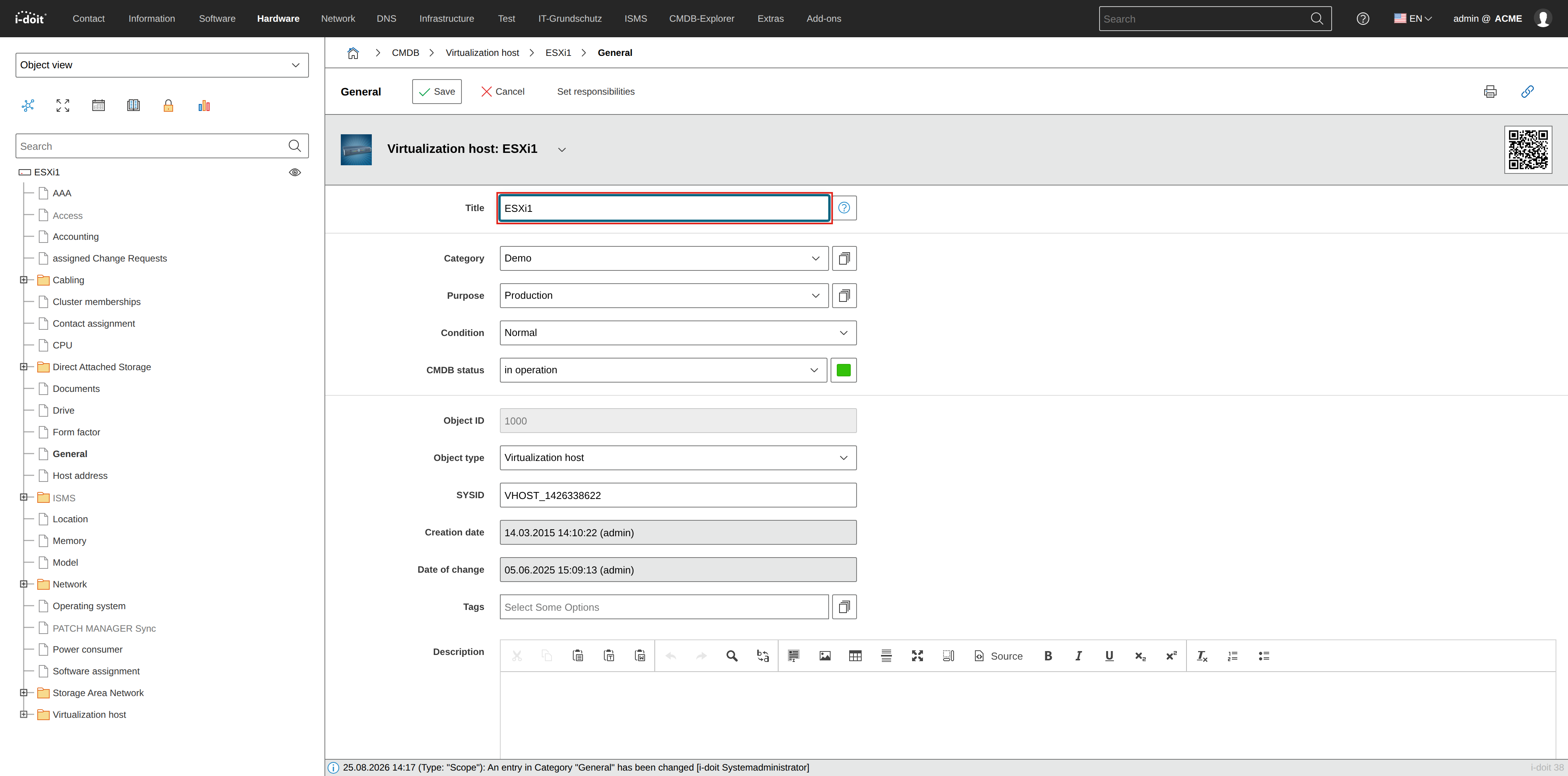
Categories typically have two views: one for reading and one for editing. To edit attributes in a category, click the Edit button in the action bar.
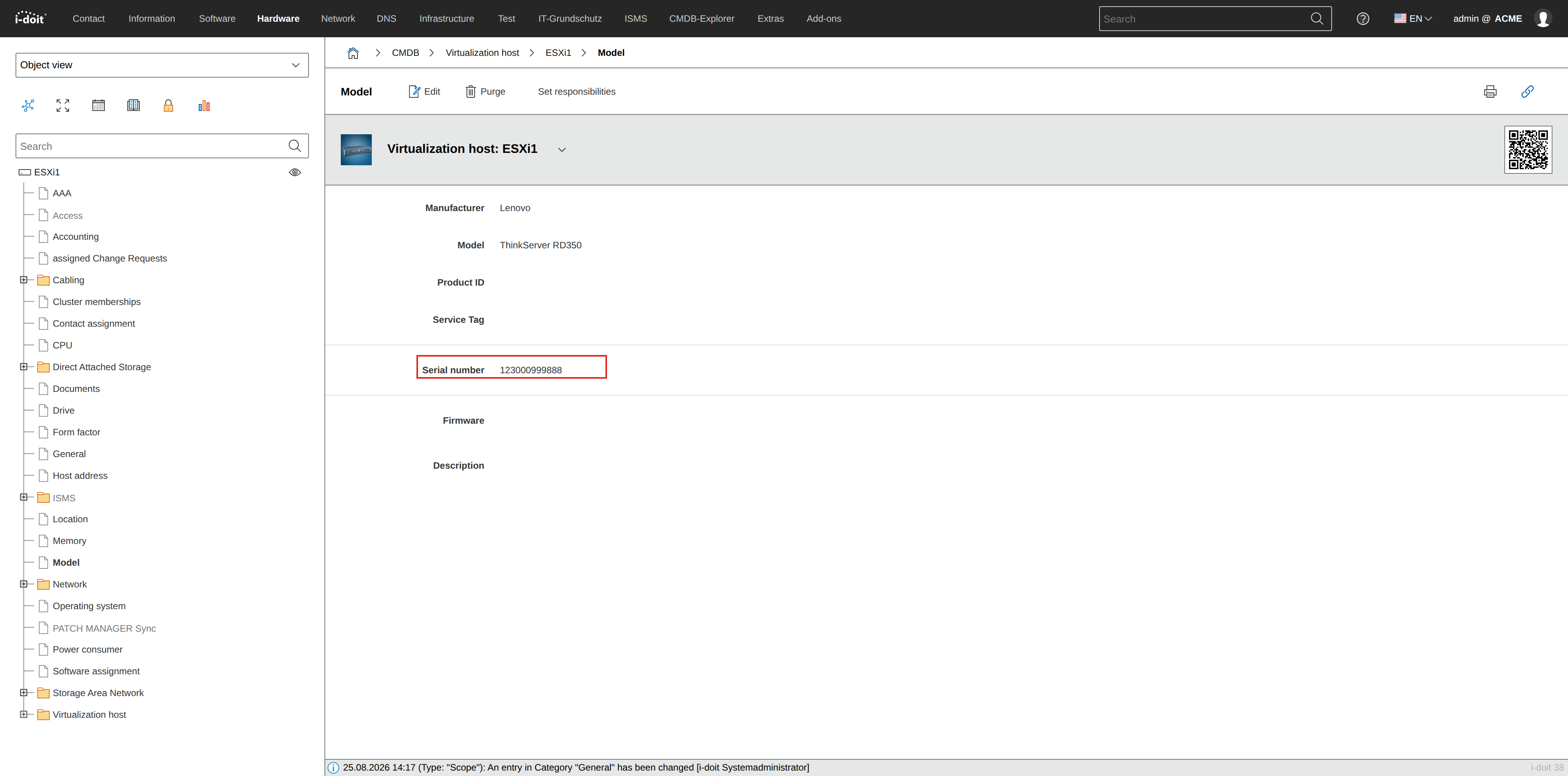
For our example, we look at the Model category.
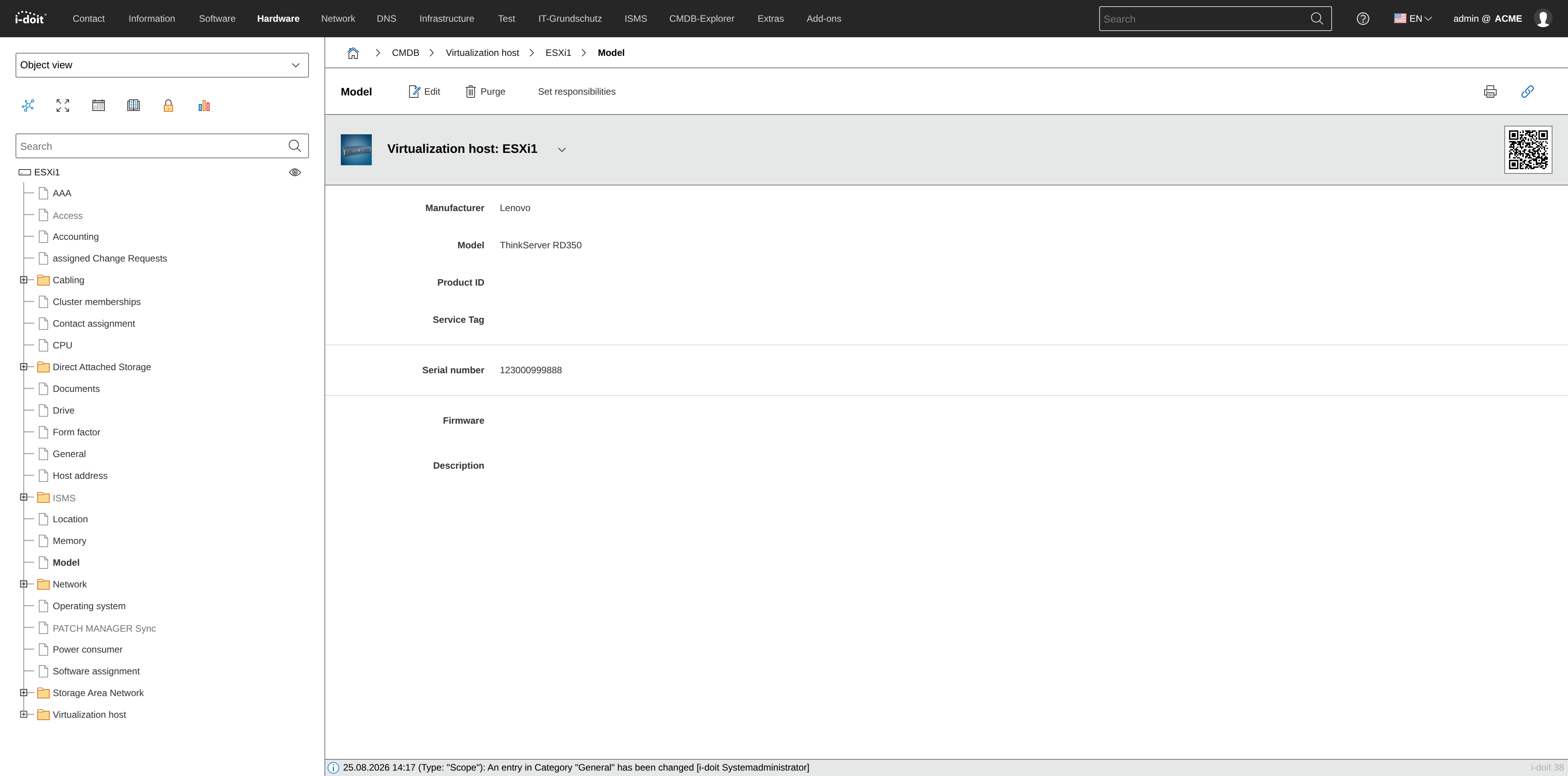
Categories are assigned to object types, not to objects. Every object of an object type has the same categories assigned.
Overview page#
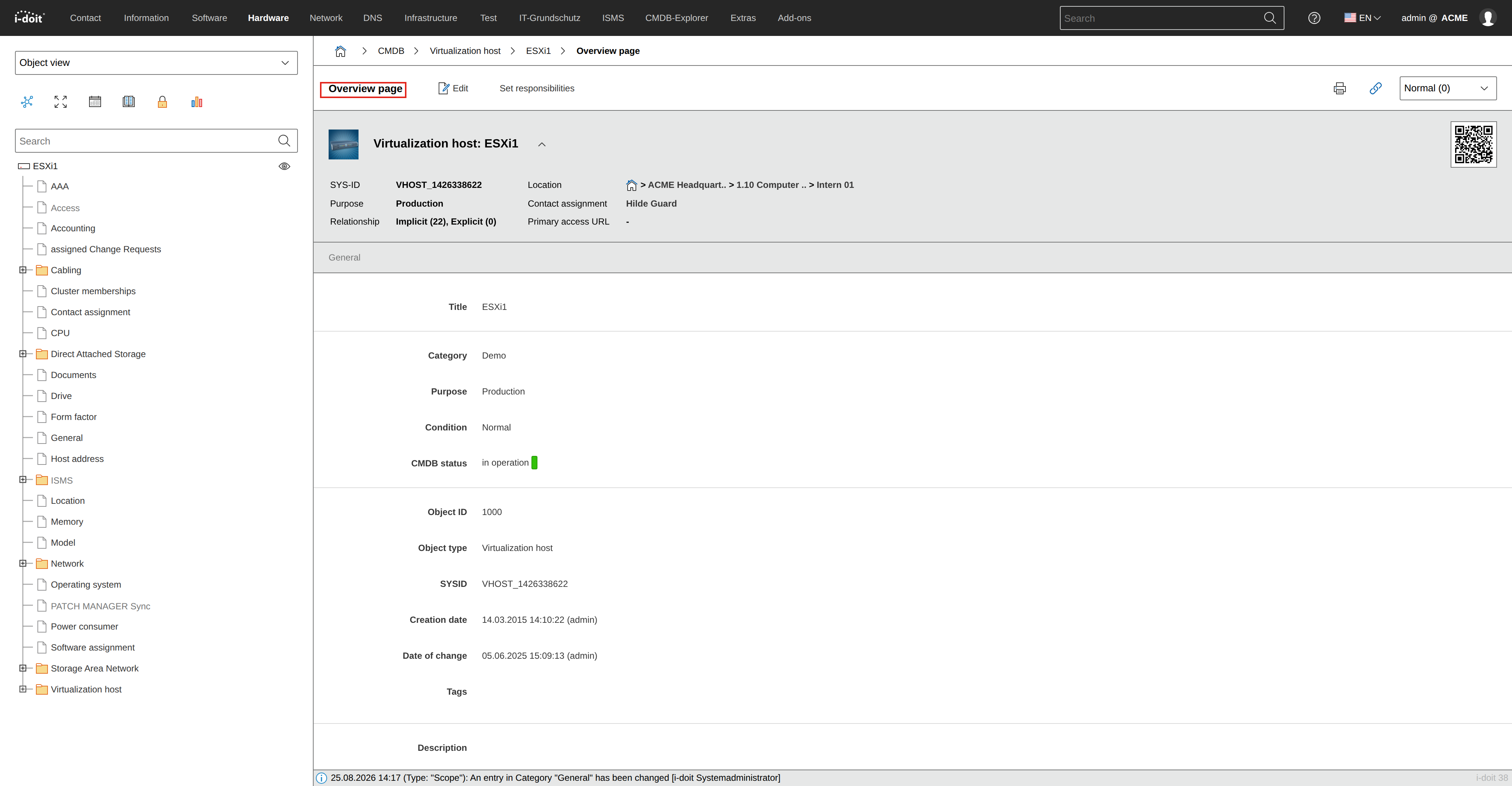
The overview page is displayed when opening an object in the Web GUI of i-doit. It consists of the "General" category and optionally additional categories assigned to the object type. These can be selected or deselected and sorted in the object type configuration.
"General" category#
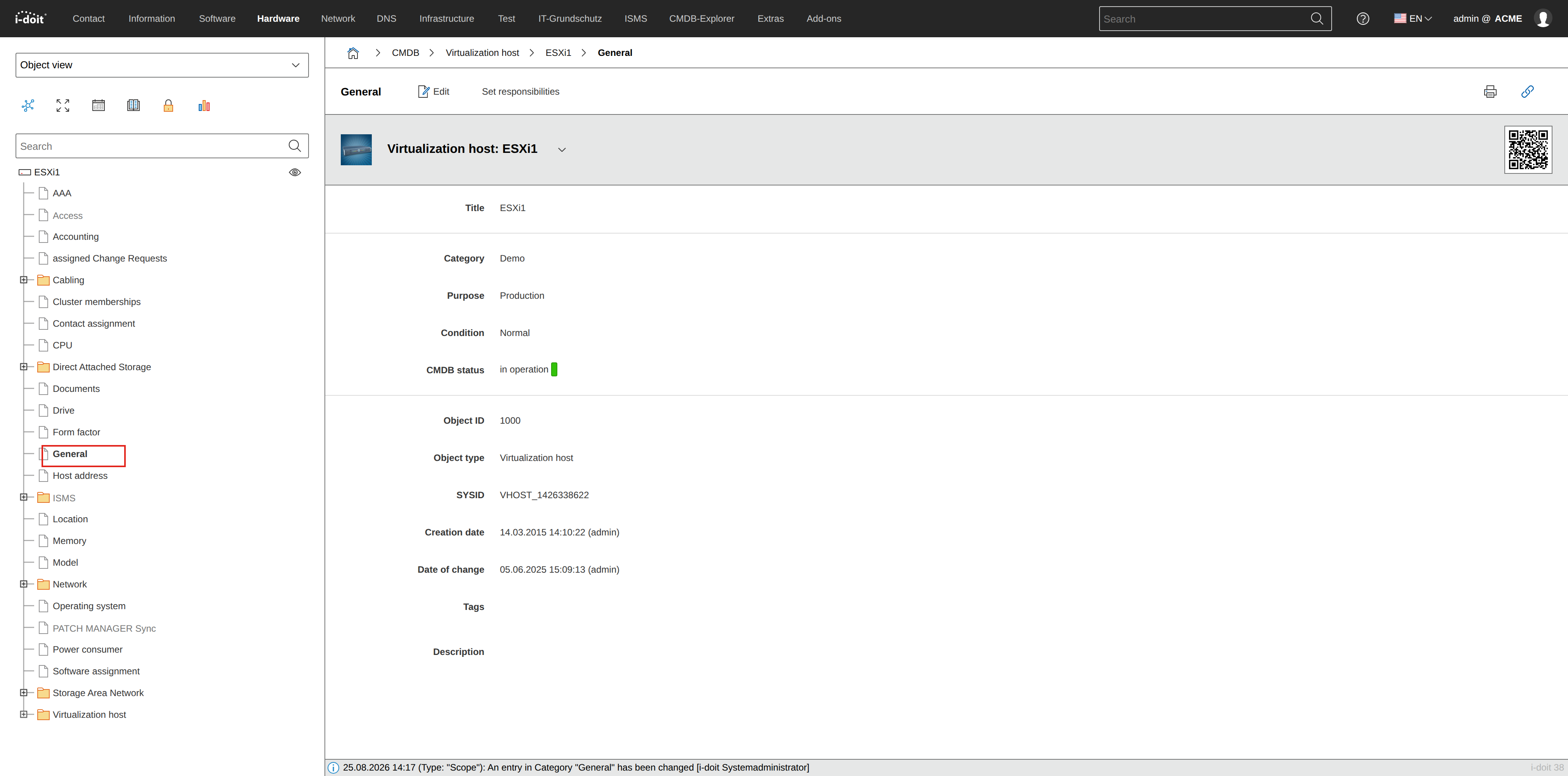
The "General" category belongs to those categories that are an integral part of every object. Therefore, it cannot be deselected per object type. This category holds important attributes such as the object title, SYS-ID, CMDB status and condition.
Global category#
A global category can in principle be assigned to any object type, so that its attributes are available to the respective objects. Example: "Model" category.
Specific category#
A specific category differs from a global category in that its attributes have a very specific focus, which is typically suitable for only one or a few object types. An example is the "Rack" category, which is assigned to the object type of the same name "Rack" and presents a rack view to the user.
Single-value category#
In a single-value category, each associated attribute can only be documented once per object. An example is the "Accounting" category: information on inventory number, cost center, etc. is only needed once. The counterpart to this is the multi-value category.
Multi-value category#
When the attributes of a category can be documented multiple times per object, it is called a multi-value category, also known as a list category. An example is the "CPU" category: if it is a multi-socket system, each CPU with its frequency, number of cores, etc. can be documented separately. The counterpart to this is the single-value category.
Custom category#
A category that was created by a user and configured with one or more attribute fields is marked as custom in i-doit.
Backward category#
A backward category shows relationship data from the perspective of the linked object. Example: In the "Contact assignment" category, you assign persons to an object. The linked person sees the same information in their backward category "Assigned objects". The data is stored only once but displayed from both perspectives.
View category#
In some categories, no attributes can be stored per object. They serve to evaluate data stored elsewhere. The processed data cannot be edited. An example is the "Object vitality" category, an evaluation of the "CPU", "Memory", "Port" and "Software assignment" categories.
Attribute#
An attribute is a documented value for an object. Similar attributes are grouped into categories in i-doit. Example: in the "Model" category, the attribute "Serial number".
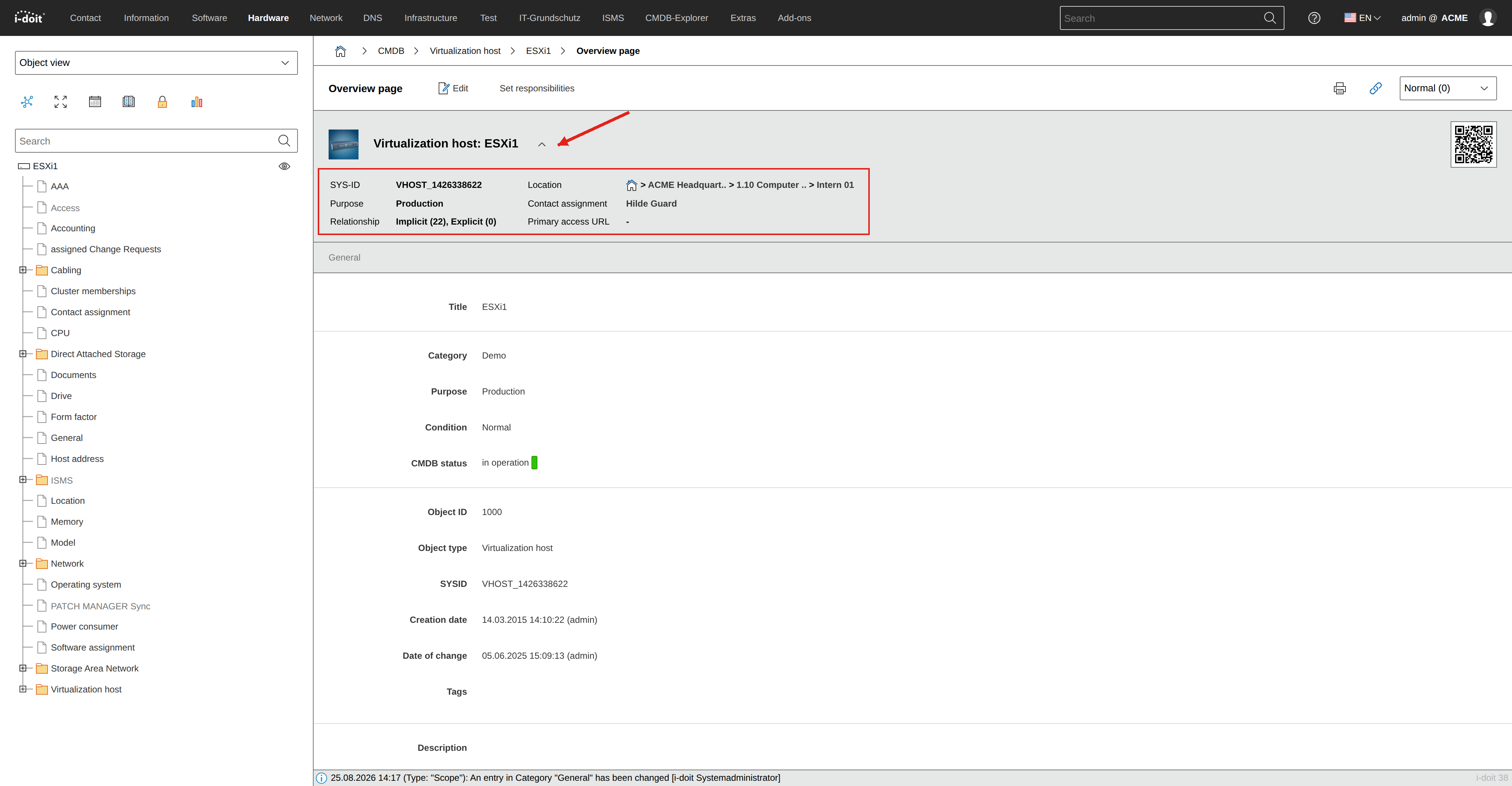
Important attributes from various categories are combined into a view displayed above each category. These primary attributes are "SYS-ID", "Purpose" (both in the "General" category), "Relationships", "Location", "Contact assignment" and "Primary access URL" (category "Access"). Additionally, a QR code is displayed that contains the link to the overview page.
Attribute field#
In the Web GUI of i-doit, attributes of objects are stored and edited via form fields. These fields are therefore called attribute fields. They can be of different types: there are single-line or multi-line text fields, date fields, HTML editors, object browsers, Dialog-Plus fields and many more.
About relationships#
In i-doit, you do not just document individual IT components, but also put them in relation to each other. There are various preconfigured relationship types that you can customize and extend. Each relationship is its own (non-licensed) object that i-doit automatically creates, edits or deletes. You can find more details in the article Object relationships.