Object Lock#
Collaborative work on IT documentation also brings some pitfalls. To prevent users' changes from overwriting each other, i-doit includes an object lock. This grants one user exclusive write permissions. All other users receive only read permissions during the lock period.
How It Works#
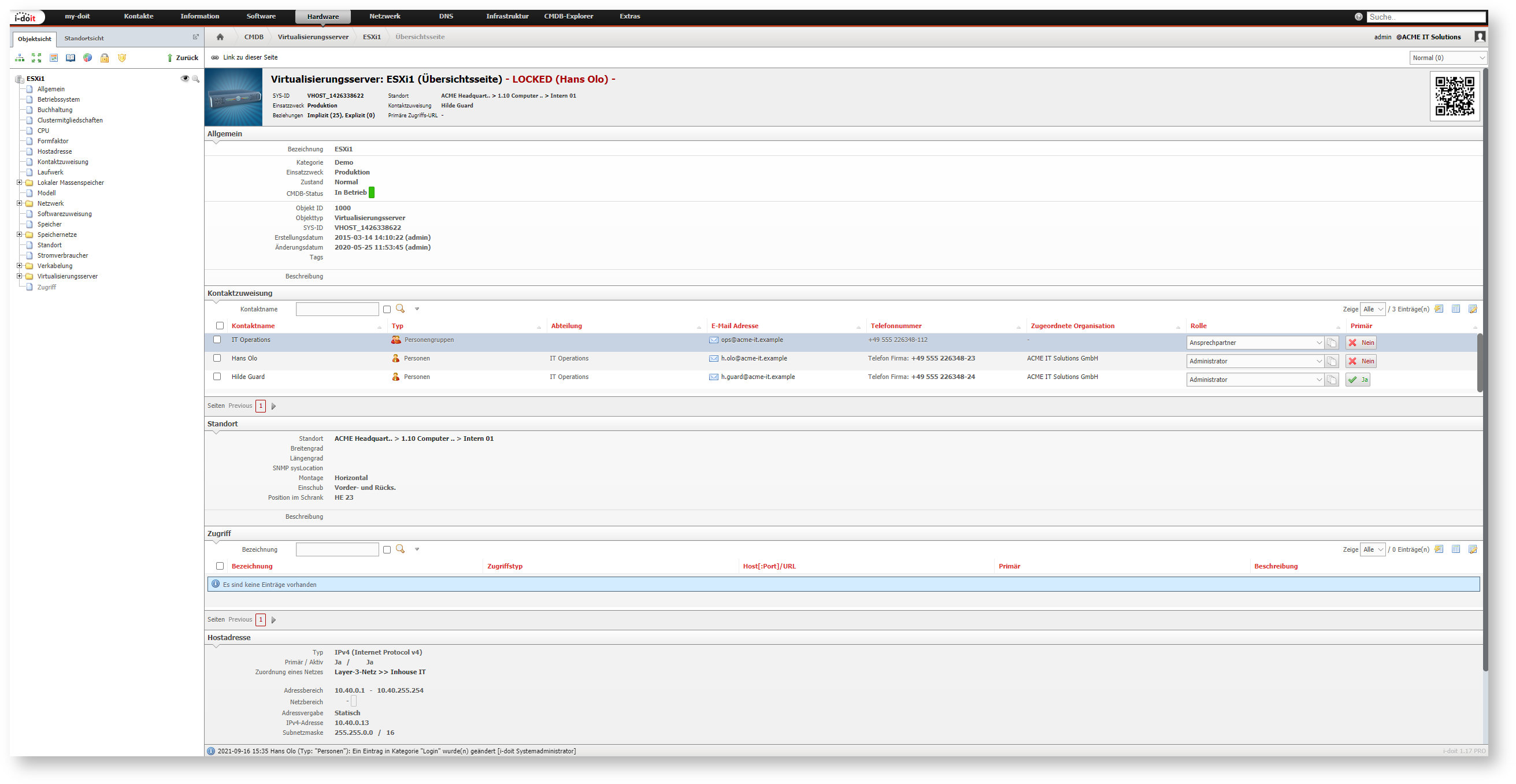
When a user edits an object, it is locked for a certain time for other users. During this time, they can view the object in read mode but cannot edit it. The object lock is indicated by a large, red notice appearing on the overview page and in every category of the locked object, showing who locked the object: - LOCKED ([User]) -
Once the object lock is activated, a counter starts. When the countdown expires, the object lock is released. The user should have saved their changes during this time to avoid the risk of other users overwriting their changes (or vice versa).
The object lock is released early when the user has saved their changes.
Configuration#
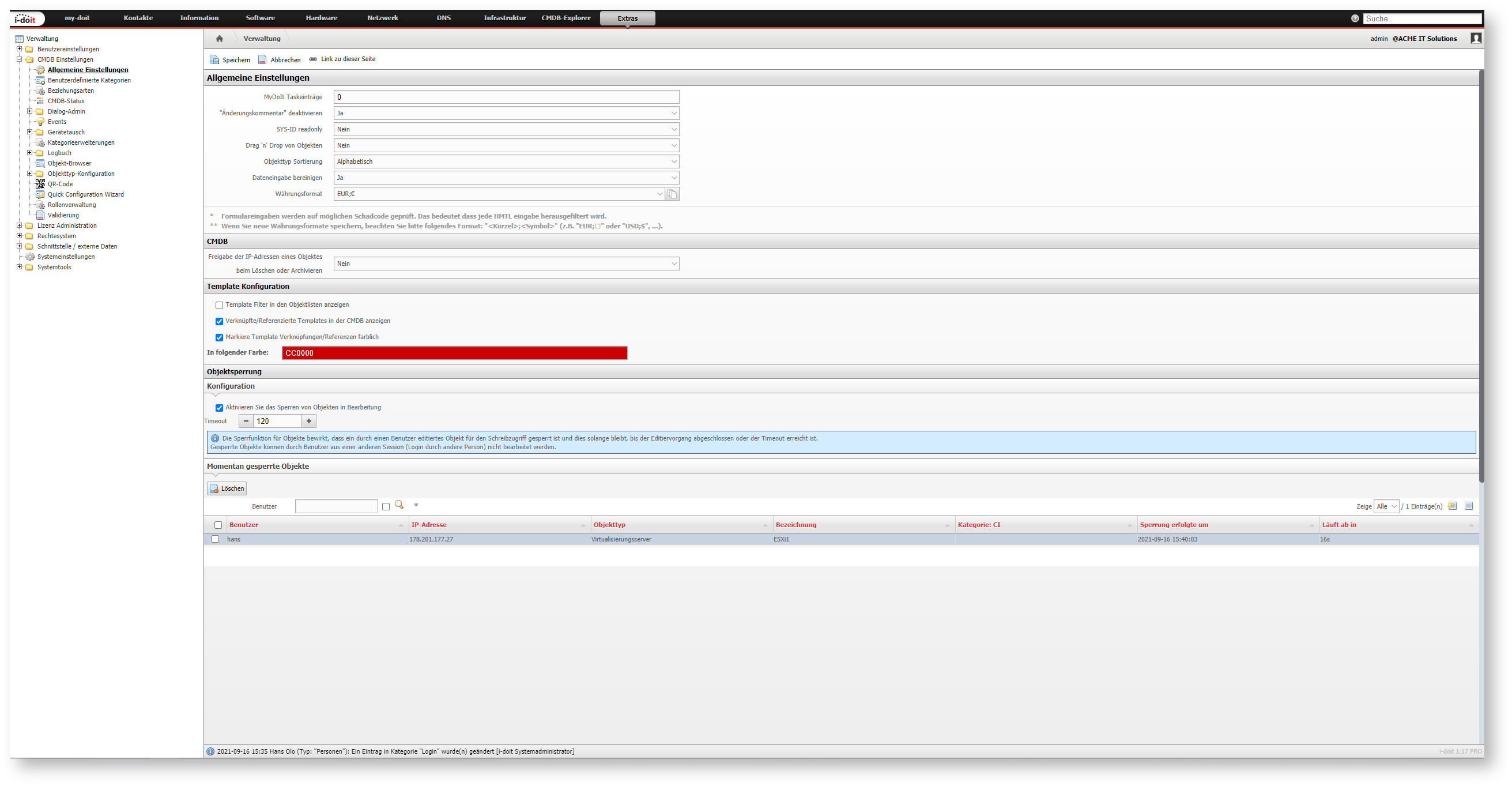
In the standard installation of i-doit, the object lock is active for 120 seconds. This is configured under Administration → User Settings → Edit Lock:
- Enable locking of objects in editing: Should the object lock be enabled?
- Timeout: Time in seconds for the countdown
List of Locked Objects#
Below the configuration Administration → User Settings → Edit Lock, currently locked objects are displayed in a list. Via the Delete button, all locks are released early.
