Placeholders in Documents#
With placeholders, you dynamically embed documentation content into the document. You insert the placeholders in the document template via the WYSIWYG editor.
You can edit an embedded placeholder afterward by double-clicking it in the WYSIWYG editor.
Main Object Placeholder#
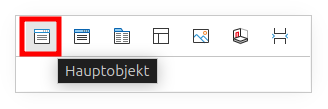
With this placeholder, you insert information from the main object -- the object for which you are creating the document -- into the document.
You select the individual attributes grouped by category via the plus symbol. Selected attributes appear on the right side and can be removed via the minus symbol.
For an object link (relationship), a magnifying glass symbol appears. Through it, you select attributes of the linked object in an additional area below the selection.
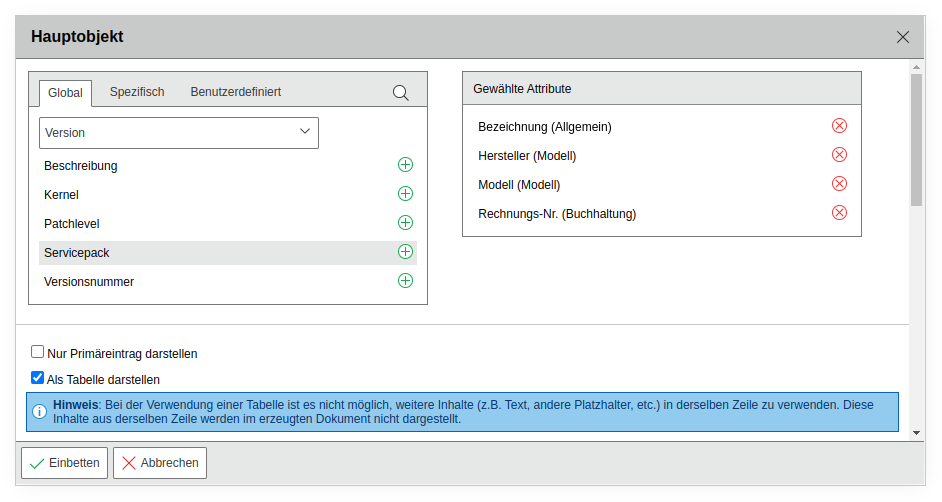
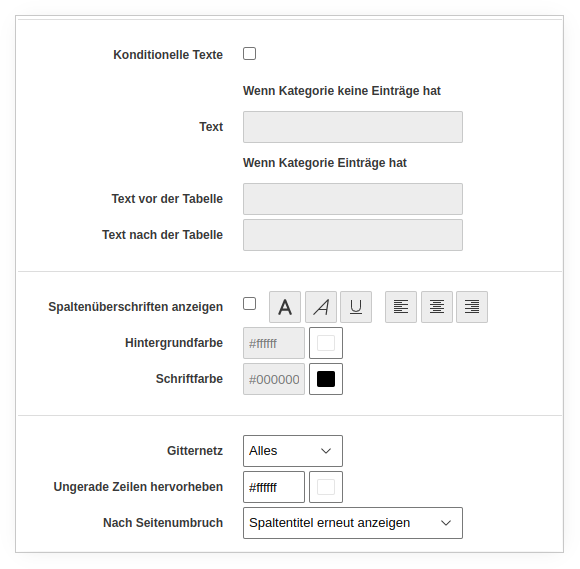
Additionally, you define parameters that are considered during output. For example, you output only primary entries (e.g., the primary operating system or the primary contact). You also restrict the output to category entries in defined states (Normal, Archived, and Deleted) when the output is displayed as a table.
Furthermore, you define formatting parameters: texts for categories without entries or supplementary texts for categories with entries.
Finally, you customize the display of column headers, gridlines, odd rows, and background colors.
External Object Placeholder#
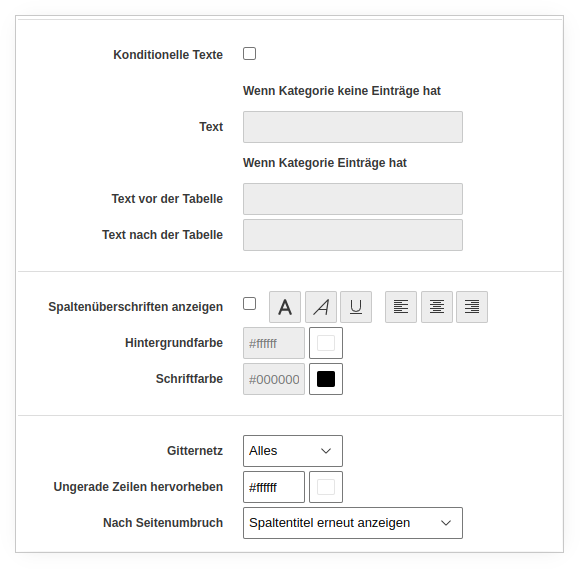
Via this placeholder, you embed information from a fixed, defined object. The attribute selection is the same as for the main object but refers to the selected external object. The formatting options are identical.
Report Placeholder#
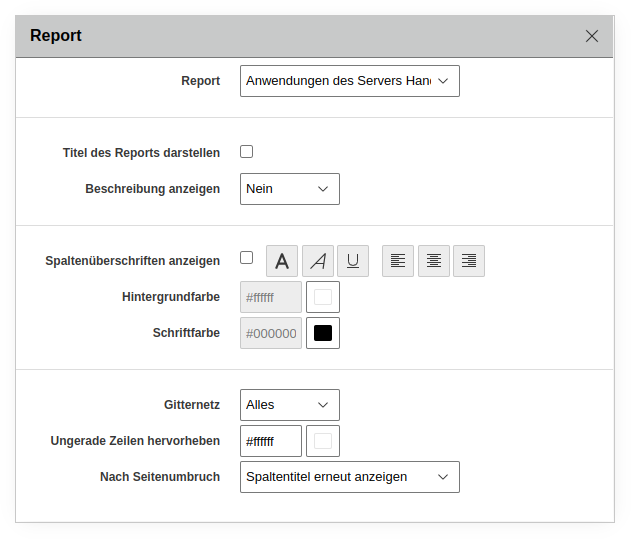
Via the "Report" button, you embed result lists from previously created reports. You select the report in the dropdown field by its name.
The result list in the document always reflects the state of the report at the time of document creation. If the report results have changed, you create a new revision of the document.
Additionally, you can embed variable reports. The placeholders refer to the main object and dynamically output its content.
Via the formatting options, you optionally add the report title and description. You also define column headers, font and background colors, gridlines, and table rows.
Template Placeholder#
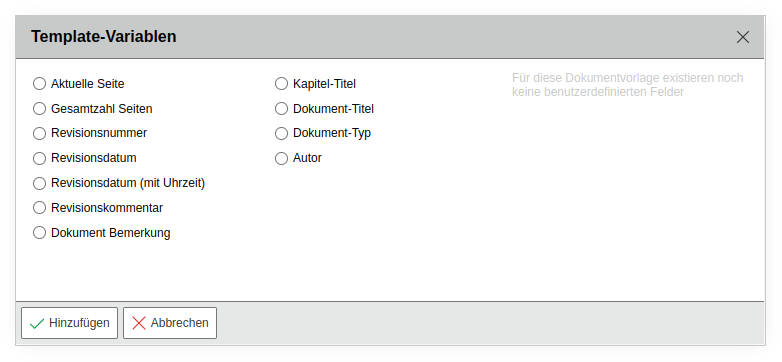
The "Template" placeholder embeds recurring, general information. A set of standard content is available for this purpose. You add additional content via the custom fields that you configure in the general document settings.
Images Placeholder#
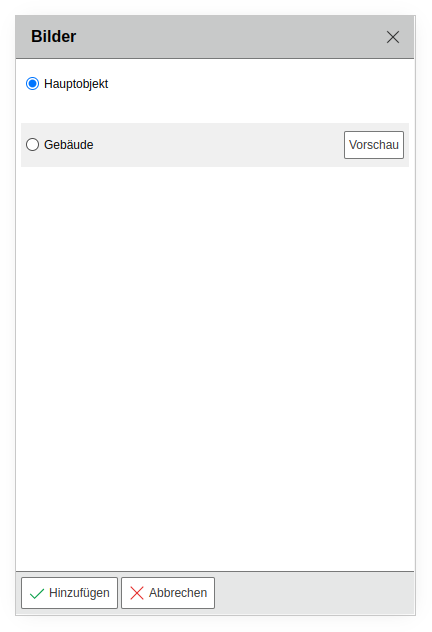
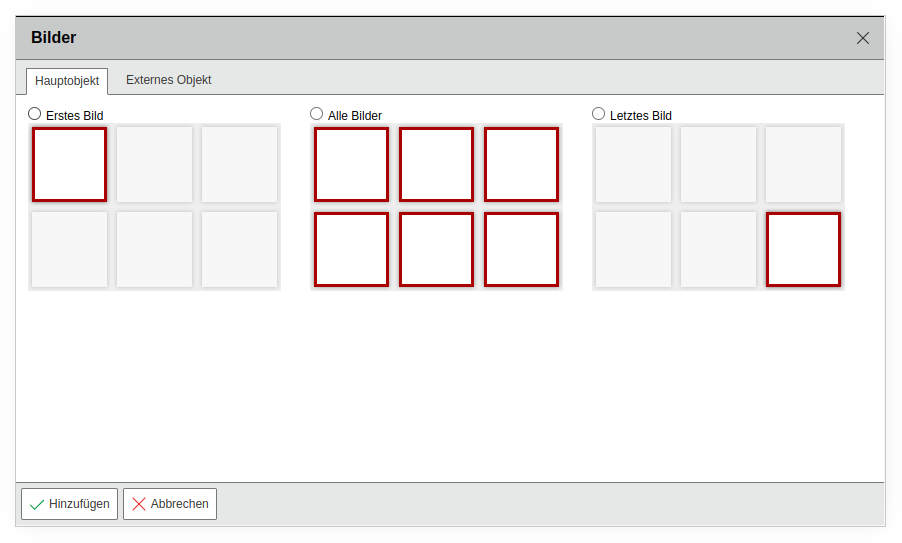
Images uploaded in the category of the same name can be added to the document via the "Images" placeholder. You select either images from the main object or fixed images from other objects. For the main object, you specify whether the first, the last, or all images from the category are displayed.
Floorplan Placeholder#
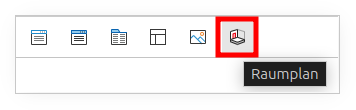
A floorplan created via the "Floorplan" add-on can also be embedded in a document. You reference the floorplan of the main object or select a fixed external floorplan. All previously created floorplans are available in the selection.