Filling out forms#
With the Forms add-on, forms can be created that users -- even without direct access to the i-doit interface -- can fill out. This allows standardized capture of requests for new hardware, onboarding processes, or change requests, for example.
Procedure#
- Open the form via the provided link. The link is shared by the form creator.
- Fill in the displayed fields. Required fields are marked accordingly.
- Click Submit to send the form.
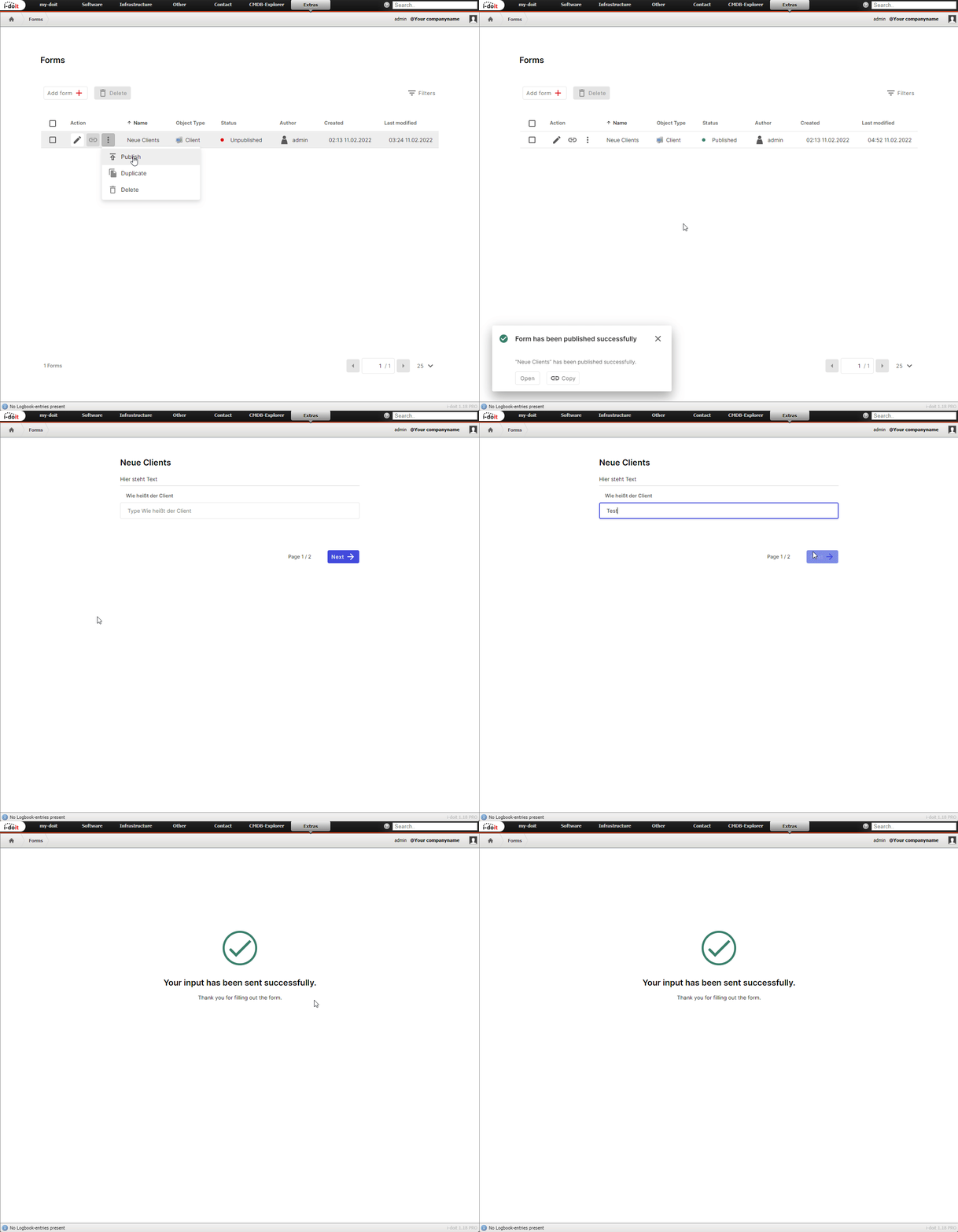
After submission, a new object is automatically created in i-doit with the filled-in data. Which object type is created and which categories are populated depends on the form configuration.
See also#
- Forms Add-on -- Overview of the Forms add-on
- i-doit Add-ons -- All available add-ons