Publishing forms#
To publish a form, you have two options.
In the form#
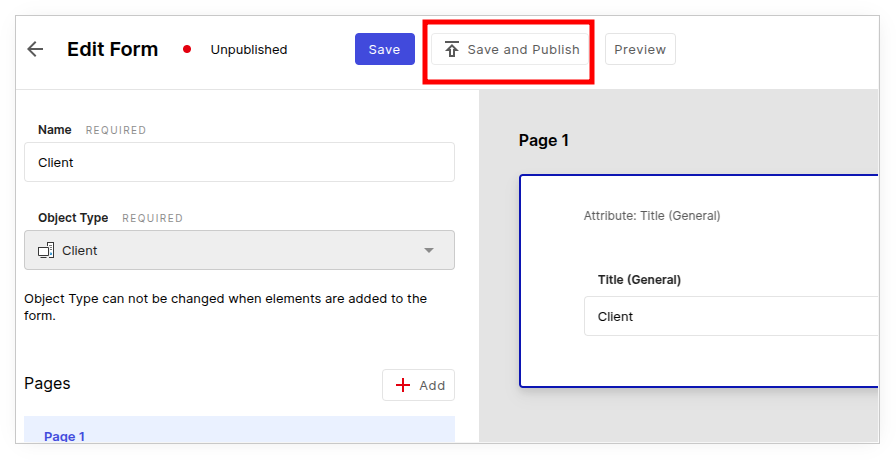
Click the Publish button directly in the form.
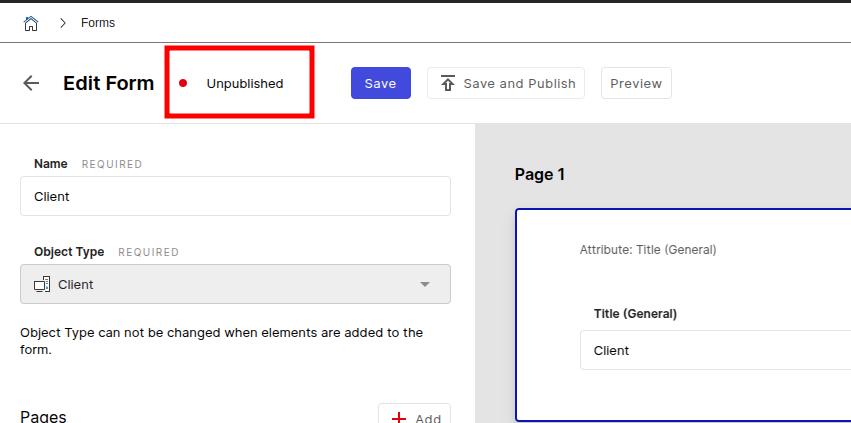
The current publish status is also displayed:
In the overview#
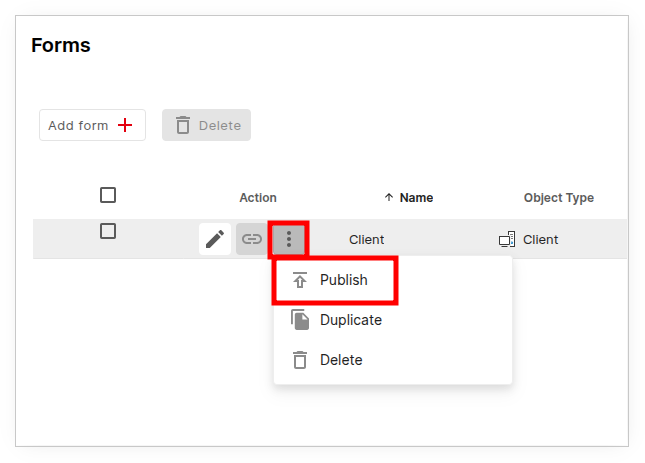
On the overview page of the forms you can see the publish status.
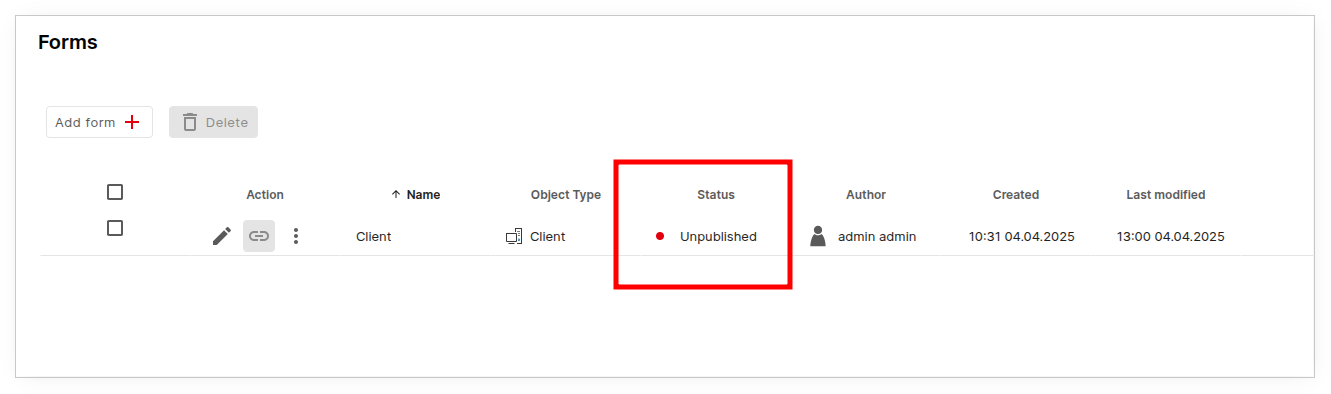
Via the "3 dots" menu you can also reach the Publish button.
Confirmation#
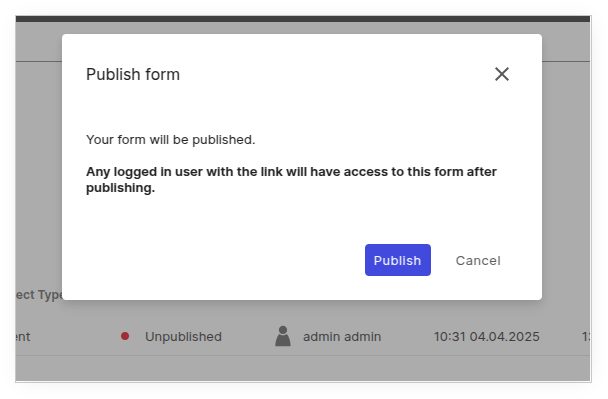
After clicking, a popup appears with the note that anyone with the link has access to the form.
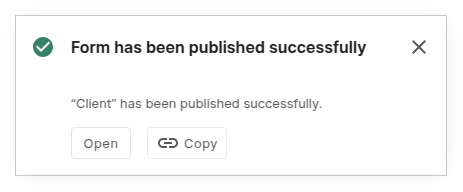
After confirmation you receive a success message. The Open button opens the form in the browser, the Copy button copies the link to the clipboard.
Unpublishing a form#
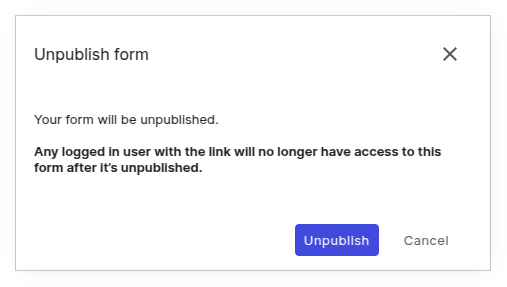
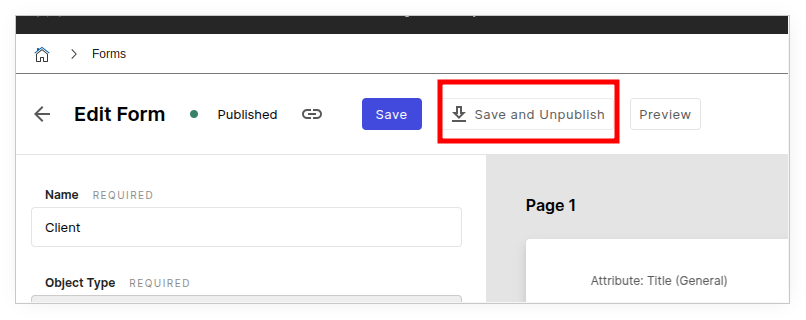
To revoke the publication of a form, use the Unpublish button in the form.
Or click the Unpublish button in the "3 dots" menu on the overview page.
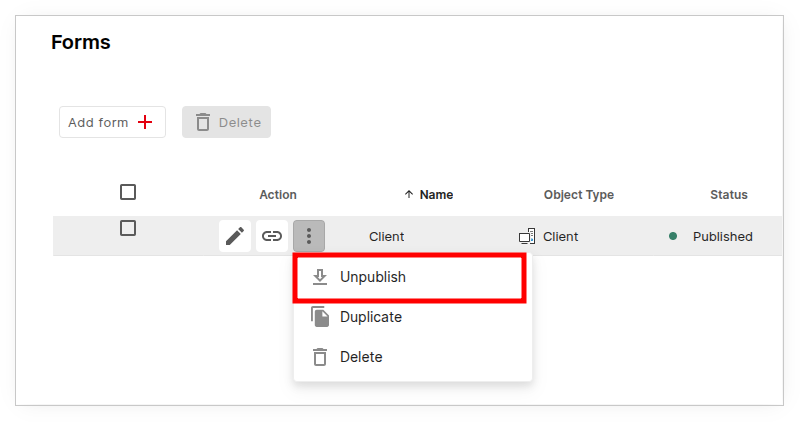
After clicking, a popup appears with the note that the form will no longer be accessible via the link.