IT-Grundschutz Check#
In the "IT-Grundschutz Check" category, all requirements belonging to the modules assigned to this object are listed. The requirements are sorted by layer, module, and requirement type. In addition to the requirement number and title, the persons responsible for implementing the requirement, the implementation status, and the implementation date are also displayed.
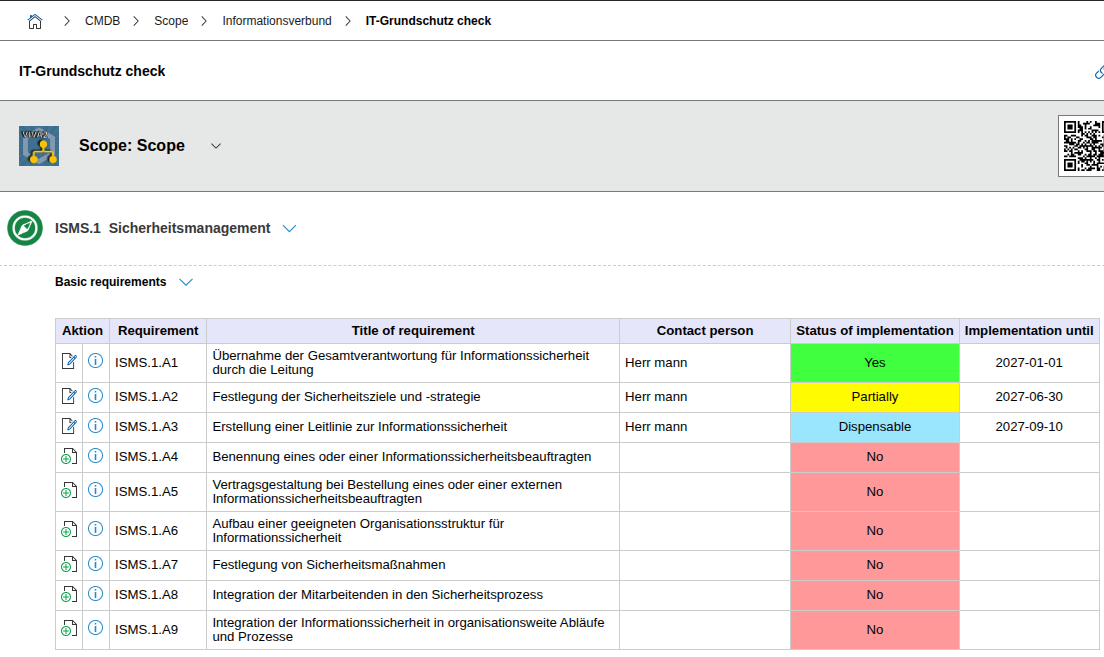
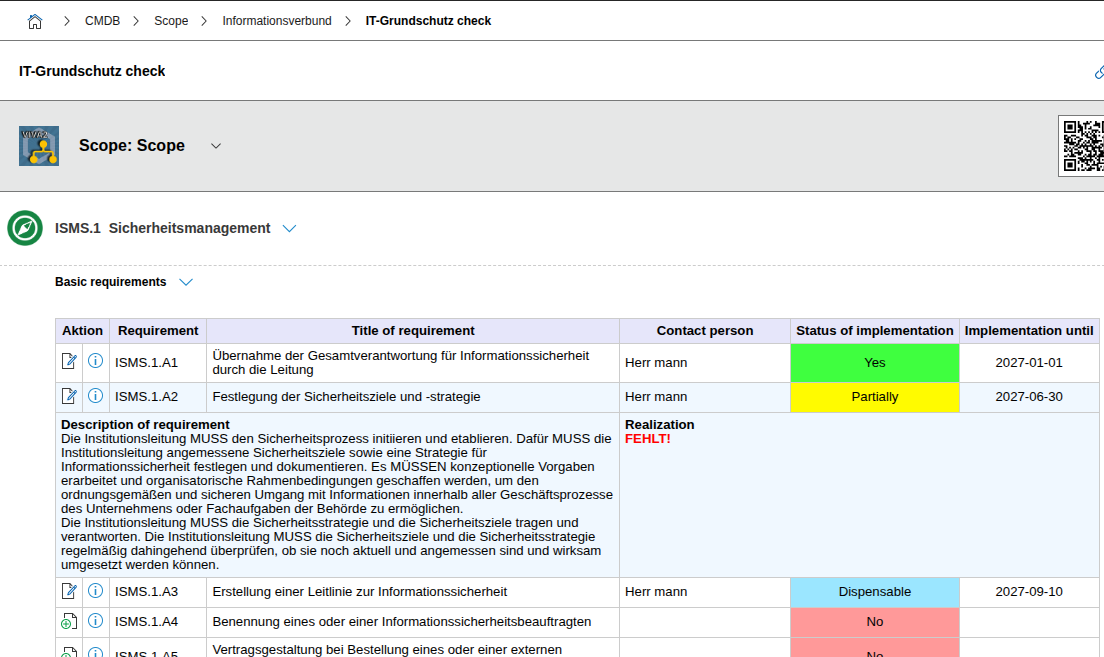
Clicking the magnifying glass icon additionally shows the requirement text and the implementation description.
Clicking the pencil icon opens the editing form to document the implementation status of this requirement.
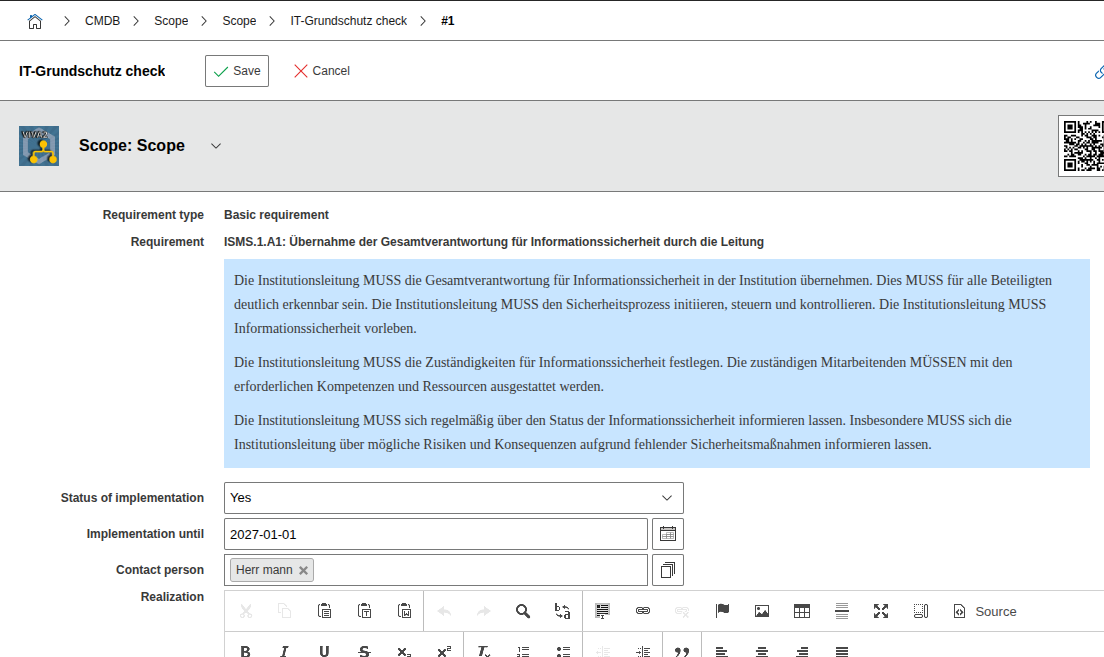
In the 'Responsibility' field, only entries that are listed in the contact assignment of the associated module can be added.
If all basic requirements of a module are implemented (implementation status "Yes"), the module is marked as "Basic protection achieved".
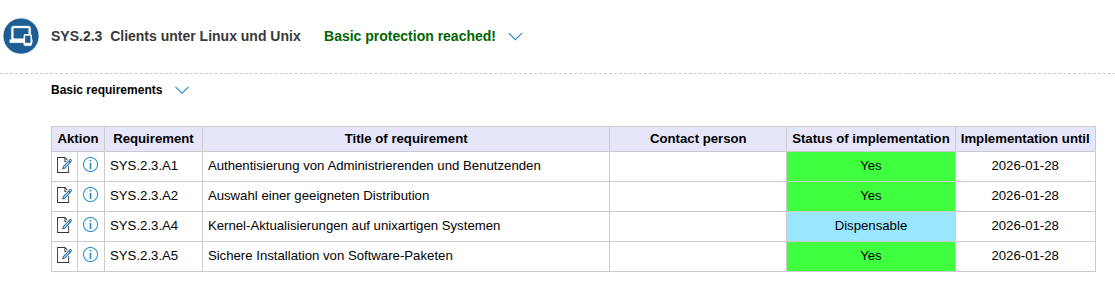
Analogously, the module is marked as "Standard protection achieved" when all basic requirements are implemented and all standard requirements are documented as either implemented or dispensable.