IT-Grundschutz Profiles#
With profiles, you bundle a defined selection of modules including their associated requirements and threats. Profiles can be created, exported, imported, and applied.
Opening Profile Management#
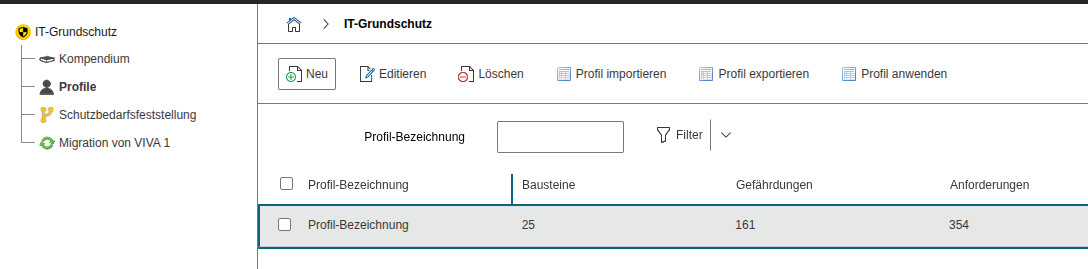
Menu: Add-ons → IT-Grundschutz → Profiles. The overview page shows all existing profiles.
Creating a New Profile#
- Click New
- Assign a name
- Select modules
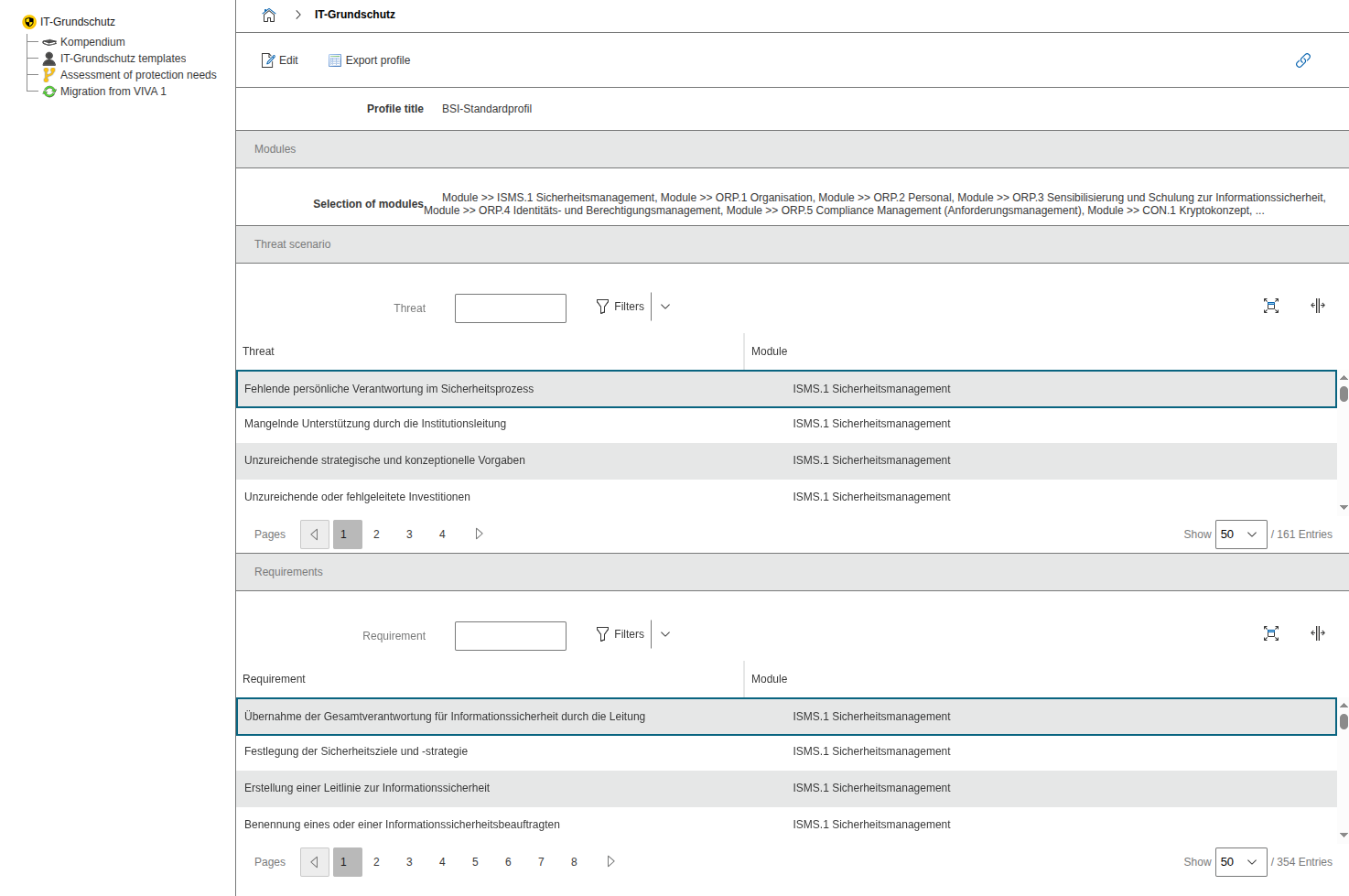
- Save. Afterward, all associated requirements and threats are displayed.
Exporting a Profile#
- In the profile, click Export Profile. A ZIP package will be downloaded. Exporting is also possible from the overview page.
Importing a Profile#
- In the profile overview, select Import Profile and import a previously exported ZIP file.
Applying a Profile#
- Select the desired profile in the list
- Click Apply Profile
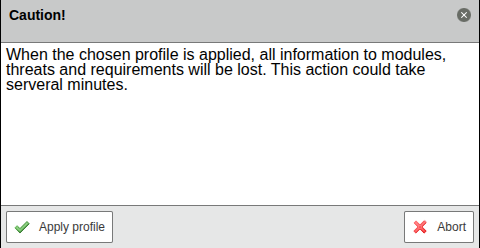
- Read the warning carefully and confirm
Caution
When applying a profile, all existing modules, threats, and requirements are deleted and then replaced with the contents of the profile. Create a backup and verify the effects in a test environment first.
Best Practices#
- Define naming conventions for profiles, for example "BSI-standard-profile-2025-Q1"
- Version export files, for example
profile-bsi-standard-profile-2025-01.zip - Document profile applications (timestamp, tenant, user)