Structural Analysis#
As part of the structural analysis, you ensure that all objects required for documenting the information domain have been created in i-doit.
What to capture#
- Business processes with associated applications
- IT systems, ICS systems, other devices
- Rooms and locations
- Communication links
Target Object Groups#
- Group similar objects statically and assign them to the information domain
To reduce complexity, you group similar objects in the Target Object Group object type. The object group type must remain set to "static". You then assign the Target Object Group to the information domain via the "Information Domains" category.
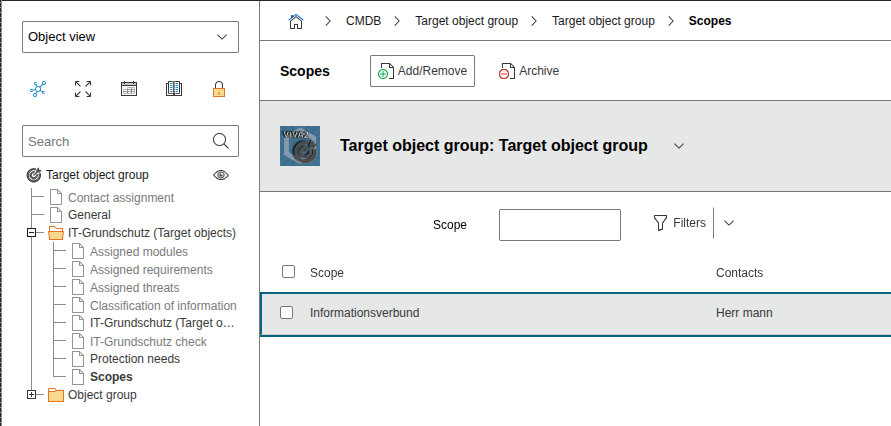
It is technically possible to assign a Target Object Group to multiple information domains, but it is recommended to always assign a target group to only one information domain.
Individual Objects#
If there are individual objects that need to be assigned to the information domain and have modules assigned to them, there are two ways to accomplish this:
- A Target Object Group is created for this object, and the object is assigned as the only member of this object group. The Target Object Group is then assigned to the information domain in the normal way.
- The "IT-Grundschutz (Target Objects)" category is assigned to this object's object type via the Quick Configuration Wizard. In this case, the object is directly assigned to the information domain.
Responsibilities#
For all relevant objects, responsibilities should be documented via the Contact Assignment category.
Cleaned Network Plan#
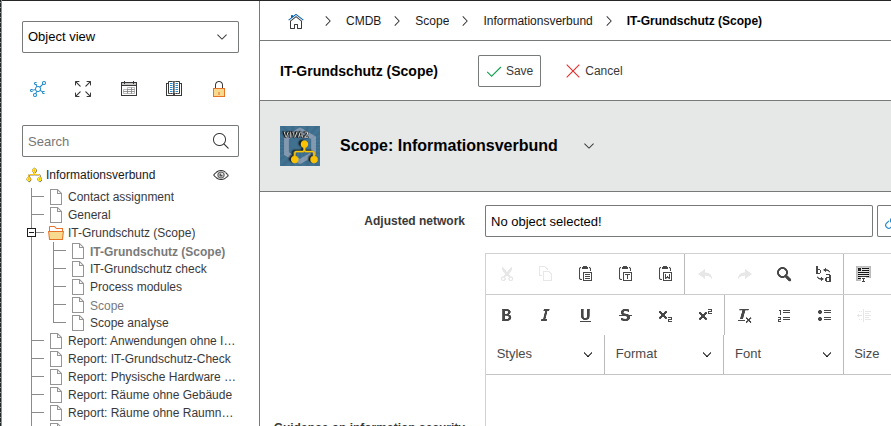
The cleaned network plan should be linked in the "Information Domain" category on the information domain.
Communication Links#
The communication links to be documented are maintained via the new Communication Link object type in i-doit.
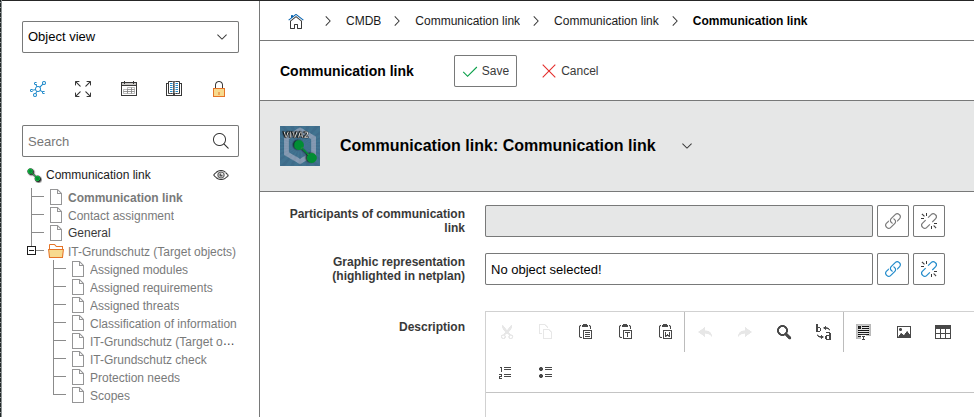
Communication links are typically assigned directly to the information domain, which is why the "IT-Grundschutz (Target Objects)" category is initially assigned to the "Communication Link" object type. In the "Information Domains" category, you then assign the corresponding information domain.
If objects are entered as "connection participants" in the "Communication Link" category, the protection needs from these objects are inherited to the communication link in the protection needs assessment.