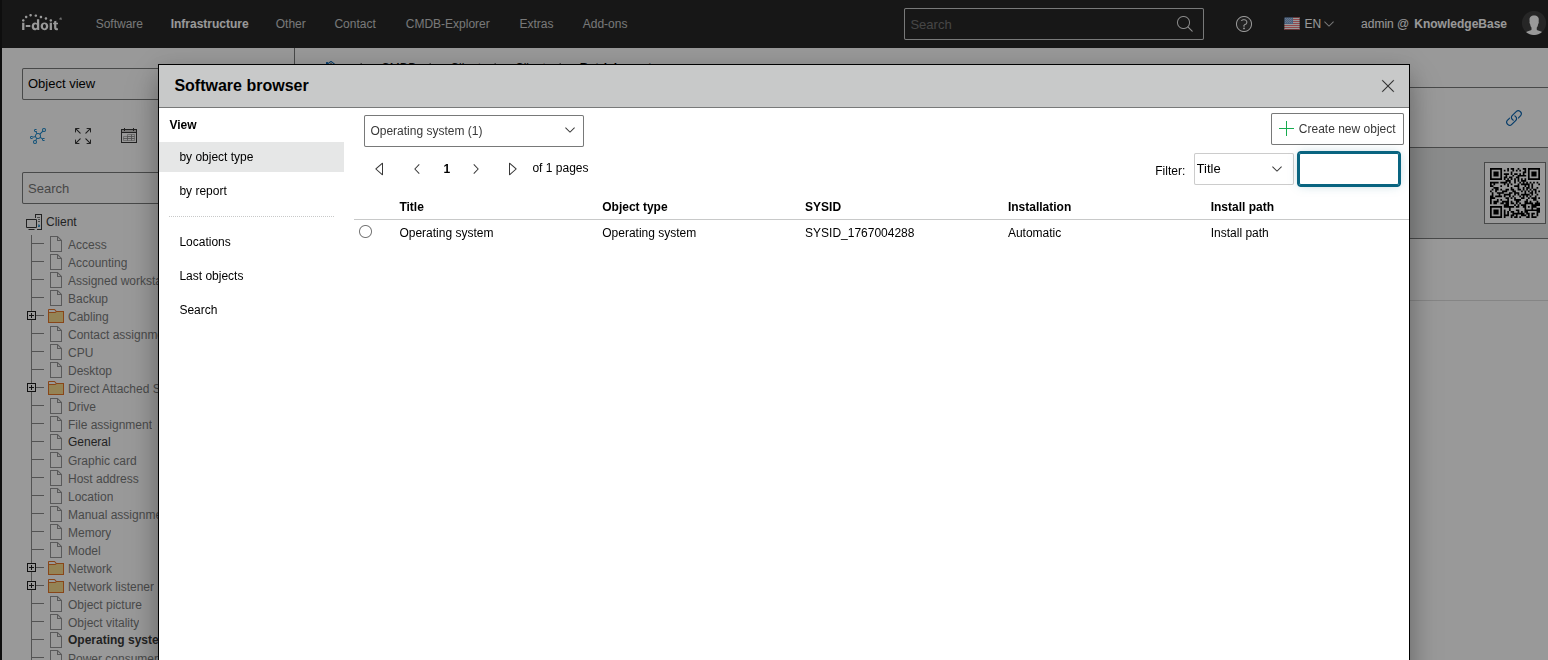
Object browser configuration#
Here you can configure the object browser by adding the attributes that you want to see. For that you need to navigate to the category/attribute that you want to configure the object browser for.
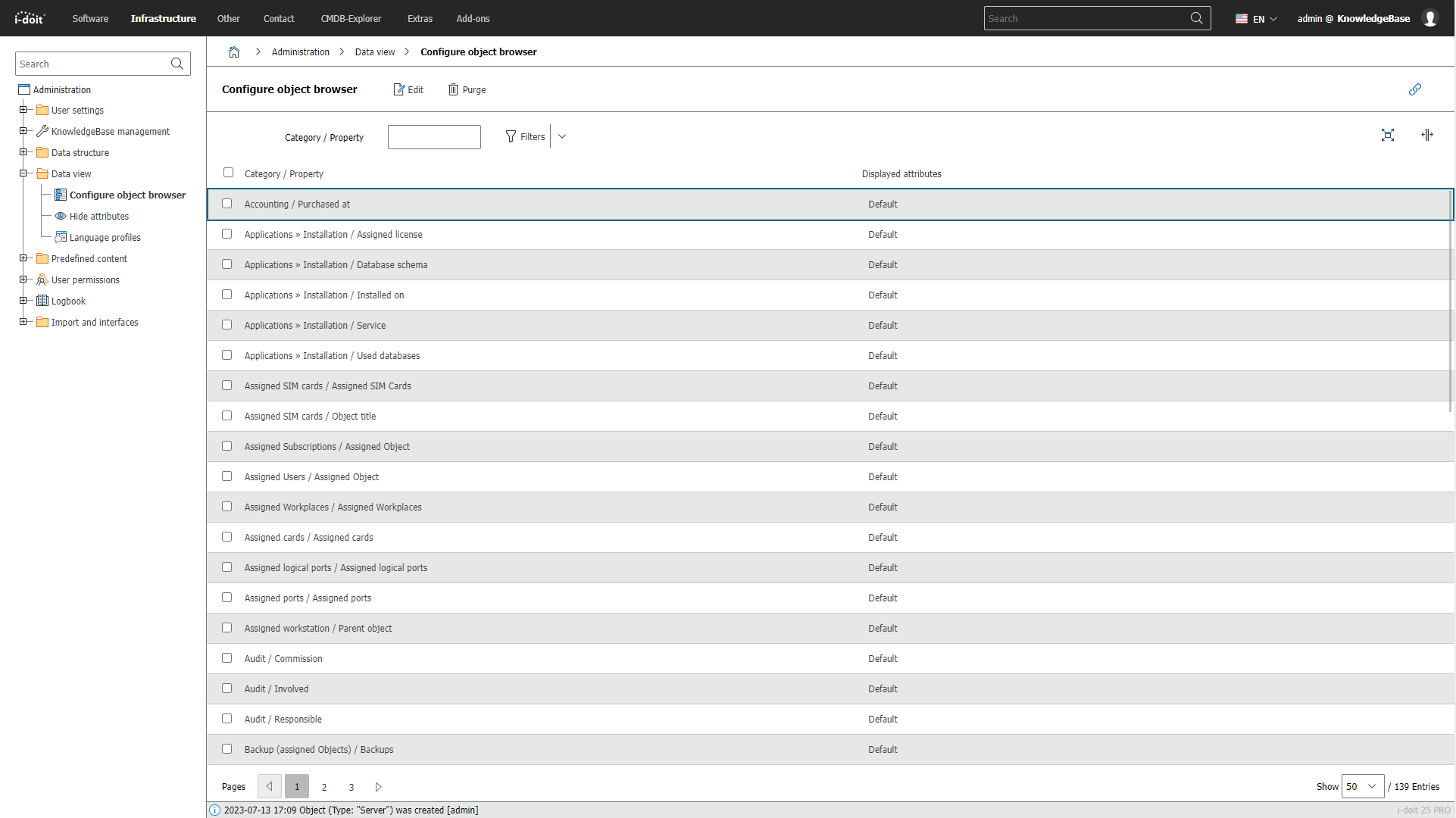
Now you can add attributes to the category that you selected and also see, what category you need to add to an object, for it to be displayed in the object browser for that attribute.
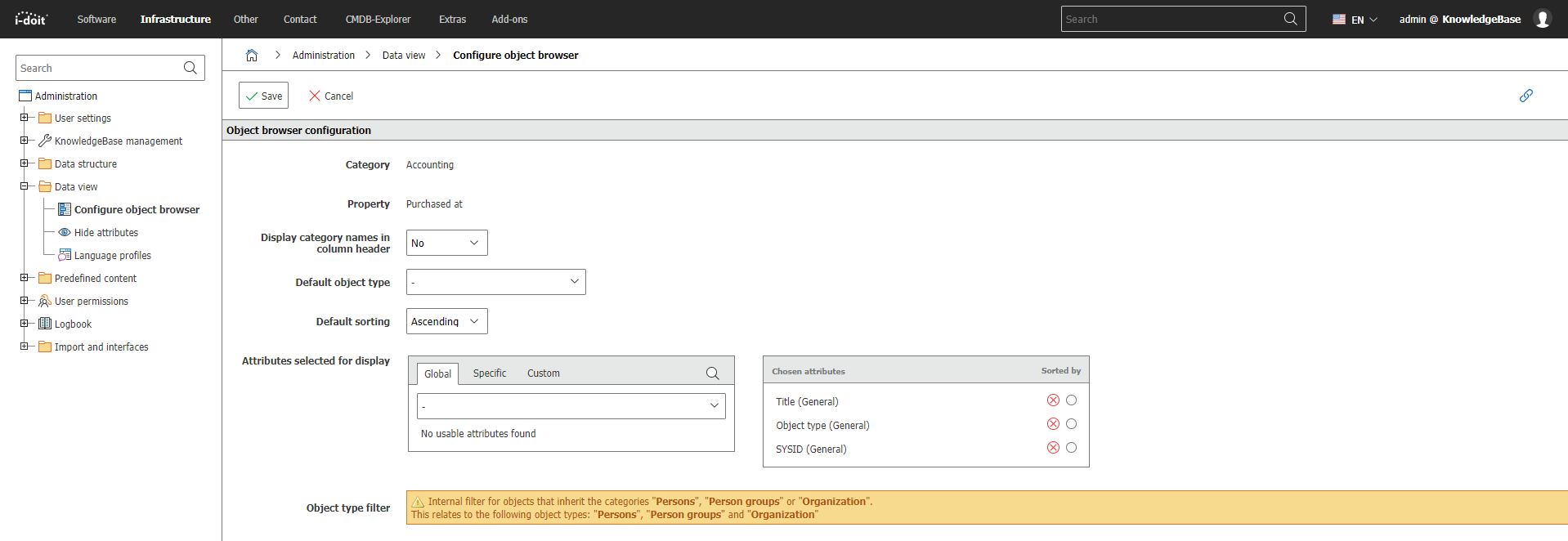
The attributes that you added will now be displayed as columns in the object browser. You can add multiple attributes to get a comprehensive view of the object data.