Custom Translations#
Using custom translations, you can change the labels of desired fields or add new languages with just a few mouse clicks.
Creating a Language#
- Navigate to Administration > Data View > Language Profiles
- Click New to create a new language
- Enter the language, select a flag, and click Save
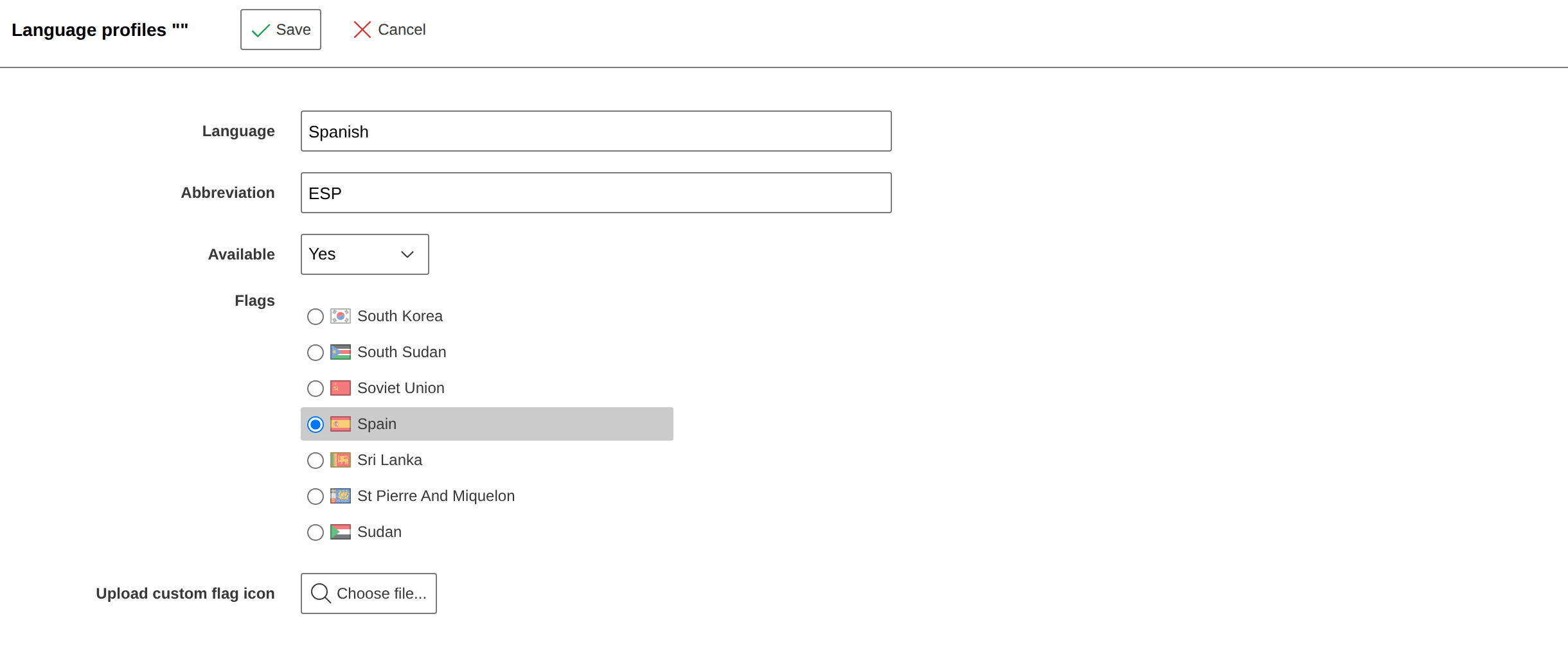
You can now select the language in i-doit, but it is still identical to the German language.
Therefore, you now need to translate the fields.
Translating a Field#
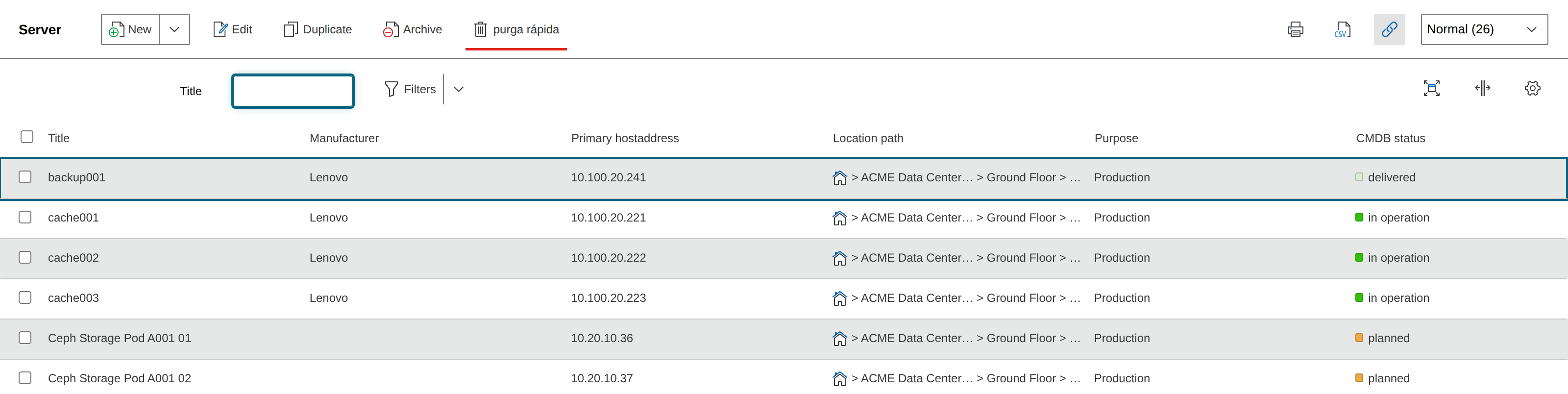
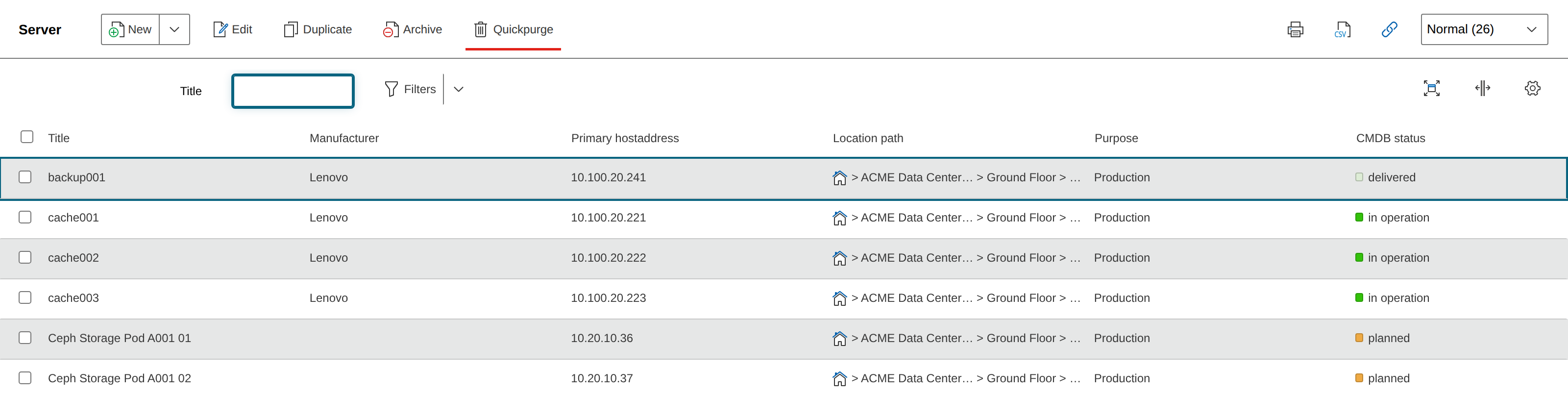
As an example, we change the label of the Quickpurge button.
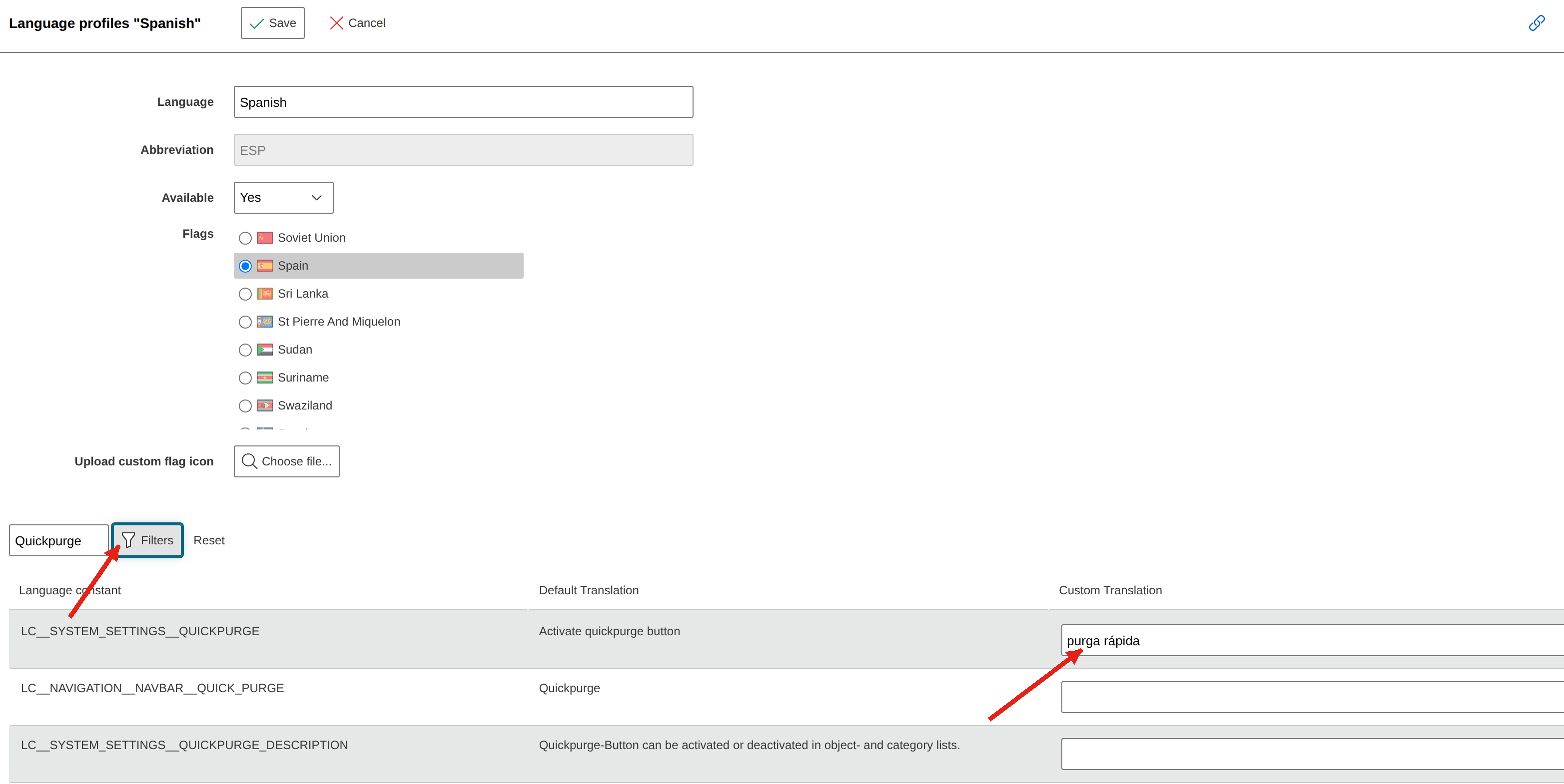
- Navigate to Administration > Data View > Language Profiles
- Select the language and click edit
- Filter for Quickpurge and enter the translation
- Save, navigate to the overview, and switch the language to Spanish