Documenting Databases#
i-doit offers two models for documenting databases: the classic model with three object types and a newer, simplified model. Both are described here.
Classic Model#
The classic model works with three object types:
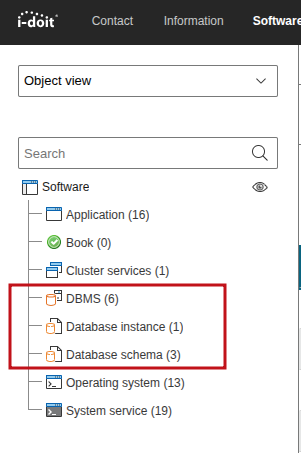
- DBMS -- Defines which database software is available in the organization (e.g., MariaDB, PostgreSQL).
- Database instance -- Shows where a DBMS is installed and which instances are running there.
- Database schema -- Shows the individual databases within an instance.
Example i-doit: MariaDB is the DBMS, the installation on the i-doit server is the instance, and idoit_system and idoit_data are the database schemas.
New Model#
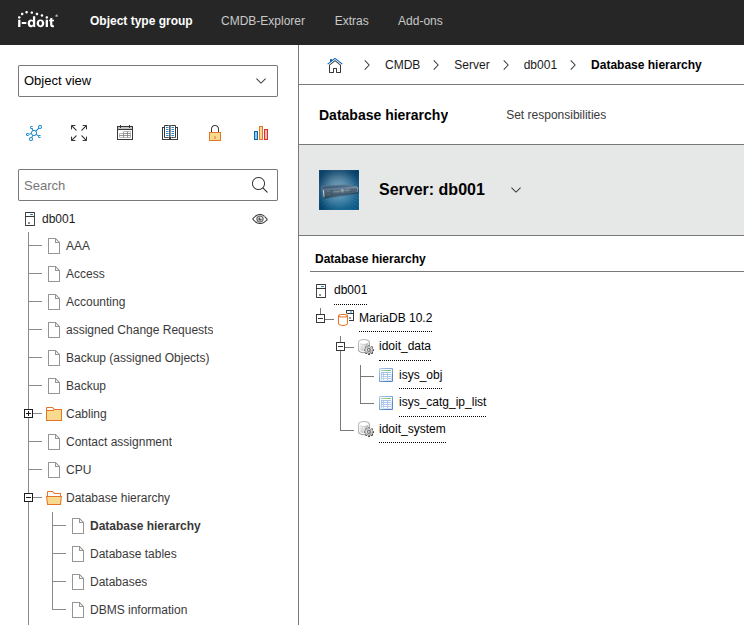
In the new model, the object types "Database schema" and "Database instance" are eliminated. Instead, you document databases where they are executed -- directly on the server or cluster via the new Database hierarchy category. It contains the entries Databases, DBMS information, and Database tables.
The DBMS object remains and shows via the Assigned databases tab in the "DBMS - Database installation" category which databases are provided by the software.
The Database hierarchy category offers a collapsible view of the database hierarchy:
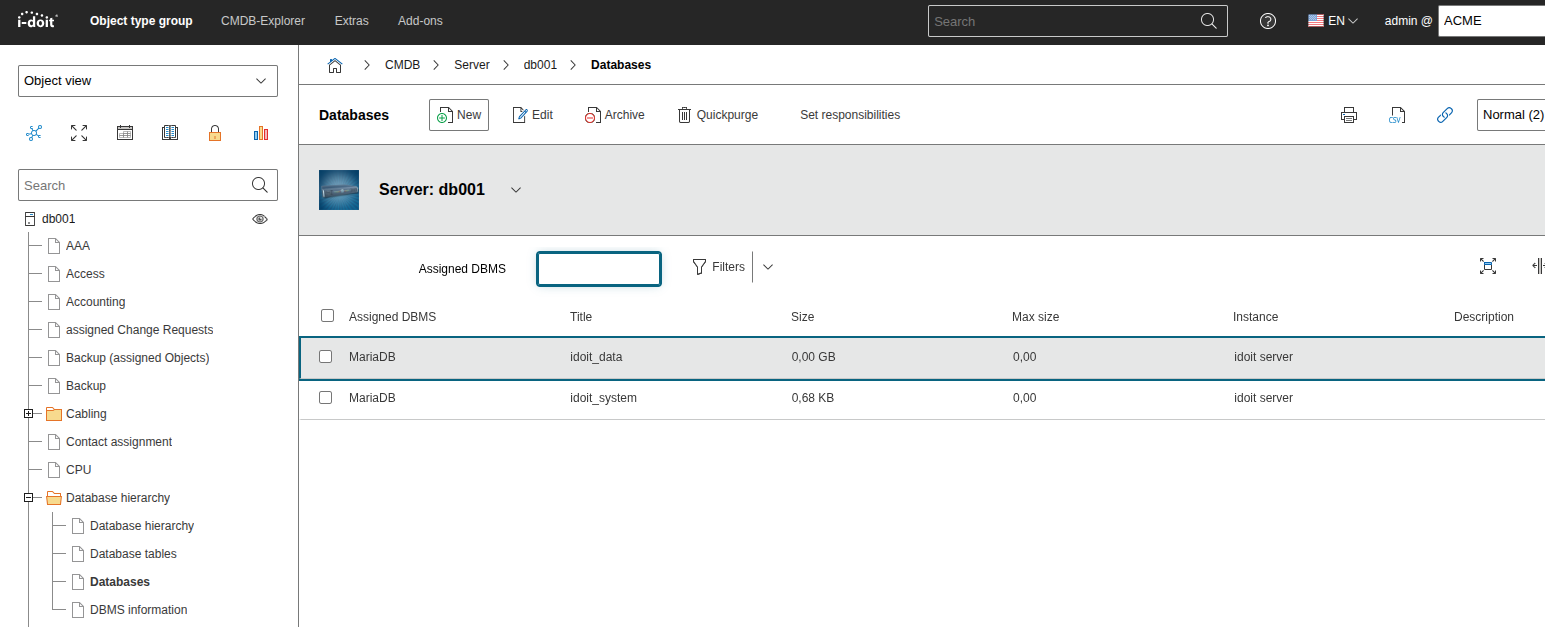
Under Database hierarchy > Databases, you document the individual databases on the resource:
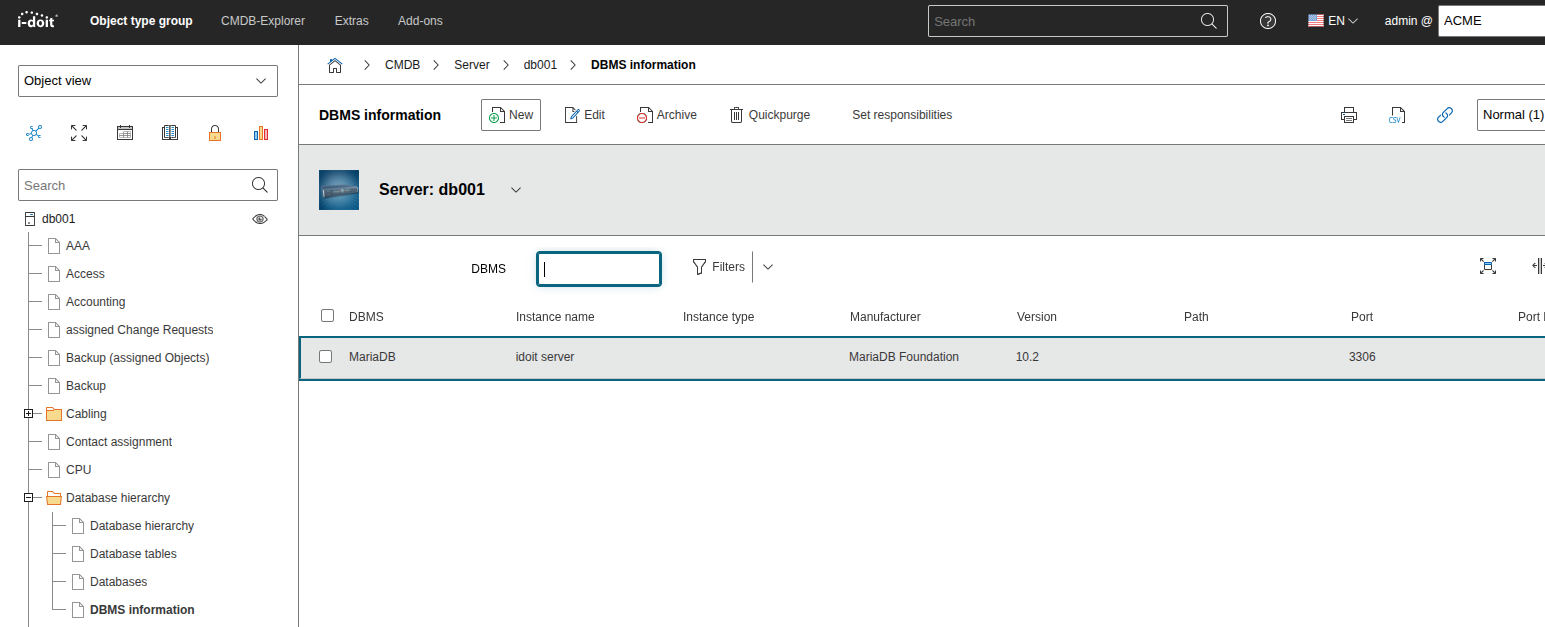
Under Database hierarchy > DBMS information, you can see the connection to the associated DBMS object:
Under Database hierarchy > Database tables, you can additionally document individual tables of a database.
Migration to the New Model#
You are free to choose which model better suits your requirements. To switch from the classic to the new model, open Administration > Repair and clean up and use the Migrate database objects into categories button:
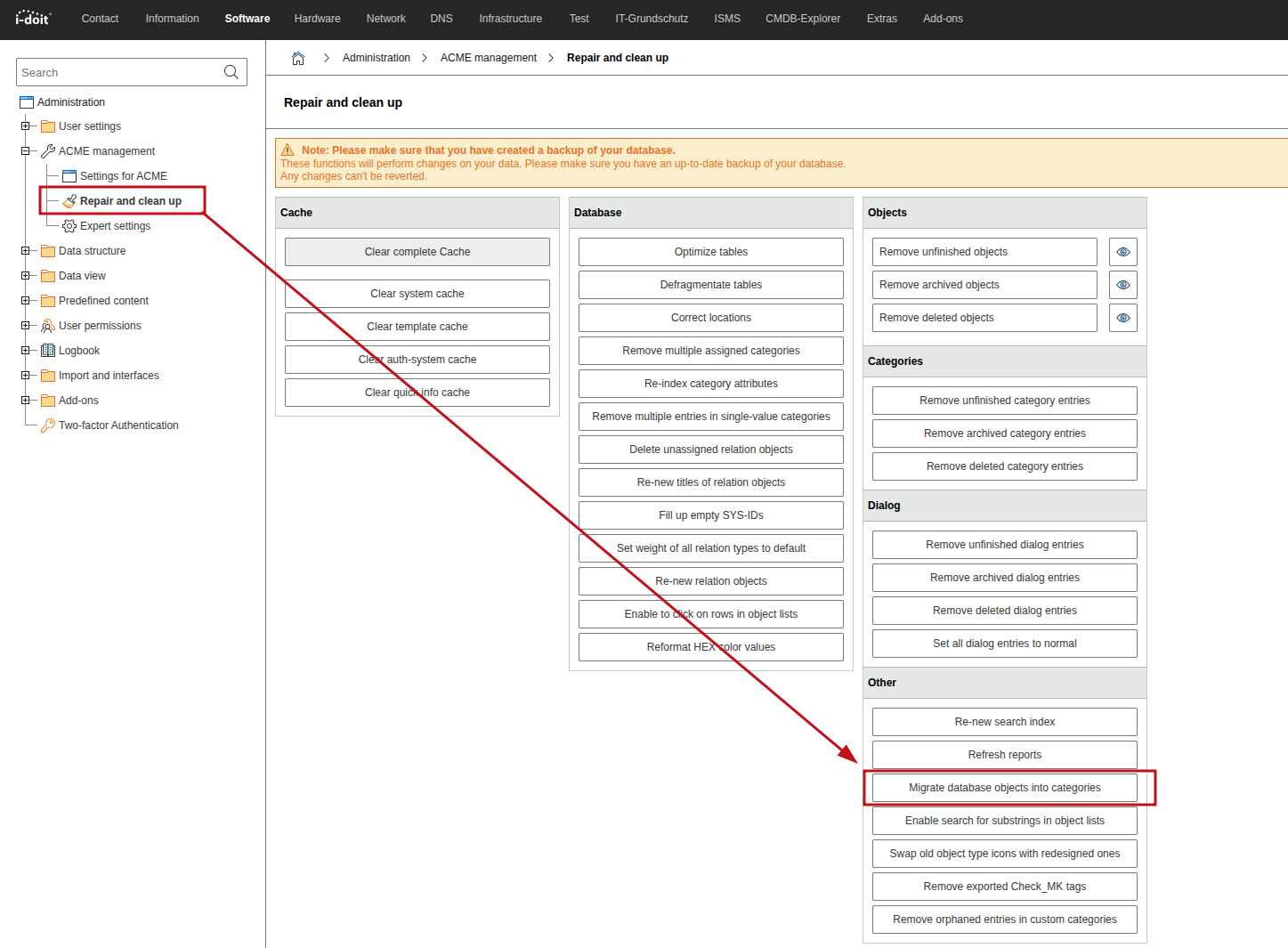
The migration takes existing database instances, database schemas, and database accesses into the new category and does not remove any data.