Geo Coordinates#
Every object in i-doit can be assigned geographic coordinates in the form of latitude and longitude.
Storing Geo Coordinates#
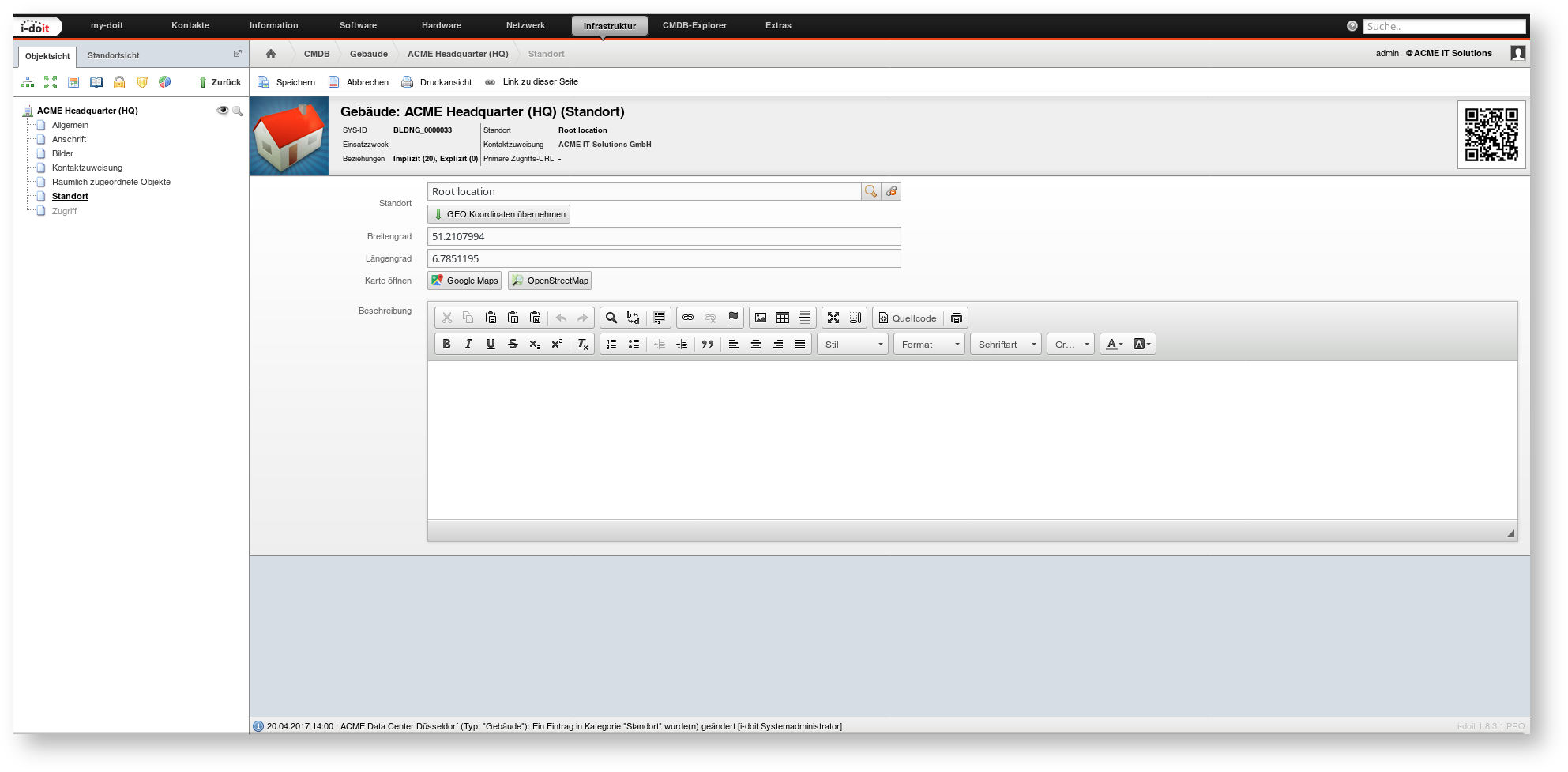
If not already done, the geo coordinates of a location can be determined via various map and navigation services. The coordinates are stored in the category Location. The two attributes Latitude and Longitude are available there.
Opening Maps#
Once the coordinates are saved, two buttons are displayed in the Location category. The Google Maps button opens a new tab in the web browser to the map service of the same name. A marker indicates the geo coordinates. The OpenStreetMap button behaves analogously.
Inheriting Coordinates#
Every located object is within the location tree, i.e., there is always a parent object (up to the Root Location). The geo coordinates of a parent object can be inherited by the spatially assigned objects. To do this, first select the parent object in the Location attribute in the Location category. After clicking the Inherit GEO Coordinates button, the two attributes Latitude and Longitude are automatically filled with the values of the parent object.
Automatic inheritance of coordinates from one object to all spatially assigned objects does not take place.