Mapping Customer Locations
In this article you will learn how to hierarchically map customers with multiple locations in i-doit and assign IT components to them.
Task#
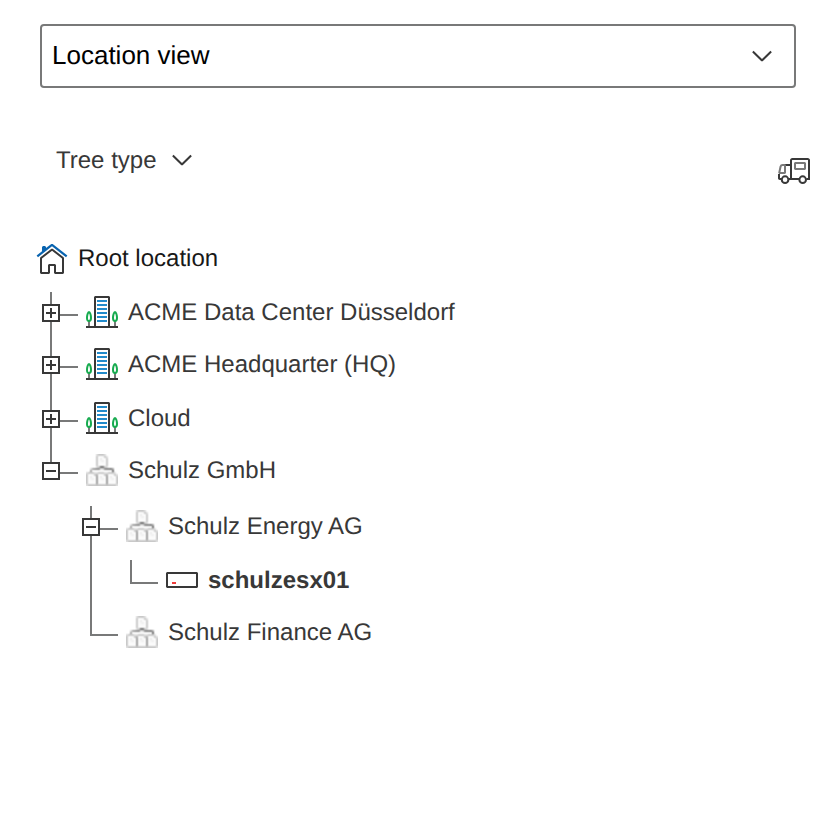
You equip your customers with hardware and software components and want to document both the customers and their IT components. The location view in i-doit provides a clear representation for this purpose.
Configuration#
Here is how to set up the object type:
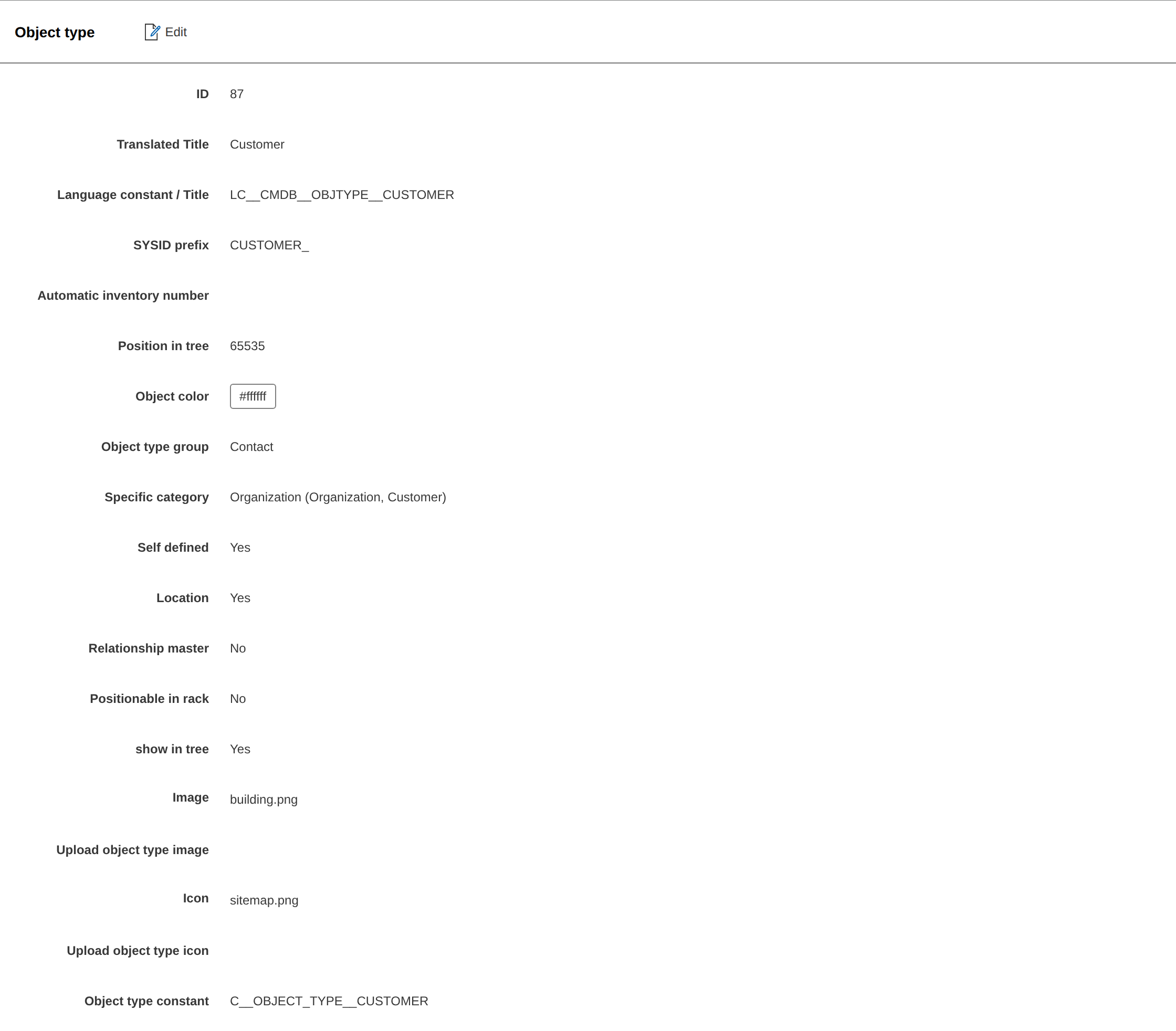
- Open Administration > Data Structure > Object Types.
- Create a new object type Customer and define it as a Location.
- Assign at least the categories Location and Locally assigned objects.
- Optionally add further categories such as Organization, Address, Email Addresses, Contact Assignment, or Access.
Usage#
Here is how to create a customer:
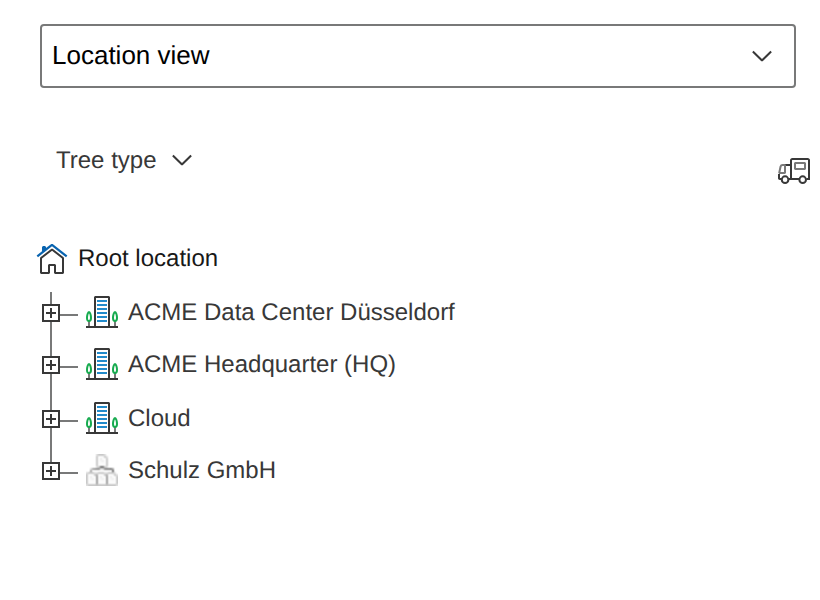
- Create a new customer object and assign it to the Root Location.
- For nested structures, assign sub-customers spatially to other customers.
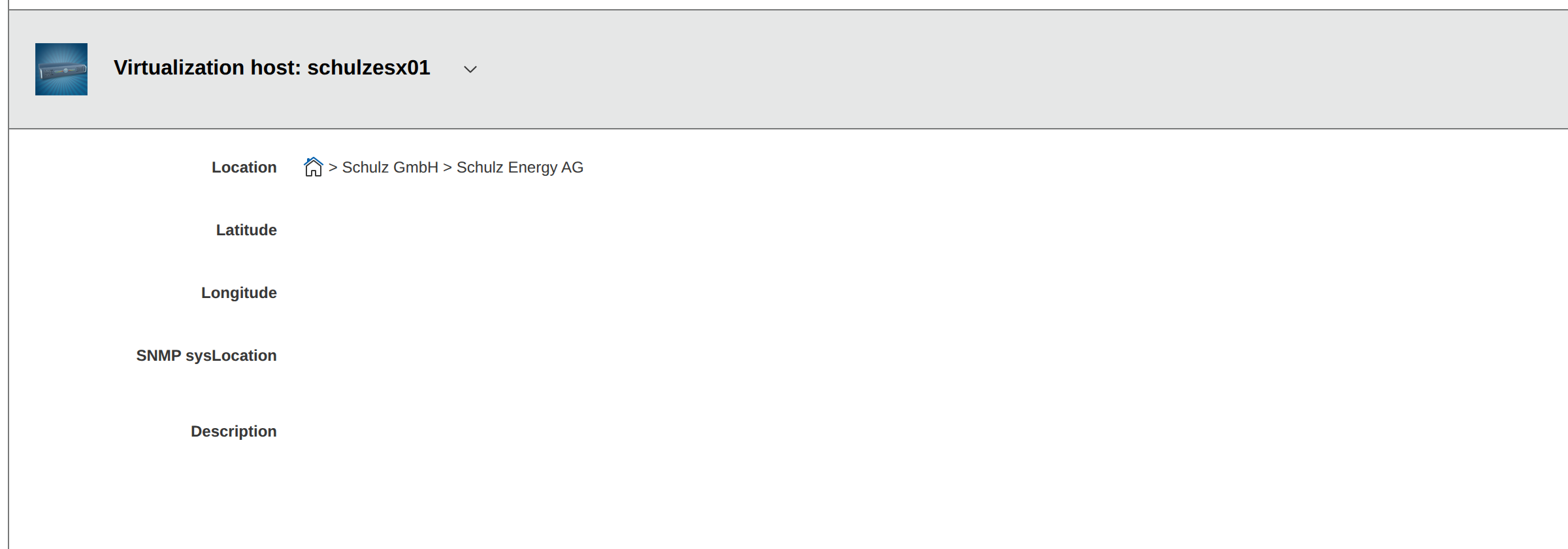
- Assign any number of objects to the customer -- either via the Locally assigned objects category in the customer or via the Location category in the respective object.