Workstations#
IT workstations can be documented in i-doit. This way, you always have an overview of which employee has which IT components and where they can be found.
Persons and Their Workstations#
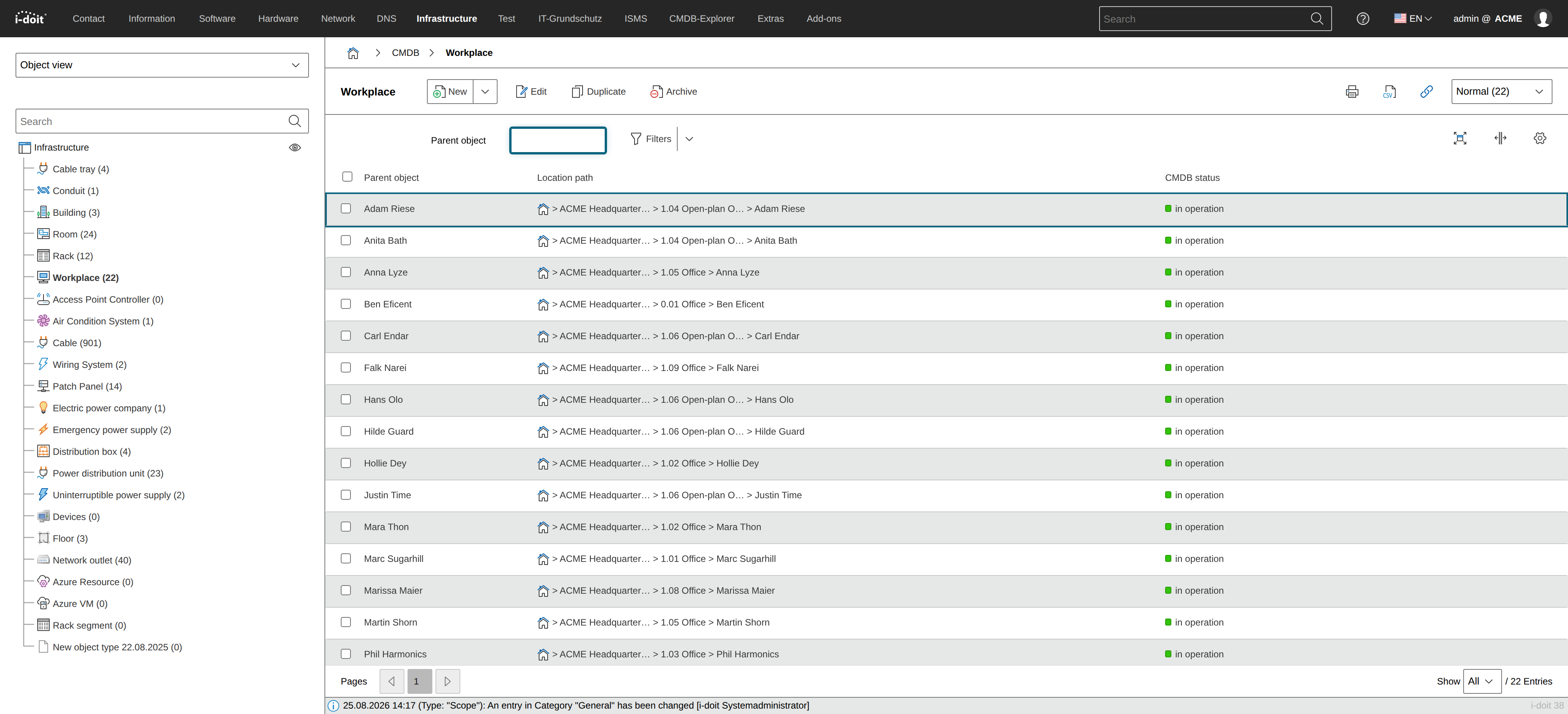
In addition to the physical assignment of objects to locations, workstations can be documented as a logical construct. The central element is the object type Workstation.
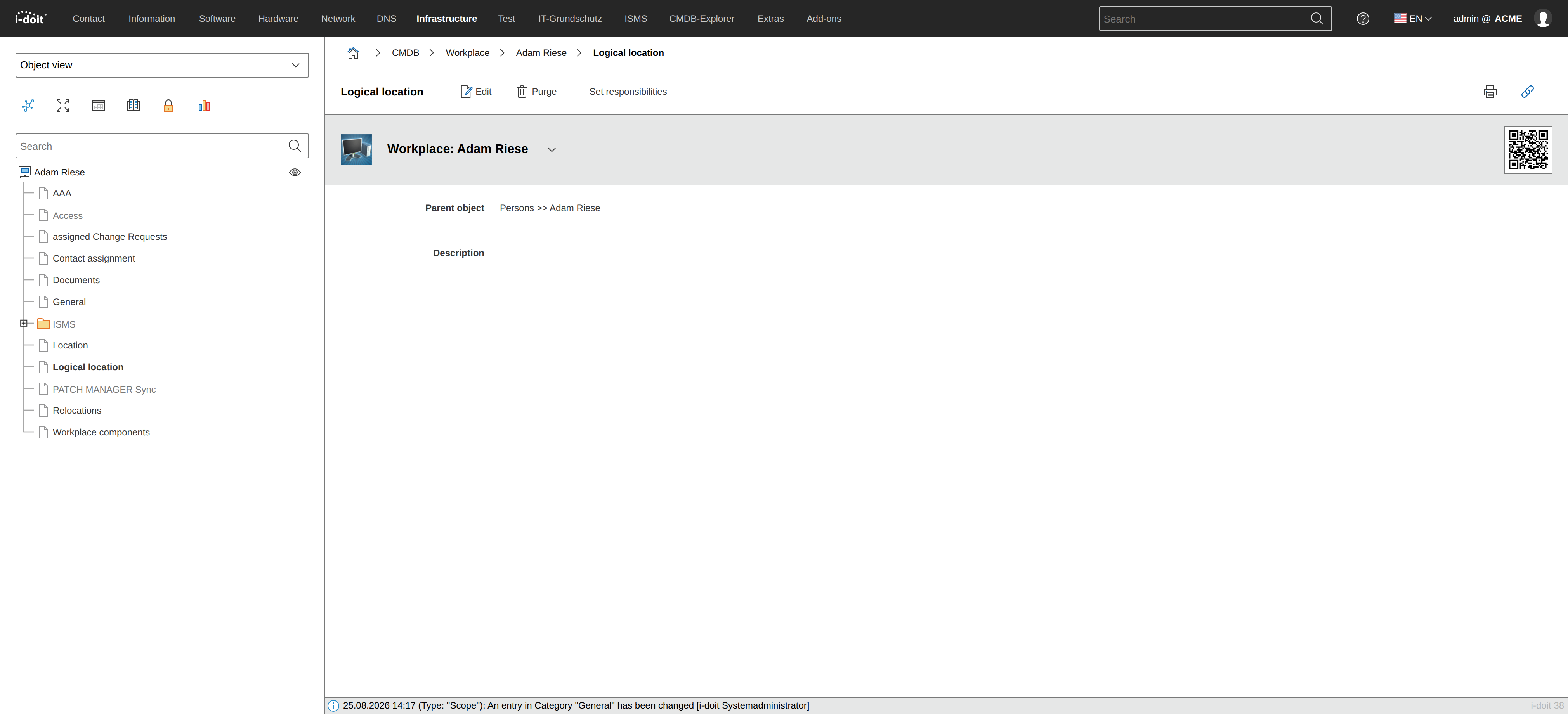
An object of this type is assigned to a person via the category Logical Location.
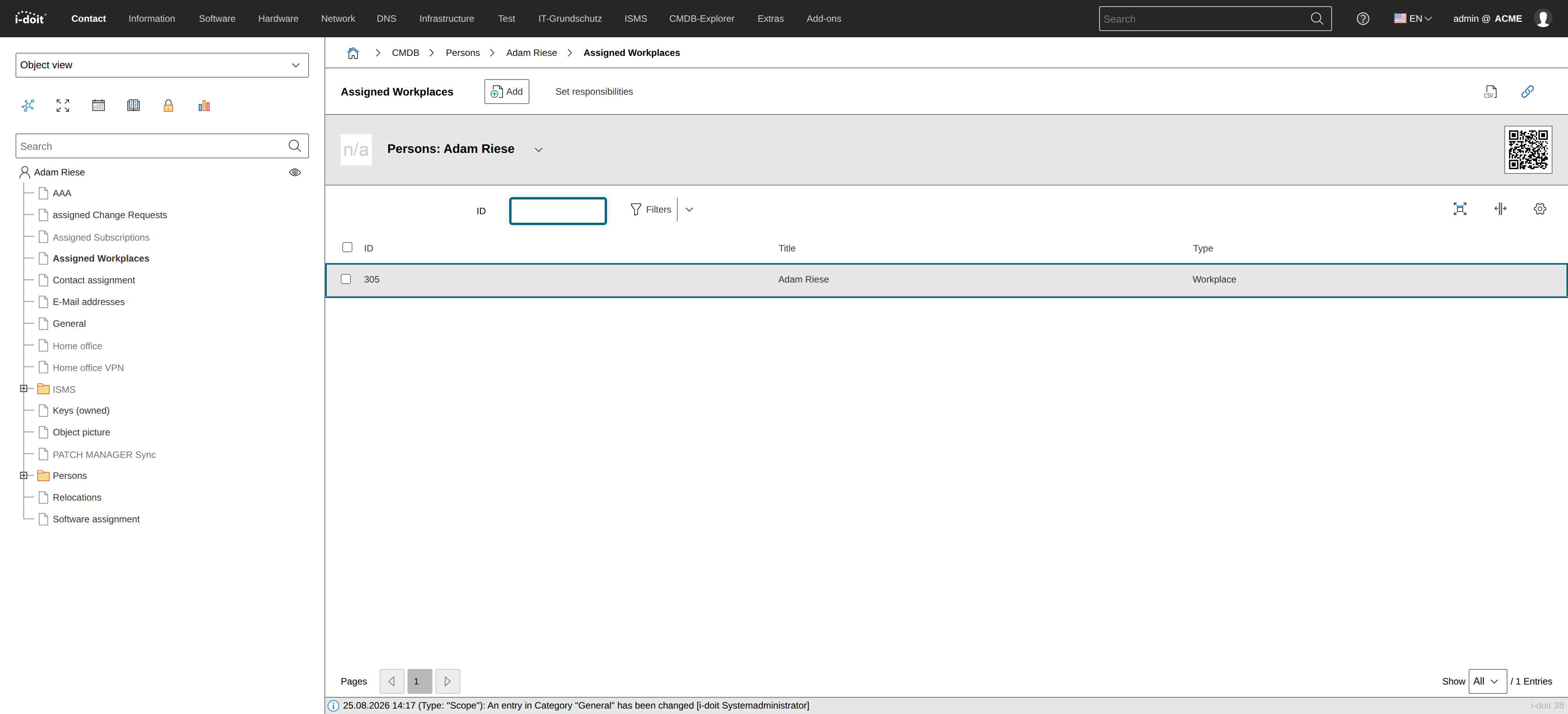
Conversely, via the Person object in the category Assigned Workstations, this person is assigned to one or more workstations.
IT Components at the Workstation#
The assignment of any (IT) components to a workstation is done within the Workstation object in the category Assigned End Devices.
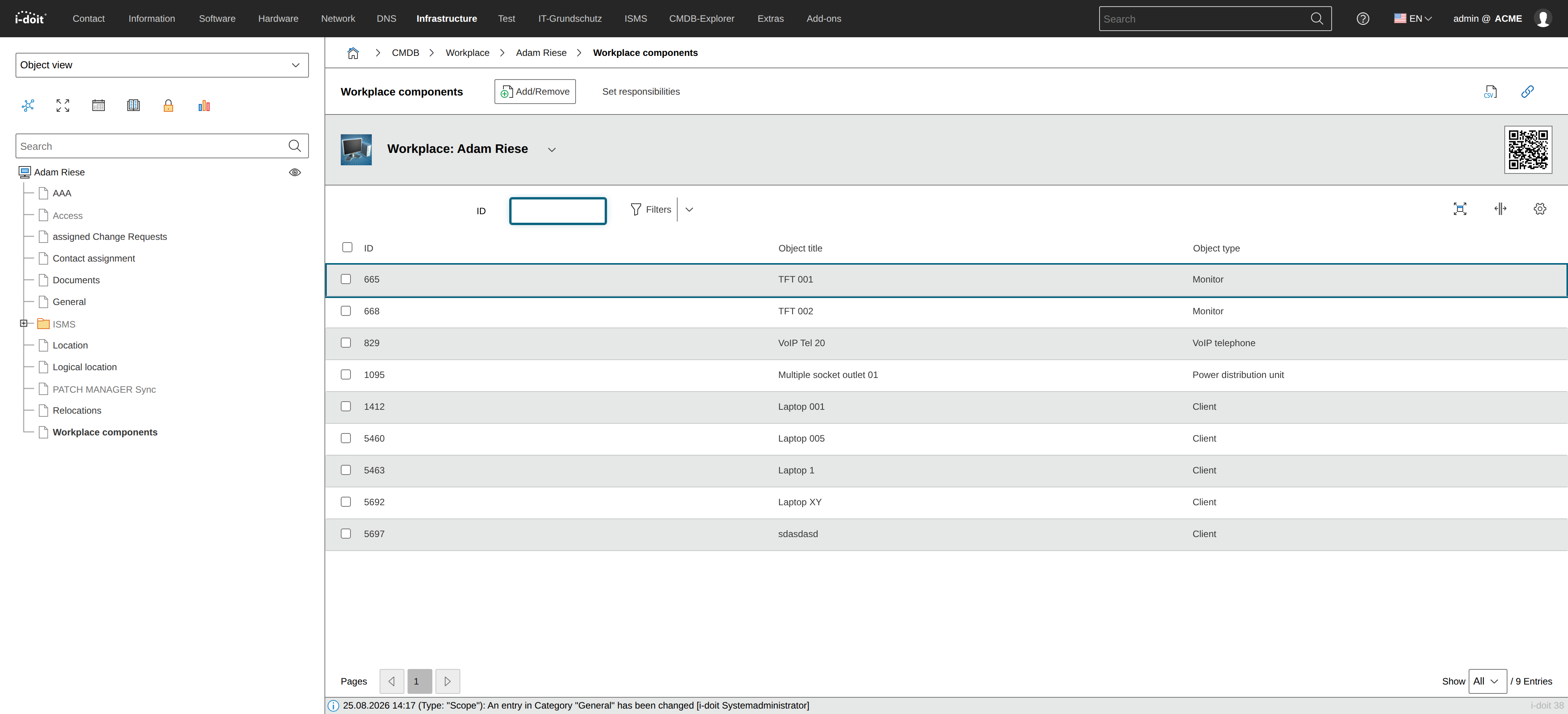
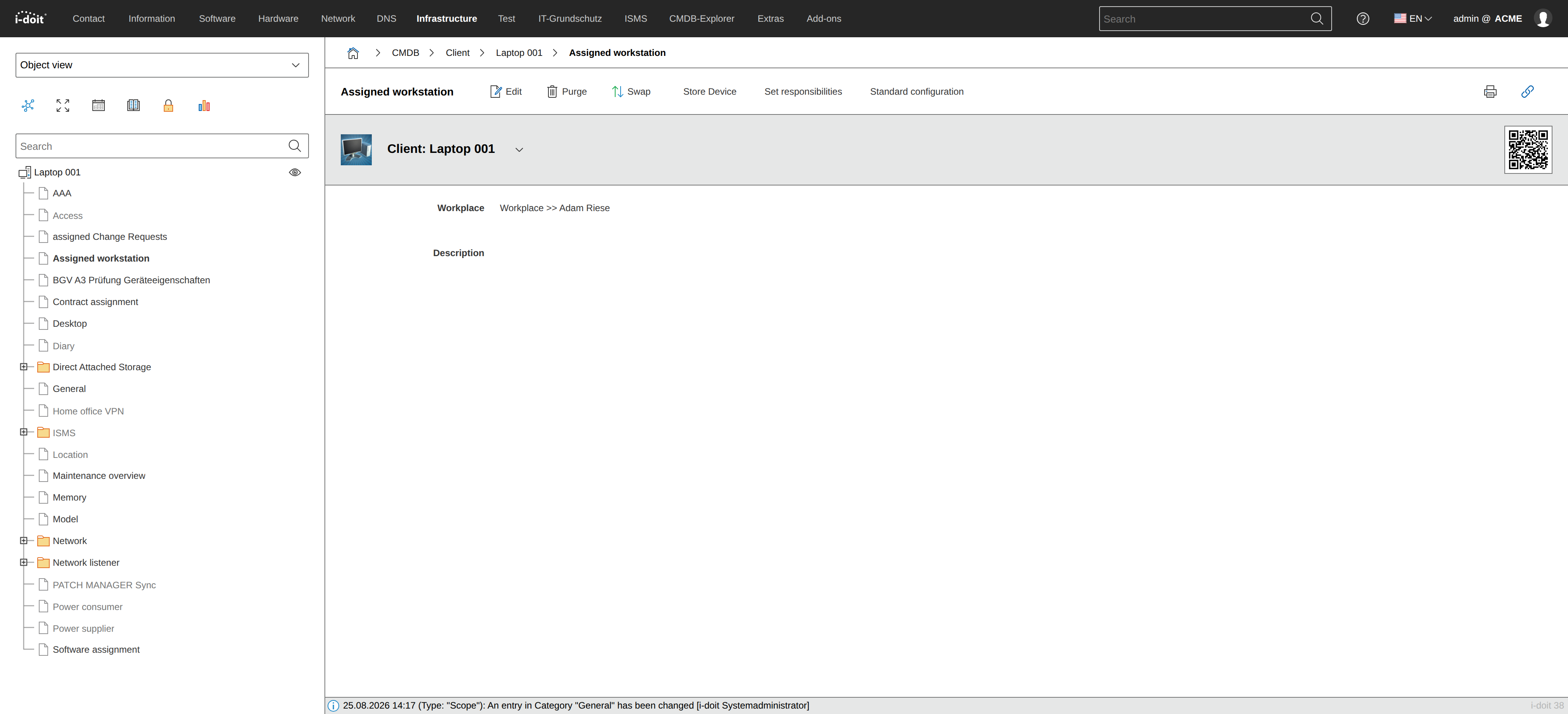
An end device can only be assigned to one workstation at a time. Which workstation that is can be looked up within the end device object in the category Assigned Workstation.
Location of a Workstation#
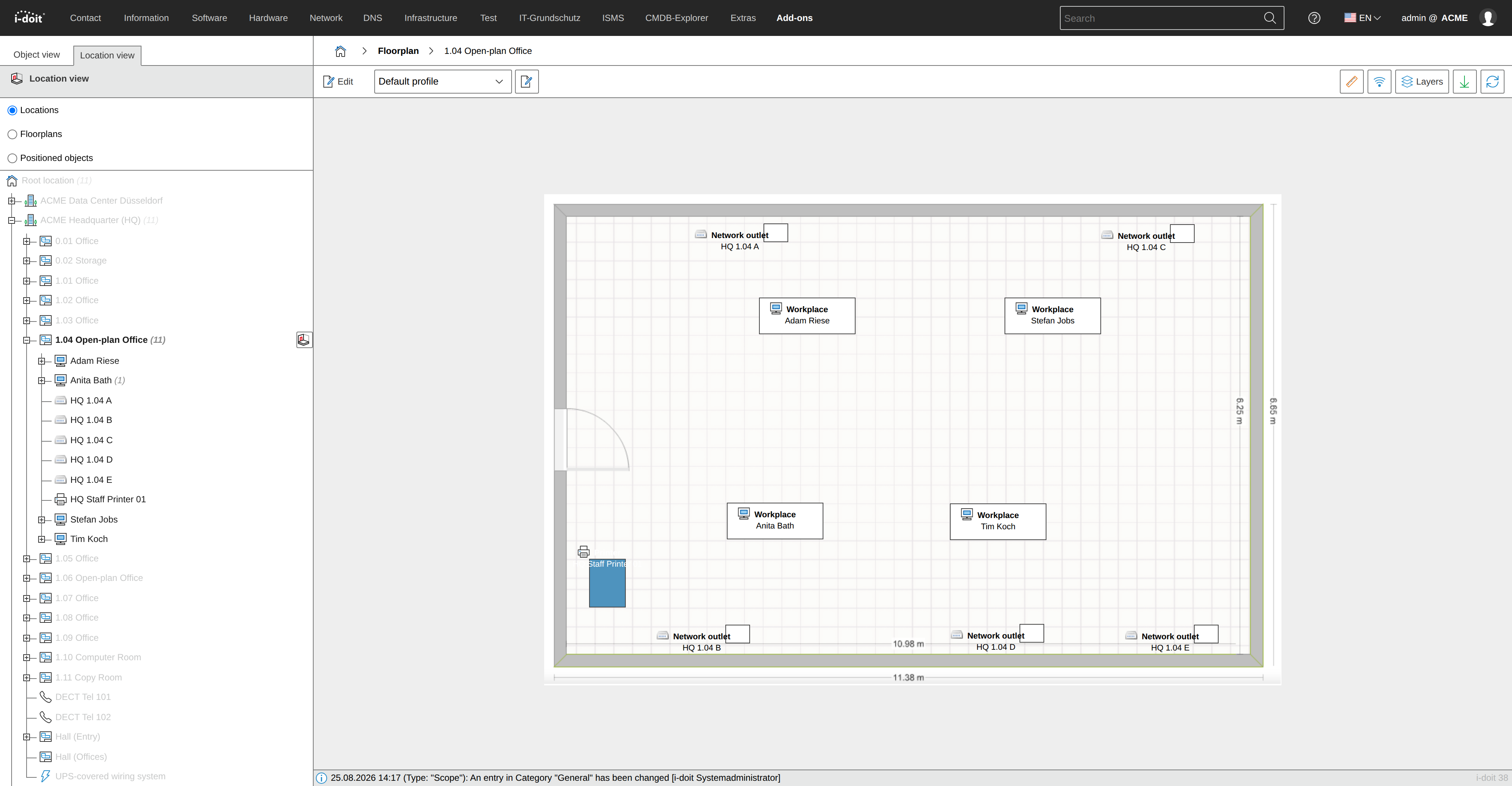
Last but not least, a workstation can also be physically located, for example in an office room. With the Floor Plan add-on, this room can then be visualized.
Relocating a Workstation#
If a person changes desks internally, they can be moved including the workstation and selected end devices. The Relocate-CI add-on provides a convenient function for this.